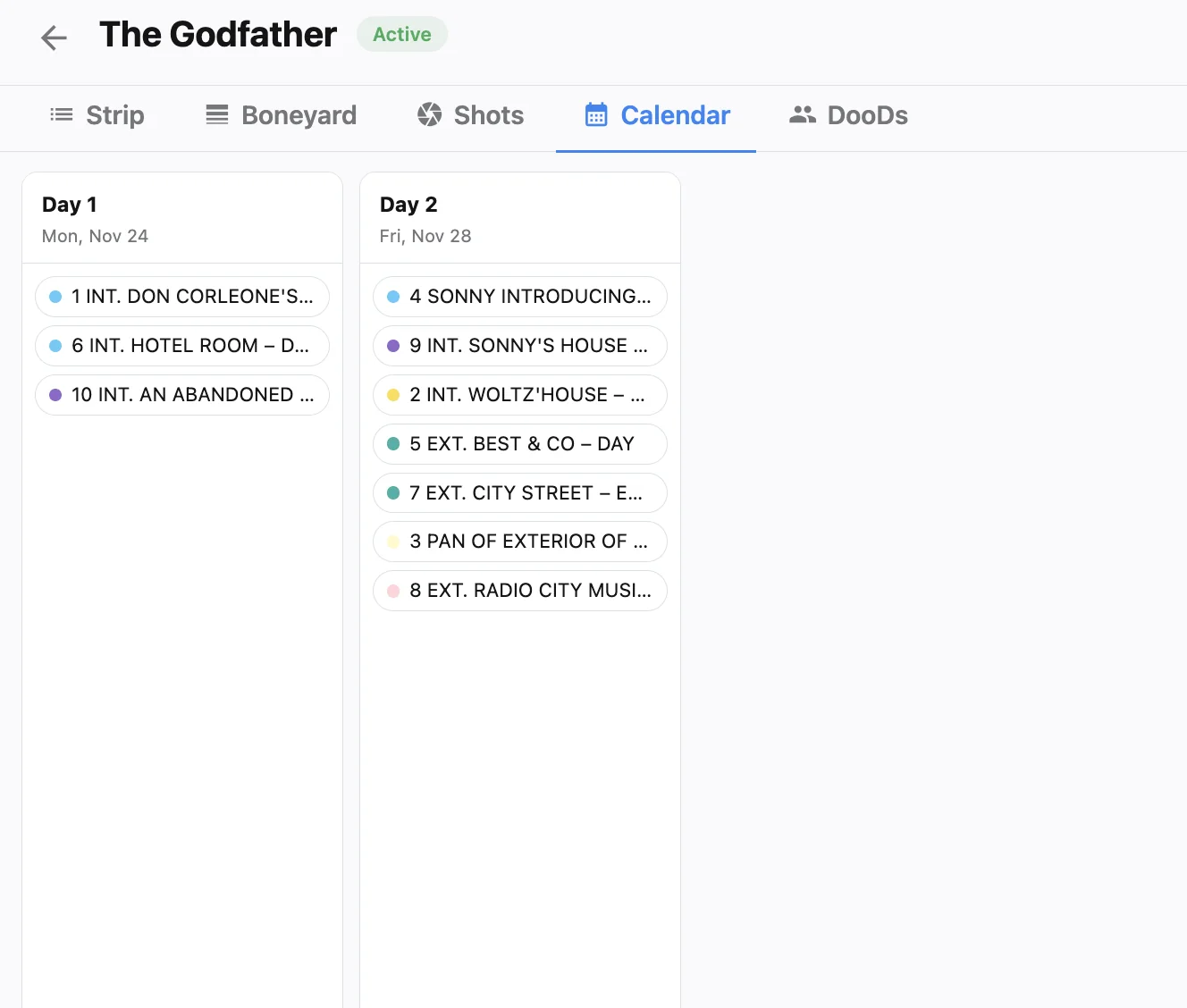
Pink pages arrive, and suddenly Scene 42 lost a location, gained two day players, and spilled into Scene 43. If your stripboard still mirrors the white draft, every call sheet and DOOD you publish is fiction. Mid-prep revisions are normal; failing to push them into daybreaks is what burns production days. Treat every page change as a schedule event, not just a script event.
Related video: Learn Film Pre-production, Script breakdown, scene breakdown, scheduling in 30 min
Treat the breakdown as the revision inbox
When pages change, update elements first—cast, props, vehicles, locations—then let the schedule inherit the truth. Studiovity’s film scheduling software sits downstream of breakdown data, so tagged assets follow scenes onto the board instead of living in a forgotten column. Re-run optimization on the affected stretch when geography or cast windows shift, the same habit we describe for smarter daybreaks in cast availability and travel logic. Producers should refuse to approve a revised one-liner until the breakdown and stripboard agree on who and what the day actually needs.
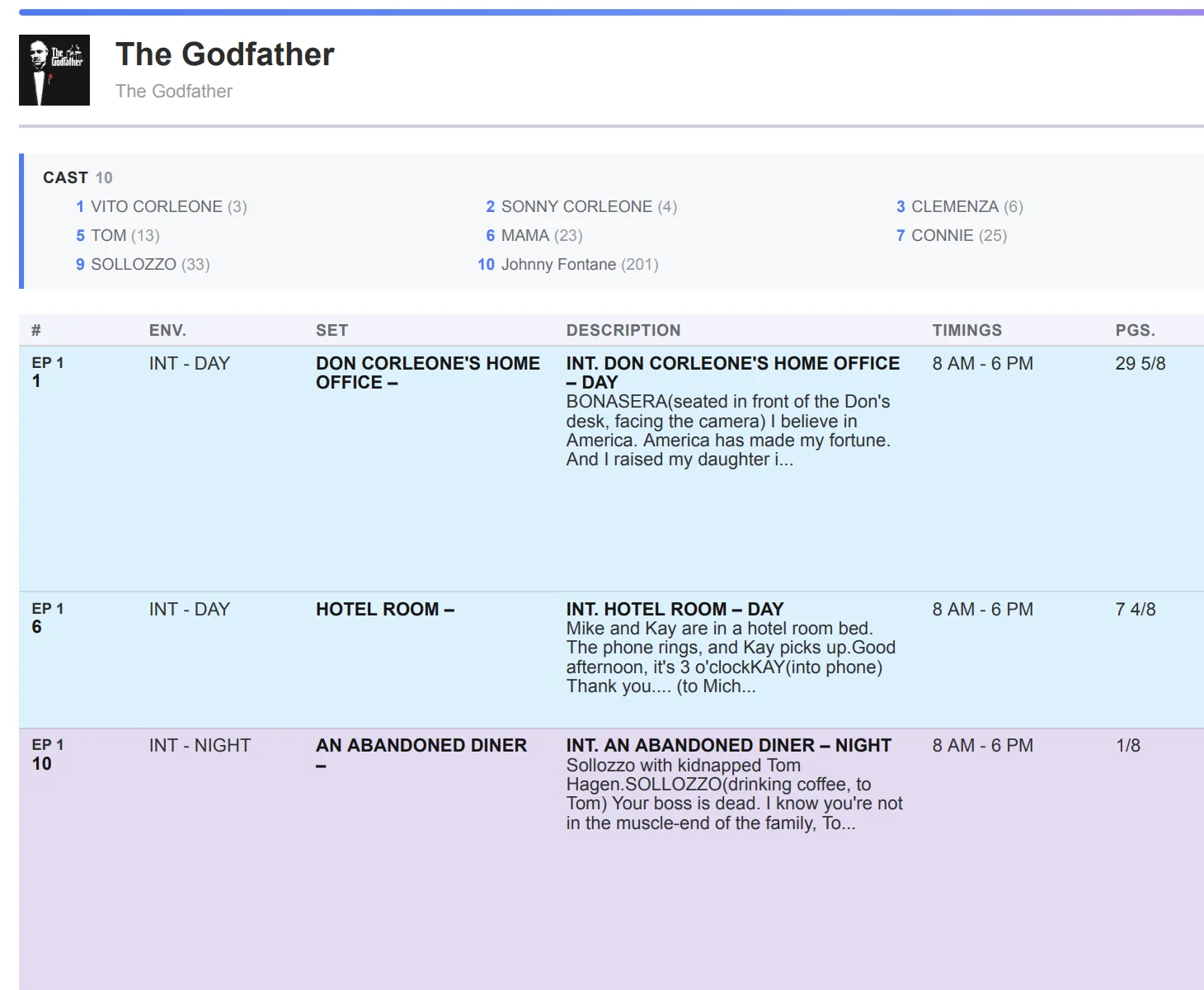
Reshape daybreaks without rebuilding the week
Most revisions touch a handful of days, not the entire calendar. Move orphaned strips to the boneyard, drop new pages into the right location cluster, and only then re-order the day. If a scene grows heavier with VFX plates or extra setups, sync the shot list so duration estimates stay honest—shot list sync exists for exactly that drift. Keep the shooting schedule as the only place ADs reorder strips; parallel Excel boards are how pink pages silently die. A short note in the daybreak (“Rev pink, Sc 42–43”) helps every department head see why the order changed.
A revision loop that crews actually follow:
- Ingest new pages and refresh tagged elements the same day.
- Adjust only the impacted daybreaks; park uncertain scenes in the boneyard.
- Regenerate call sheets and refresh DOOD/one-liner exports before overnight distribution.
- Note the revision color and affected scene numbers on the daybreak so department heads see why the order changed.
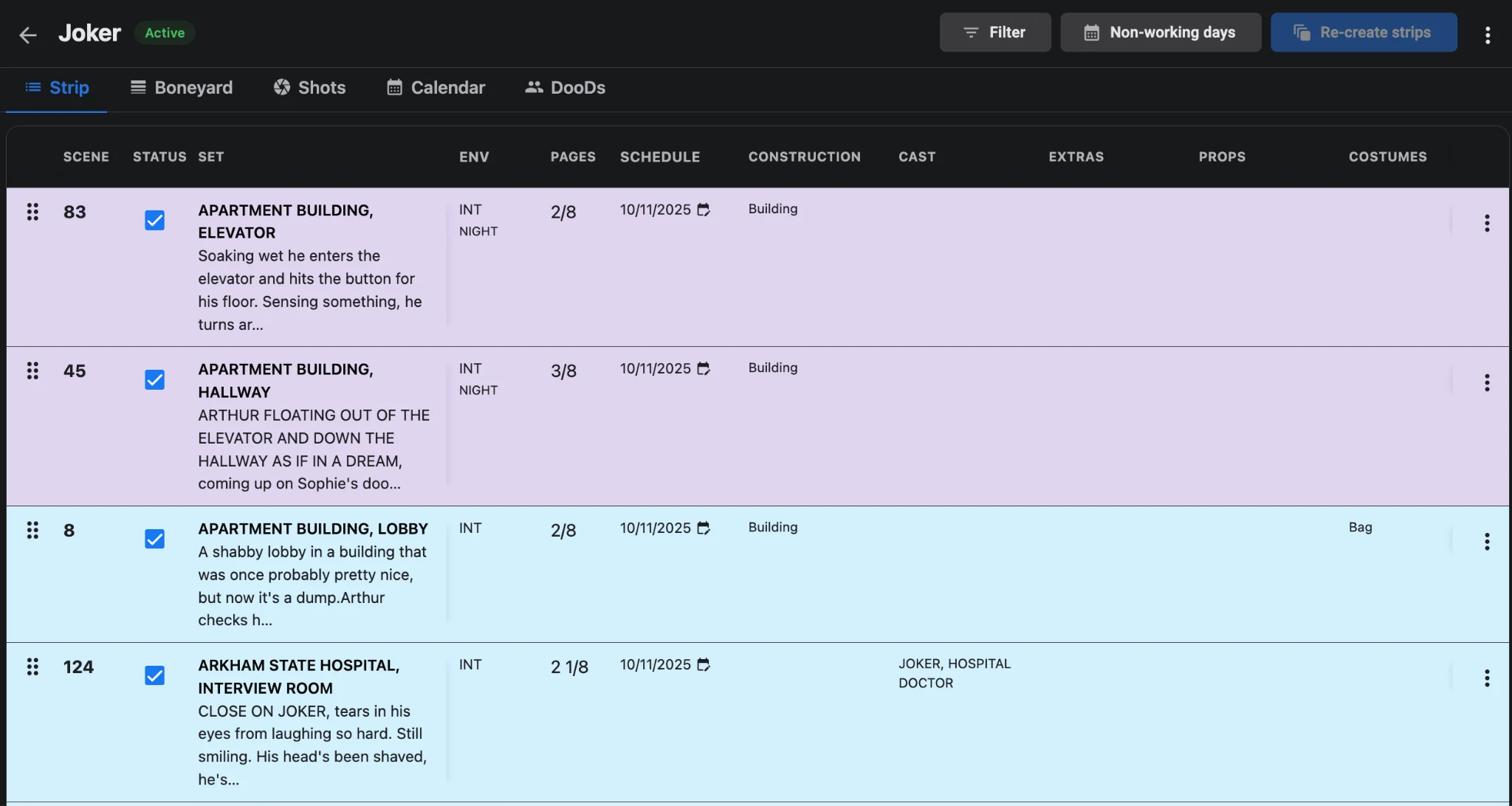
Push the new day to the crew the same night
A revised board that never reaches phones is still a risk. Generate from the updated daybreak with call sheet software so scenes, cast, and maps match the pink pages. Label the revision and send time, then notify anyone whose personal call moved. For the handoff pattern from board to sheet, use from daybreak to call sheet as the checklist, and last-minute call sheet changes for the overnight revision protocol. Export fresh reports so producers are not negotiating holds against yesterday’s DOOD, and confirm the production calendar still reflects any shifted prep milestones.
Close the loop with a same-night producer check: revised one-liner, refreshed DOOD, and call sheet revision label must all cite the same page color. If any document still shows white-draft cast, do not distribute overnight.
The payoff
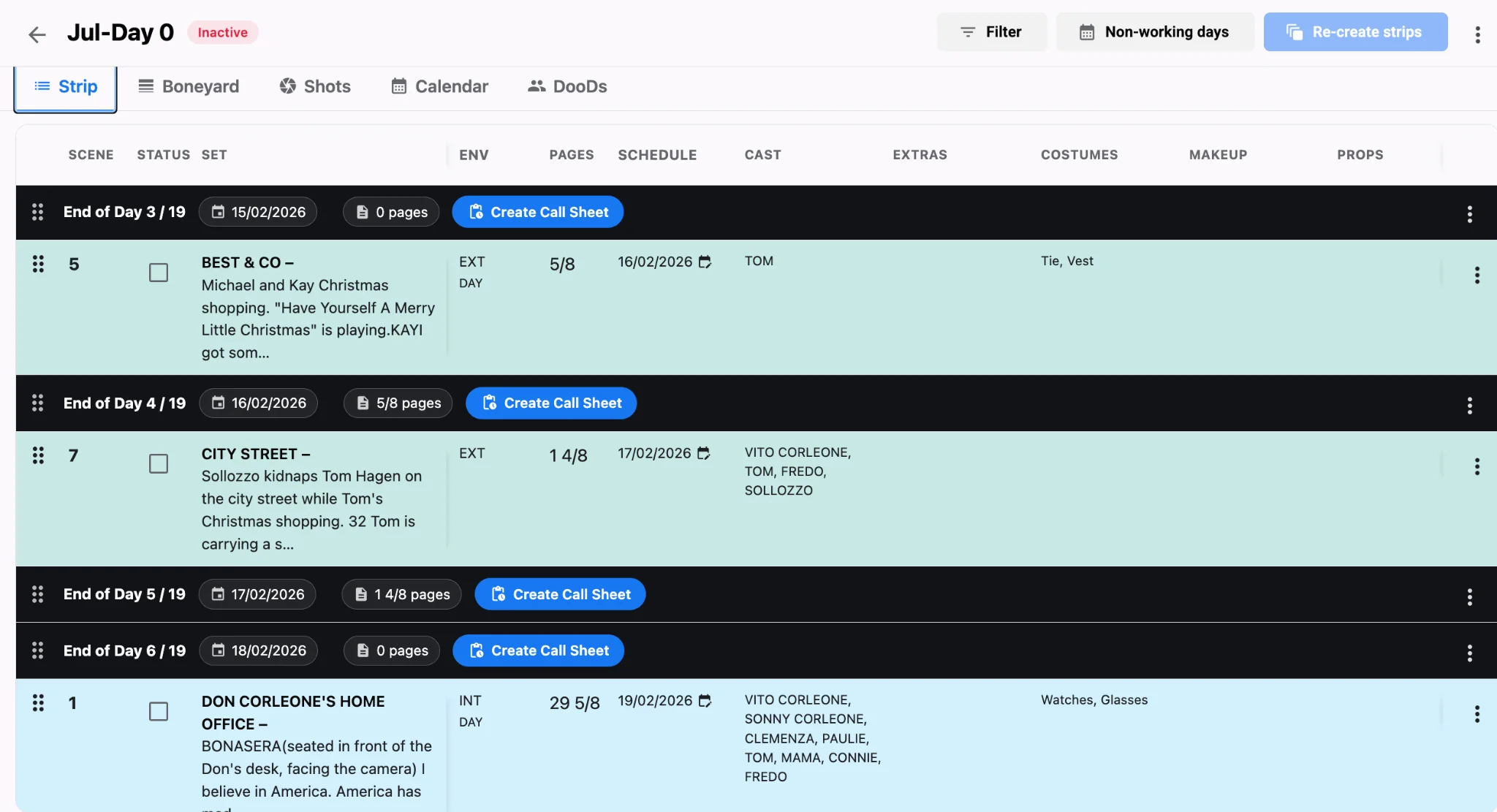
Script changes will keep coming; your schedule can keep up. After pink pages land, refuse to publish a one-liner until breakdown tags, daybreak order, and DOOD work patterns all agree on the same cast and locations. That single gate stops wardrobe and locations from prep’ing against a board that already moved. Feed revisions into breakdown and daybreaks inside Studiovity’s scheduling tools, regenerate the sheets, and walk into Day 1 on the draft everyone actually holds. For keeping prep milestones aligned while pages move, see from greenlight to Day 1.