
The call sheet is where the shooting schedule becomes a human plan: who arrives when, where to park, what scenes are up, and which departments prepare first. Too often that document is rebuilt by hand—copying daybreak details into templates, then chasing typos across PDF versions. One-click call sheets from your live shooting schedule close that gap.
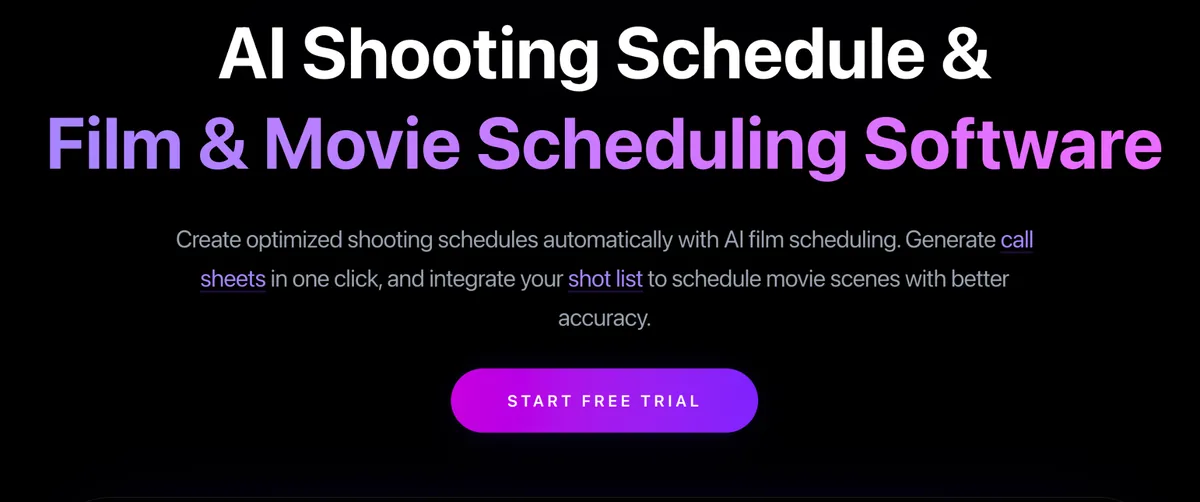
Daybreaks deserve a direct path
A solid daybreak already encodes scene order, locations, cast, and estimated times. Re-typing that into a call sheet invites mismatch: a scene dropped on the board but still listed on the sheet, or a cast member called who was moved off the day. Assistant directors need the call sheet to mirror the locked daybreak instantly, not after an hour of formatting.
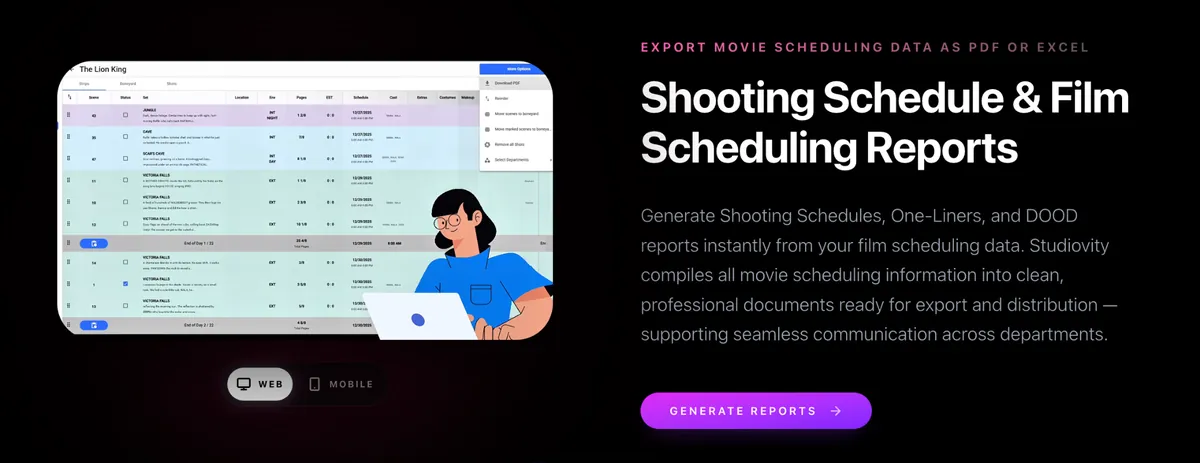
Instant call sheets in Studiovity
Studiovity offers Instant Call Sheet generation from daybreaks. You refine the shooting schedule, lock the day, and produce the call sheet without rebuilding fields from scratch. That is the practical contrast with traditional workflows—one-click call sheets versus copy/paste into static templates. Because the sheet draws from the same schedule data, updates propagate with less risk of stale attachments in group chats.
Teams can dig into the workflow on Studiovity’s film scheduling software, where call sheets sit alongside AI Film Scheduling, episodic boards, shot list sync, boneyard management, and shooting schedule reports. PDF and Excel exports keep distribution familiar for production offices that still archive paper-friendly files.
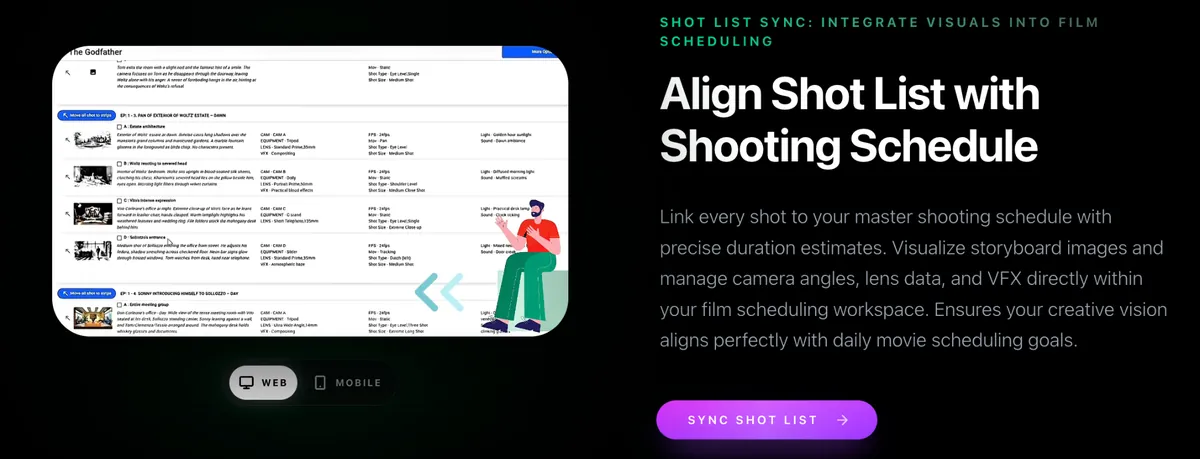
Mobile, web, offline—same source of truth
Call sheets fail when half the crew opens yesterday’s PDF. Studiovity’s mobile and web apps, offline capability, and real-time collaboration help keep the published sheet aligned with the board the AD just adjusted. Cast and department heads see consistent call times; production coordinates catering and transport against one version.
Trust matters when you put a tool between the schedule and the crew. Studiovity reports a 4.0 rating across a large review base, with notably strong iOS scores, and appears in ecosystems that list major streaming workflow logos. You are not asked to abandon industry habits—you are asked to stop retyping daybreaks.
Quick checklist for ADs and line producers
- Lock the daybreak on the shooting schedule.
- Generate the call sheet in one action.
- Review cast, locations, and notes.
- Export PDF or Excel for distribution and archive.
- Re-issue from the same board if the day changes.