
The stripboard is the living board; the PDF is what wardrobe, camera and locations actually print. If the export is hard to read, departments invent their own versions by lunch. A few deliberate choices in the Download Schedule modal keep one official shooting schedule in everyone’s hands.
Related video: Learn Film Pre-production, Script breakdown, scene breakdown, scheduling in 30 min
Decide who the PDF is for
Cast needs names and call patterns. Art and locations care about sets and day/night. A producer packet may want the full color board. Before you hit Download PDF in Studiovity’s film scheduling software, pick Colored, Show names for cast, Landscape and the Departments filter with that reader in mind. One landscape color PDF for the AD team and a cast-named version for talent management is usually enough to stop version drift.
Color and landscape are not decoration
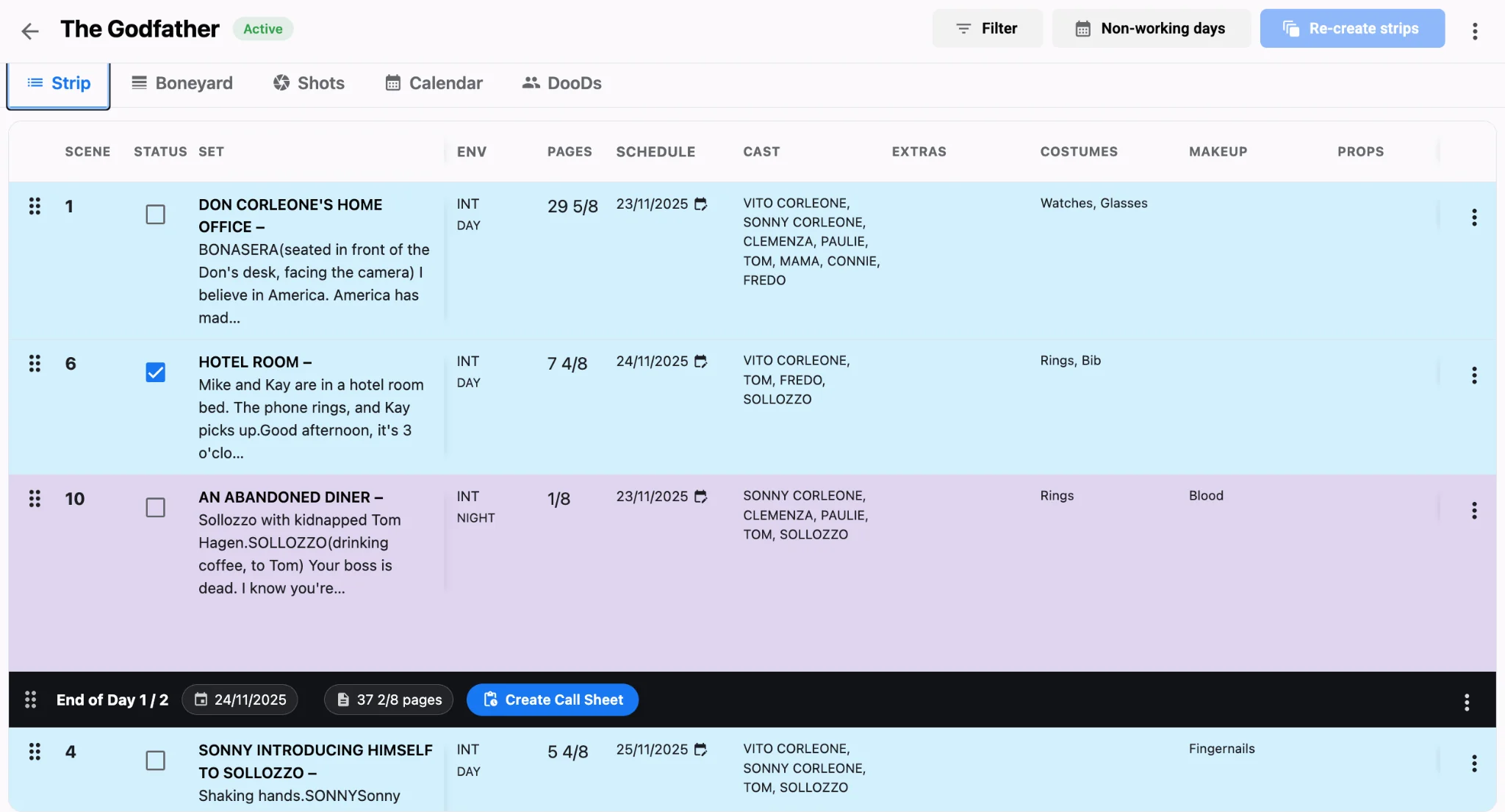
Strip colors encode day/night and interior/exterior at a glance. Keep Colored on for production PDFs so a night exterior does not look like a day interior after a black-and-white print. Landscape gives strip rows room for cast and set dressings without wrapping into noise. Portrait exports make sense for short one-liners, not for a twenty-strip day that still has to show page eighths and cast. Learning how to read a stripboard makes those color choices obvious to every craft that prints the packet.
Cast names prevent the wrong person call
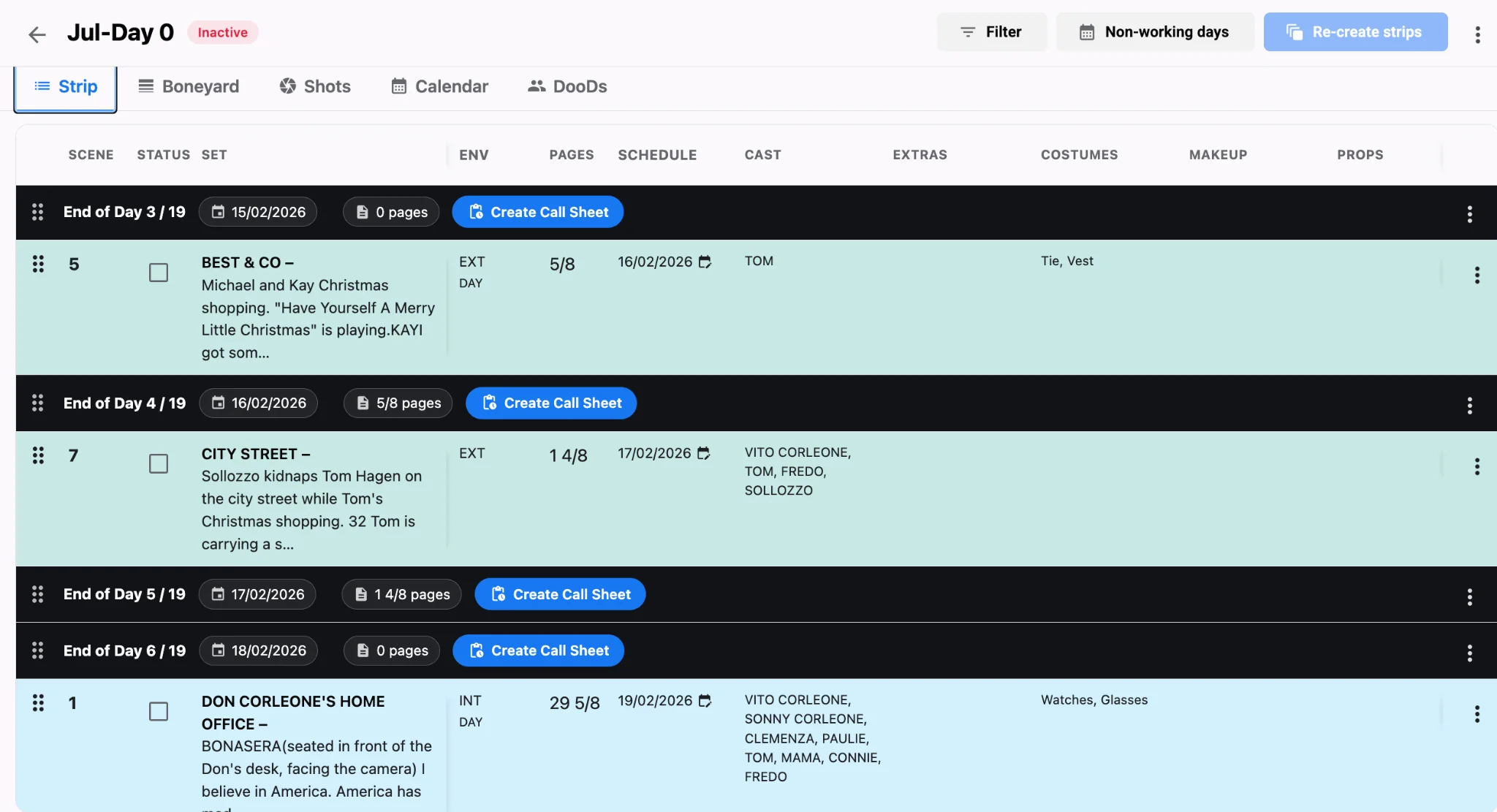
When Show names for cast is off, strips may show codes only. That is fine inside the AD office and risky in a shared packet. Turn names on for any PDF that leaves the production suite, then pair the schedule with a call sheet built from the same daybreak using call sheet software. Individual call times belong on the call sheet; the schedule PDF should still make clear who is on the day so agents are not guessing from initials.
Department filters cut the noise
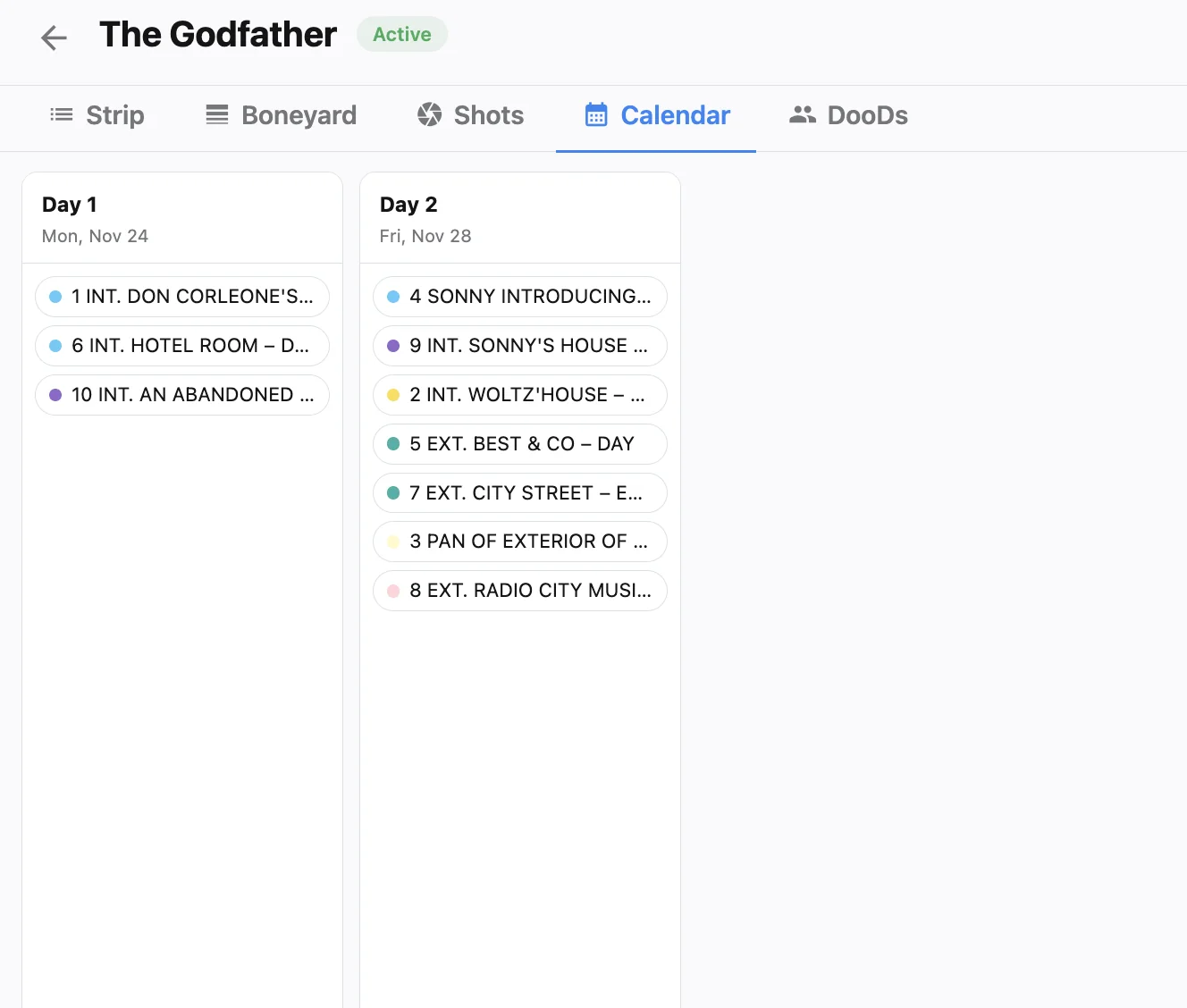
Not every craft needs every column. Use the Departments filter with Landscape when you send a focused packet to cast or to a single craft. Keep an All Departments landscape export as the master file in the shared drive so nobody wonders which version is current. After major board changes, re-export both; stale PDFs are how second unit shoots the wrong scene while the main unit is already on the cover set. When the PDF matches the live board, one-click call sheets from your shooting schedule stay trustworthy too.
A practical export routine
- Lock the board, then open Download Schedule once—not five ad-hoc screenshots.
- Export a Colored Landscape master for ADs and UPMs.
- Export a cast-named version for talent and agents.
- Use department filters for craft-specific packets.
- Archive each PDF with the date in the filename and replace older files the same day.
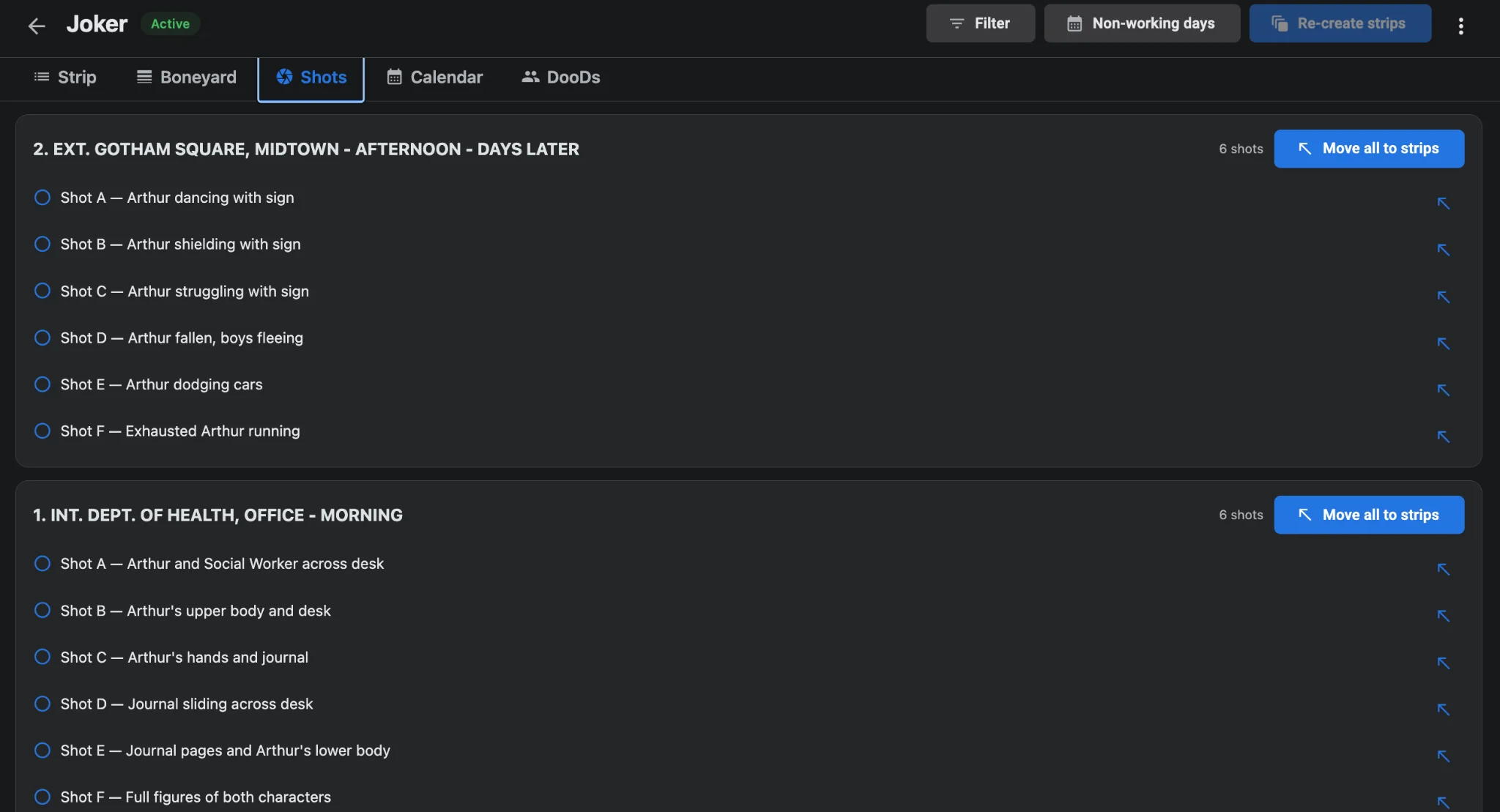
After any cover-set swap or unit split, re-export the landscape master before trucks roll so printed packets match the strips on phones. Keep working from Studiovity’s scheduling workspace on set with offline and mobile stripboards, and re-export after every meaningful change so AI-driven daybreak planning is what the paper still reflects.