
A strip list answers what you shoot; a production calendar answers when the week actually breathes. ADs and line producers who only stare at strips miss the shape of the week—stacked heavies, missing recovery nights, travel wedged against a six-day block. The Calendar view in Studiovity’s film scheduling software puts daybreaks on real dates so the week is planned, not hoped for.
Related video: Studiovity Film Pre-Production Software: AI breakdown, scheduling, and production calendar
See the week before you defend the day
Open Calendar after your first board pass. Look for three red flags: two consecutive long page-count days, a night shoot with less than a legal turnaround into the next call, and a company move that lands on the same morning as a cast travel. Fixing those on the calendar is cheaper than fixing them after call sheets go out and drivers are already booked. Use the calendar to brief transport and catering on which days are night-heavy or move-heavy before the strip list debate starts.
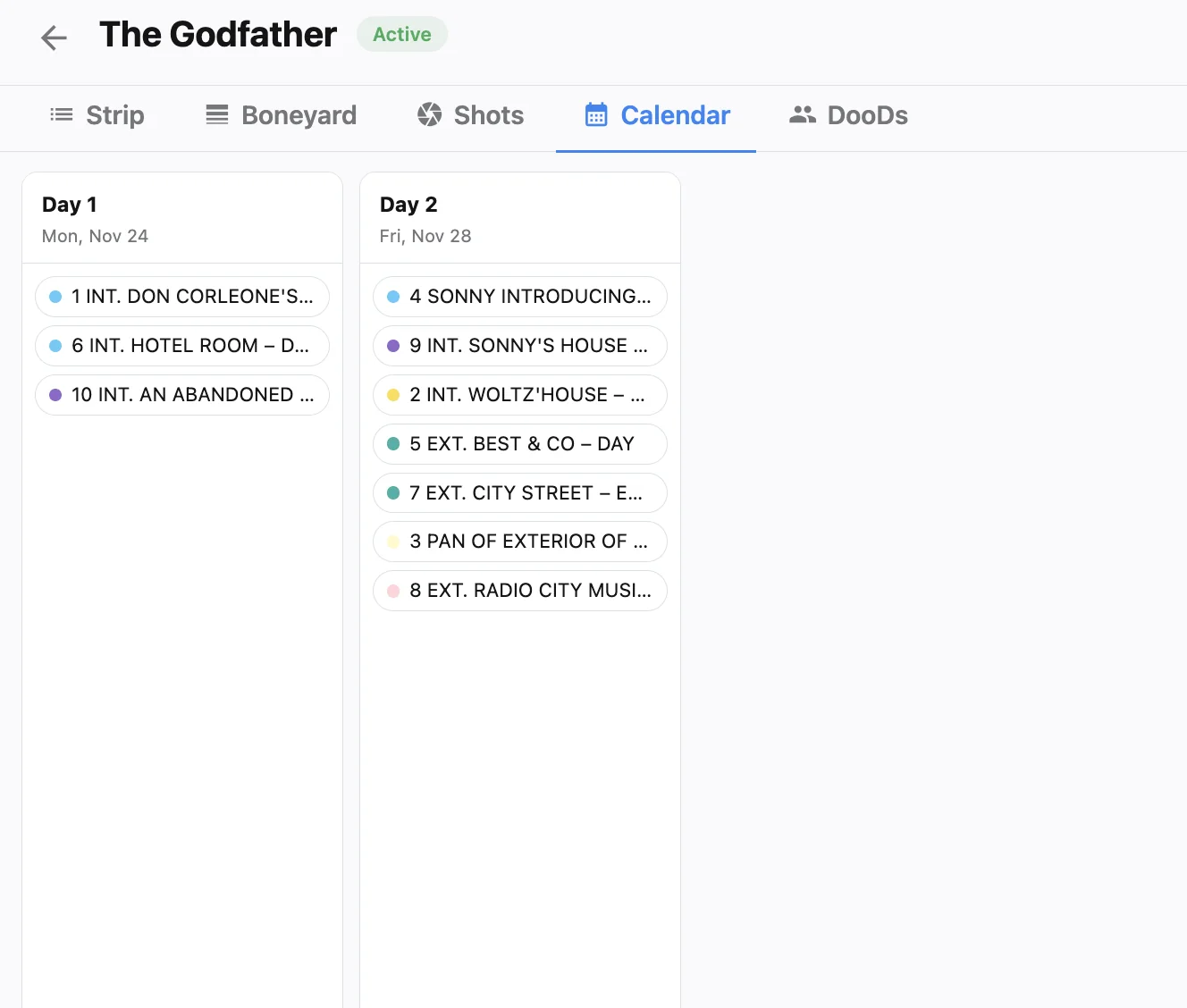
Tie the calendar to non-working days
Weekends, holidays and travel only help if they appear on the same calendar you are defending in the production meeting. Configure them once, then confirm the Calendar view skips those dates when it places shoot days. That single habit stops Day 12 from landing on a festival Monday nobody can clear, and it keeps travel days visible instead of looking like empty gaps. See non-working days, holidays and travel days for the panel that feeds those marks.
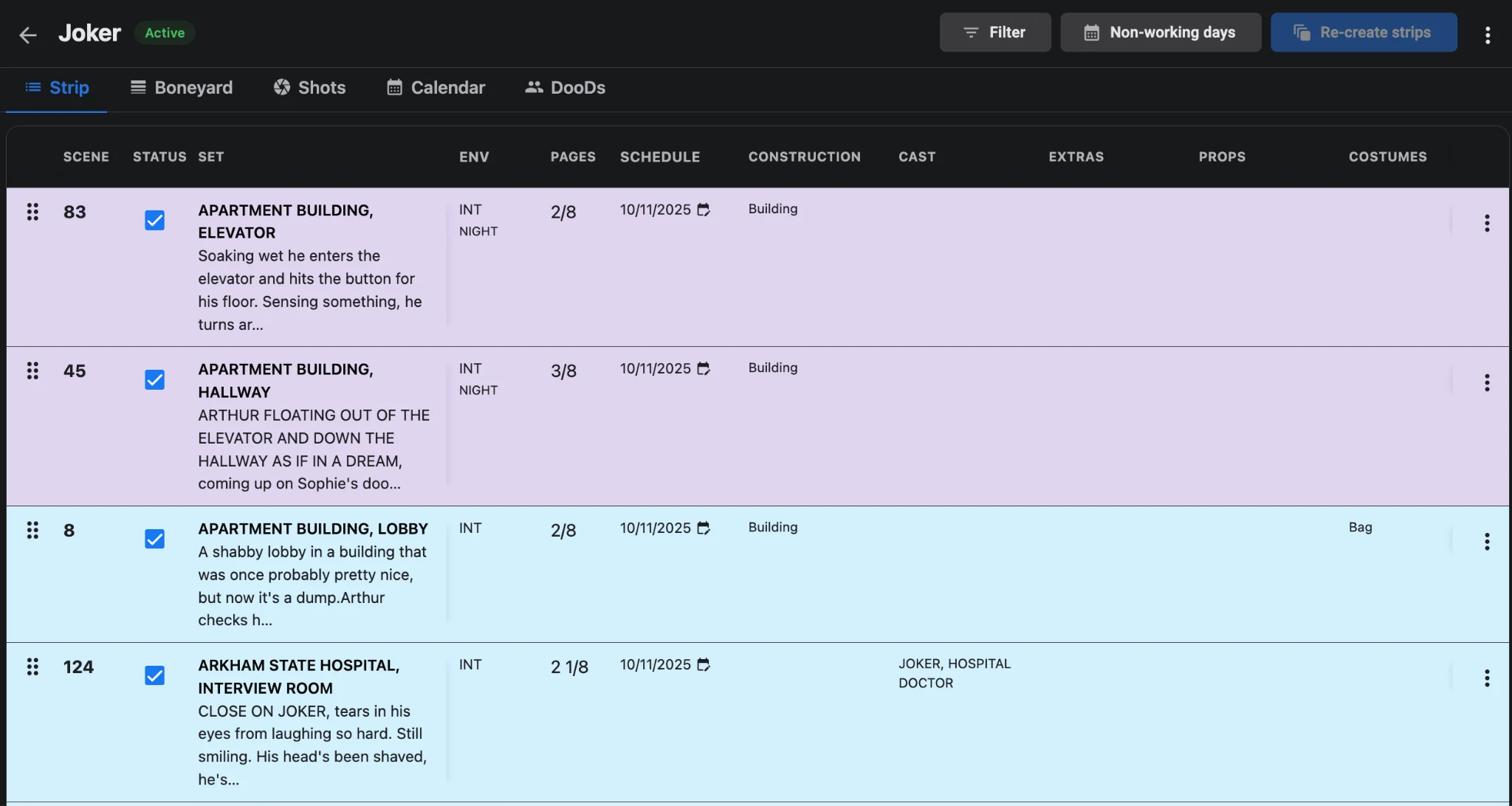
Episodic weeks need a shared calendar language
When several episode scripts share one project, the calendar is how you keep block boundaries honest. A guest who wraps Episode 3 on Thursday should not mysteriously start Episode 5 the same morning. Use one workspace so calendar dates and stripboards stay linked, as outlined in episodic TV scheduling in one workspace. Agree on the off-day pattern before you block each episode.
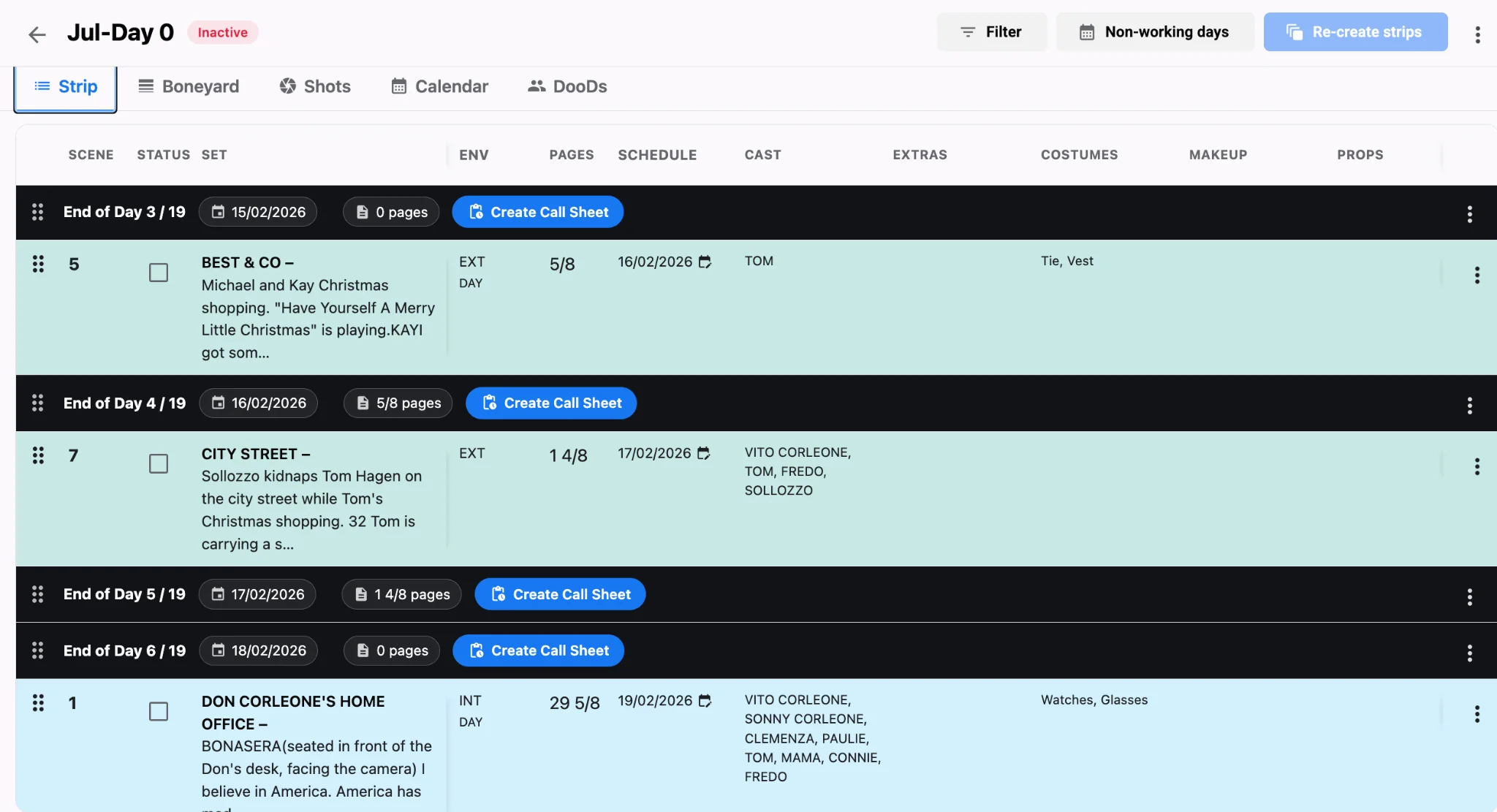
Recheck cast after every calendar shift
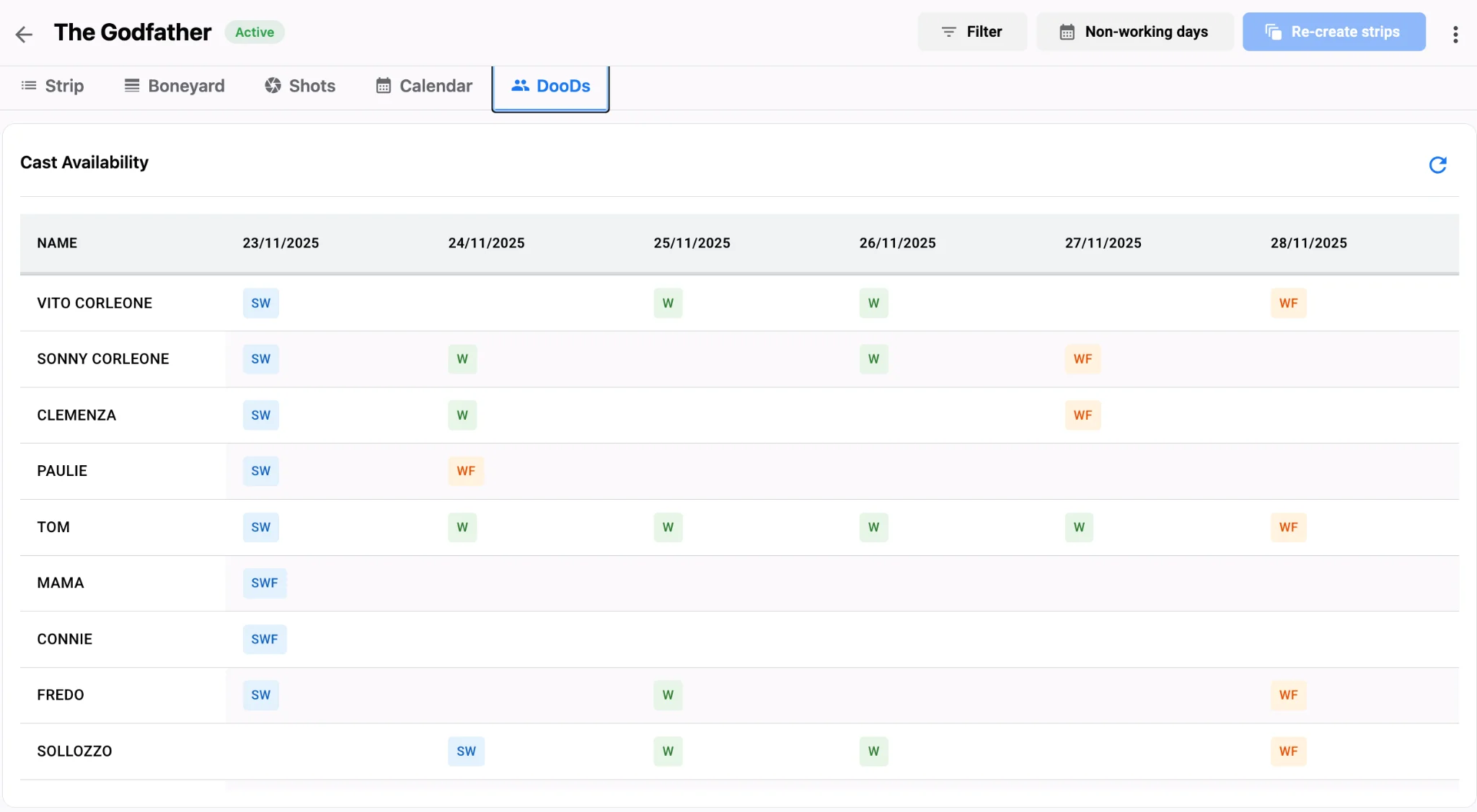
Sliding a daybreak two dates later can create a hold or break a work pattern. After each calendar change, open the DOOD grid and scan for new SW/W/WF patterns that inflate cost. Cast availability and travel logic and DOOD reports with one-liners are the companion checks every UPM should run before the week is locked. When the week looks right, generate call sheets from the daybreaks with call sheet software so every date on paper matches the calendar.
Production calendar checklist
- Open Calendar after the first board pass and flag stacked heavy days.
- Confirm weekends, holidays and travel appear before you defend dates.
- Recheck DOOD patterns after every calendar shift.
- Brief transport and catering on night-heavy or move-heavy days early.
- Rebuild call sheets when the calendar moves—do not hand-edit yesterday’s PDF.
Before you defend the week in a production meeting, screenshot or export the calendar beside the one-liner so stakeholders see both sequence and dates. That pairing catches travel days that look empty on the strip list and night blocks that sit too close to a heavy page day. A stripboard without a calendar is a list. A calendar without strips is a wish. Use both in Studiovity scheduling: plan the week on the calendar, detail the day on the strips, then publish. That is how the shooting schedule survives contact with real dates, real rest and real travel.