
Locking Day 1 is a promise to the company. After that promise, every strip move needs change control—not silent drags on the board that never reach the call sheet. Version the daybreak, name what changed and who is affected, and only then regenerate sheets. That habit separates professional schedule ops from the chaos of conflicting PDFs in three group chats.
Freeze a baseline daybreak you can point to
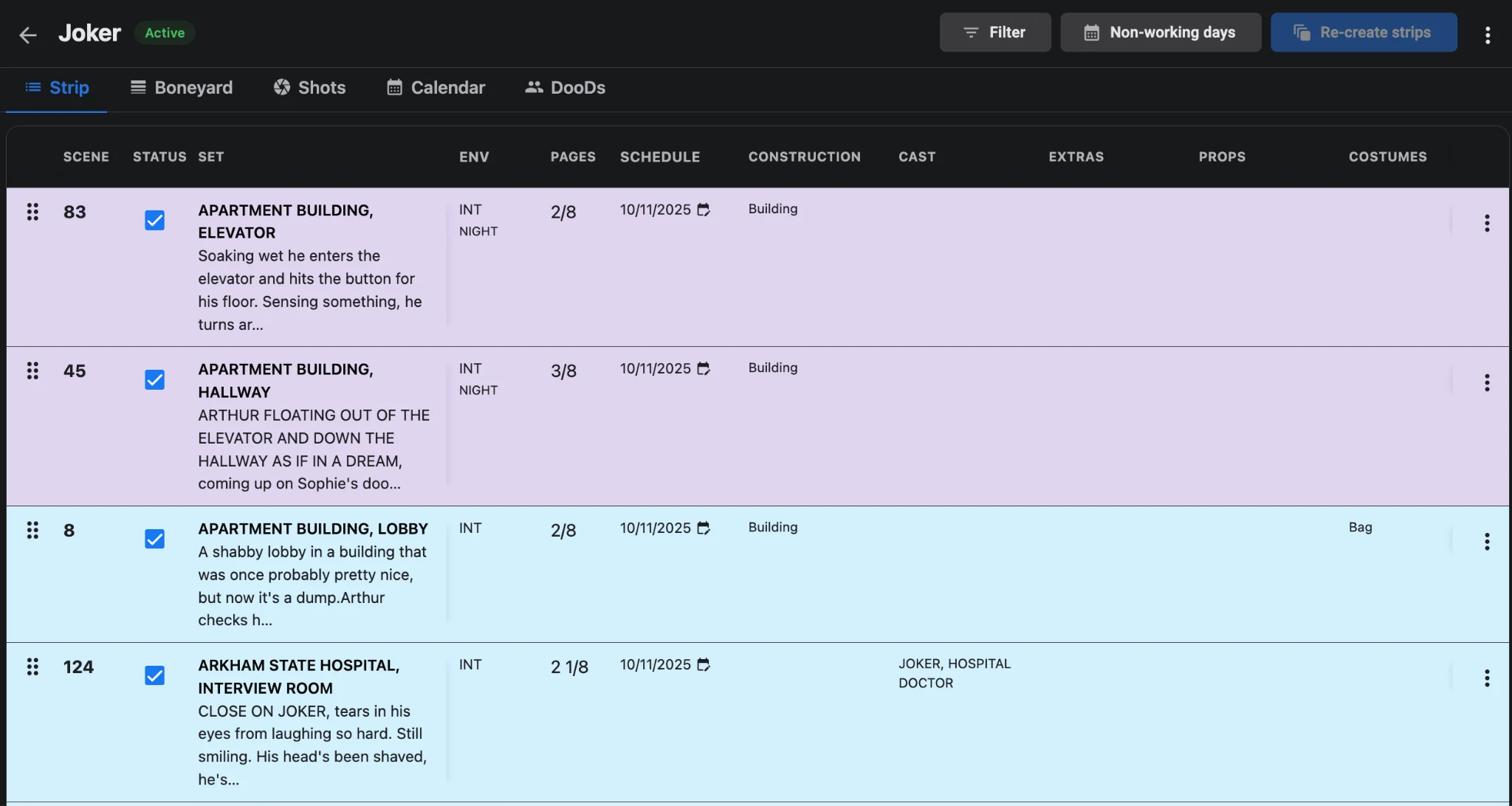
When the AD and UPM agree Day 1 is locked, export a dated PDF of the full daybreak and keep that board as the baseline everyone can cite. In Studiovity’s film scheduling software, continue editing the live stripboard, but treat the exported baseline as the reference for “what we published.” If a producer asks what moved since lock, you compare versions—you do not reconstruct from memory. For a clean starting board, follow a disciplined step-by-step shooting schedule build.
Route mid-shoot changes through the board first
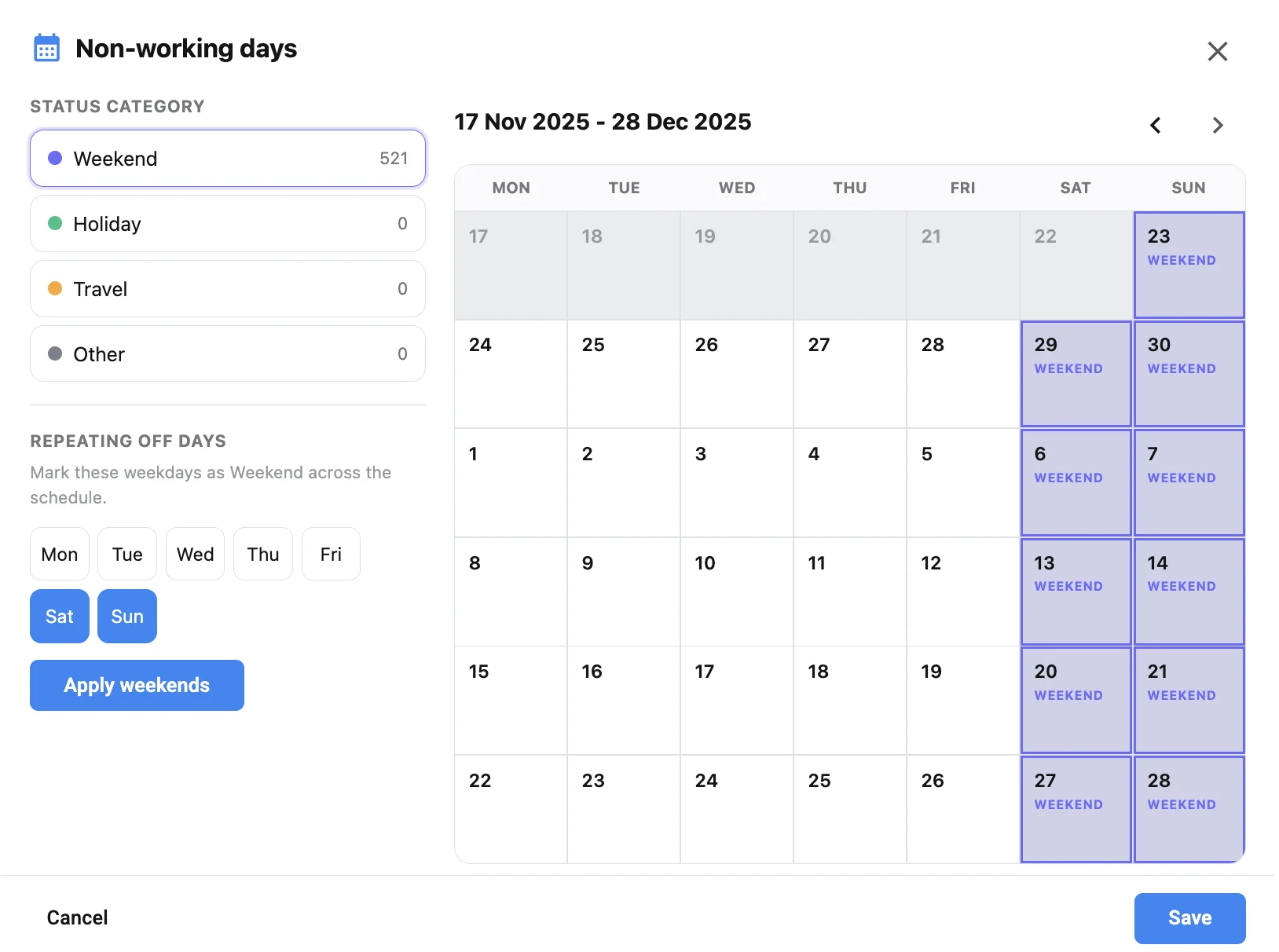
Script tweaks, cast illness, and location losses all hit after Day 1. Park scenes you cannot shoot, restore replacements, and reorder company moves on the stripboard before anyone rewrites the call sheet by hand. Offline and on-set ADs should update the same live board—see film scheduling offline and on mobile—so the version of truth is never a printed sheet from yesterday.
Name the version before you touch call times
A useful change-control note is short: date, day number, strips added or removed, cast impact, and why the move happened. Attach it in the strip notes or cover email when you re-export the schedule PDF. Departments scanning from daybreak to call sheet need to know whether they are looking at Lock v1 or Lock v2—not guess from a new file name.
Regenerate call sheets only from the new lock
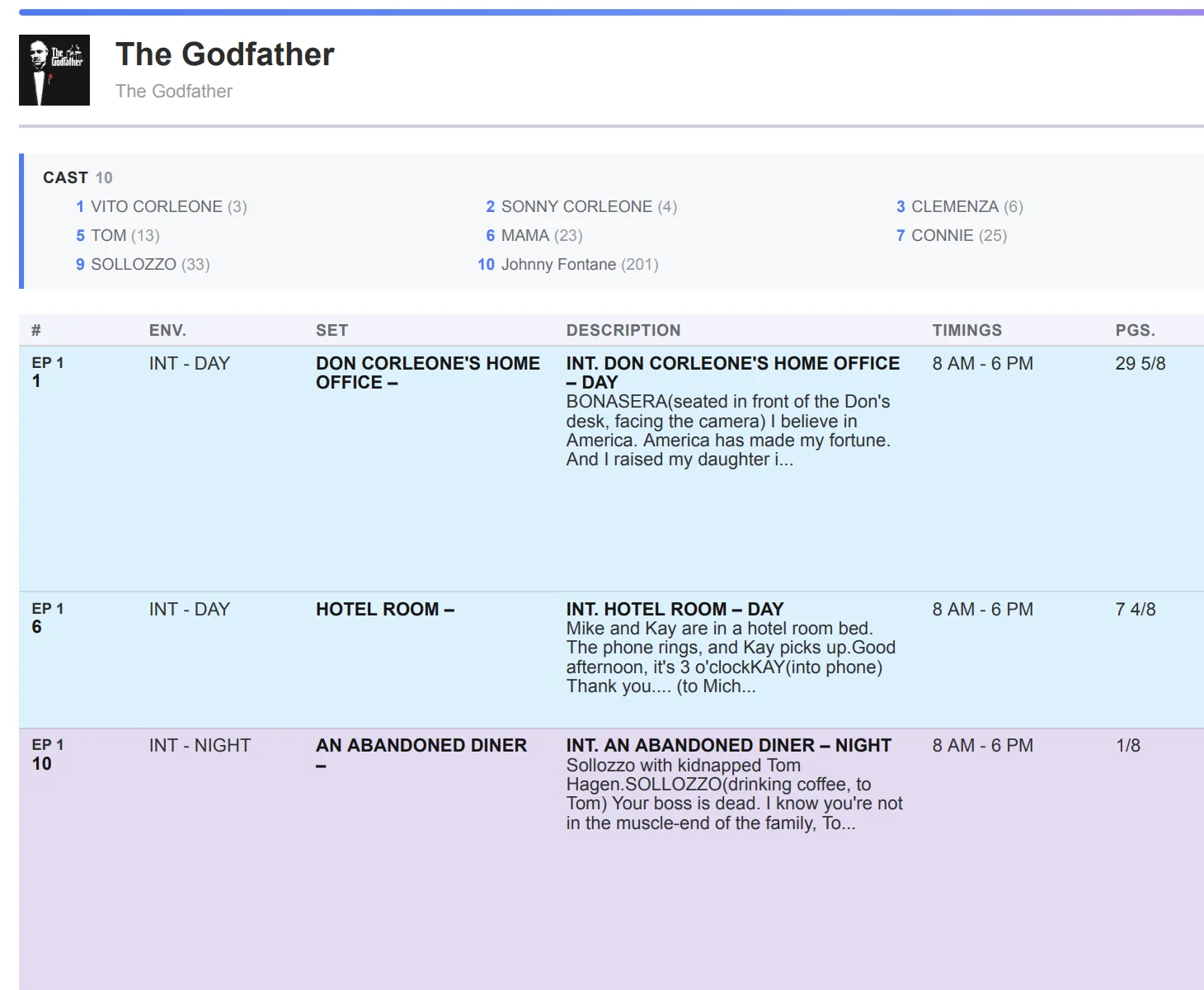
Never patch yesterday’s PDF with highlighter and hope. After the board version is agreed, build fresh sheets with call sheet software so scene lists, locations, and individual call times match the new daybreak. If you also use call sheet software for staggered revisions mid-day, still start from the current board—not a fork someone emailed at lunch.
Post-lock change-control checklist
- Export and archive a baseline PDF the moment Day 1 locks.
- Park dropped scenes; restore replacements on the board before rewriting sheets.
- Log a one-line version note: what moved, who is affected, why.
- Re-export the shooting schedule and regenerate call sheets from that version only.
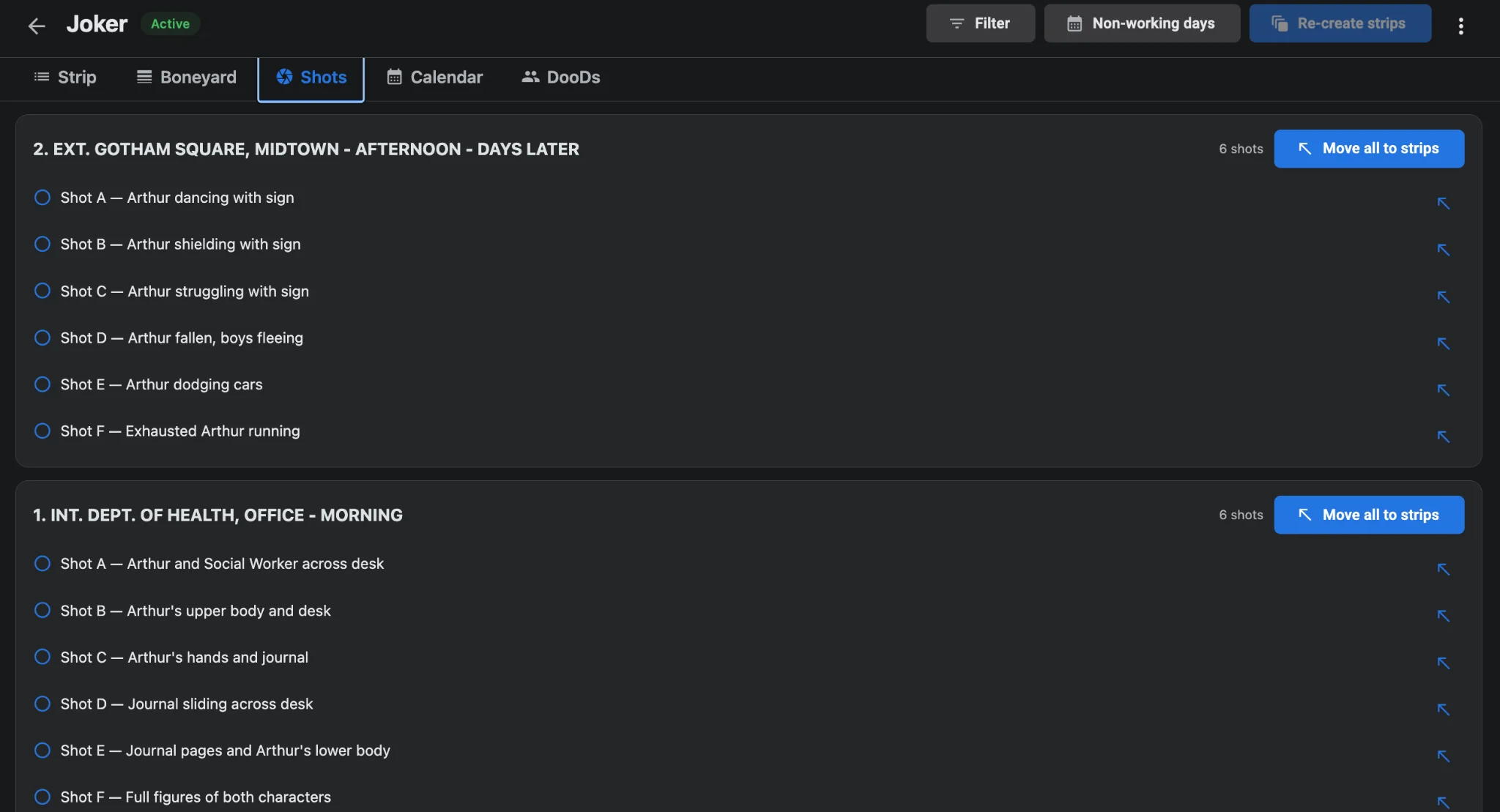
- Confirm DOOD and shot sync still match after the reshuffle.
Change control after lock is how you keep trust. Version the daybreak in AI film scheduling, regenerate sheets from that version, and never let a silent strip drag become the unofficial schedule.