
When a production splits into a main unit and a second unit, the paperwork splits too. Different crews, locations and call times still share one schedule, one cast and one pool of equipment. A good second unit call sheet gives that crew exactly what it needs for its own day while staying consistent with the main unit, so nobody works from the wrong plan.
What is multiple-unit production?
Multiple-unit production means two or more shooting units work separately, often at the same time. The main unit covers principal actors and key dramatic scenes; a second unit might shoot stunts, inserts, plates, establishing shots, action details or location coverage. Larger shows add splinter, aerial, VFX or specialty units.
It saves schedule time but multiplies moving parts. Each unit needs its own crew list, location, schedule, safety notes, transport and department instructions, while producers, UPMs, ADs and coordinators still need the whole picture. For the scheduling side of this, see second unit and multi-unit scheduling.
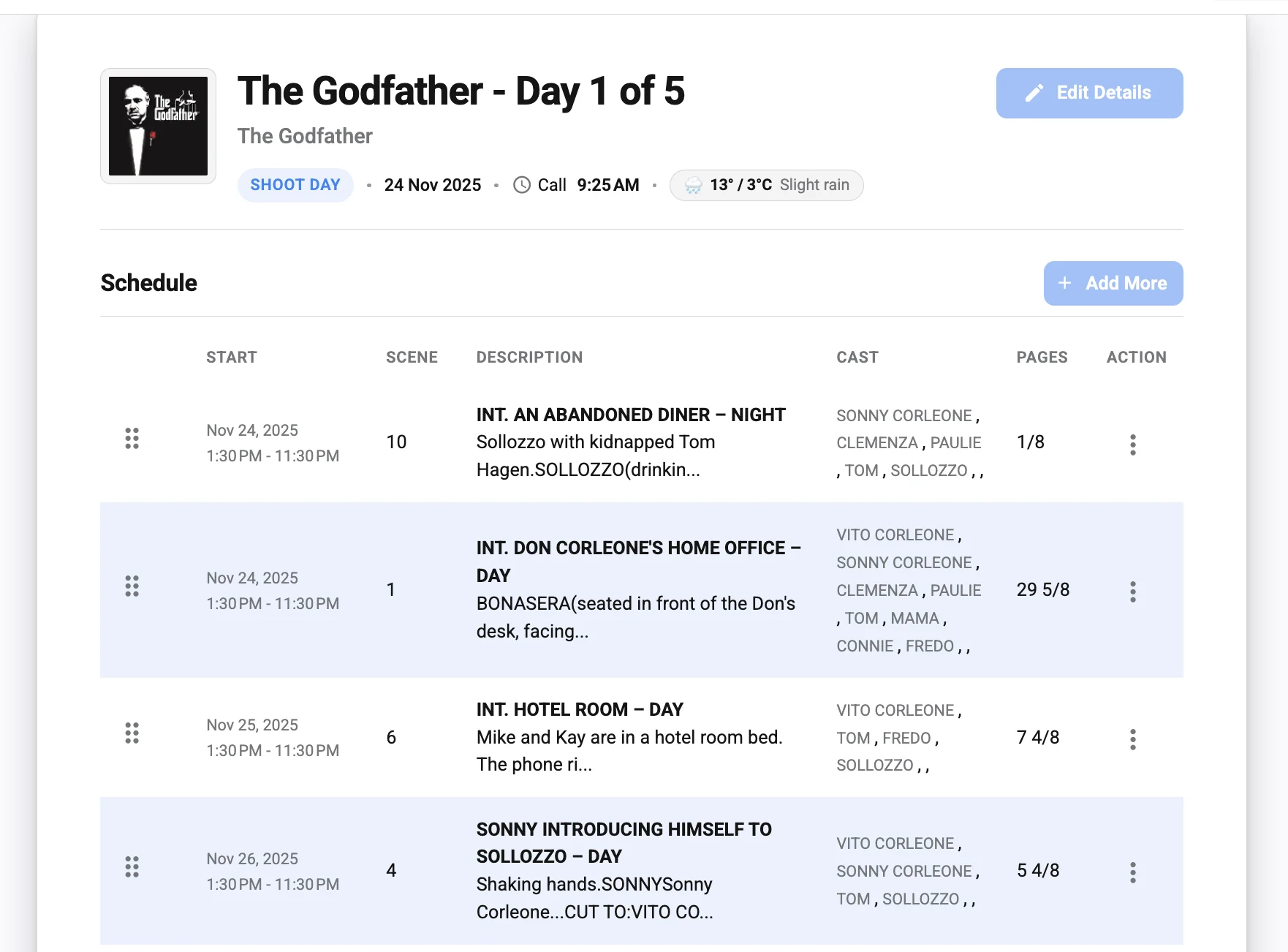
Why static files break down with multiple units
A PDF or spreadsheet is easy to send once and hard to correct. One change ripples: if the second unit starts earlier, transport moves; if the main unit changes location, cast movement, equipment, parking, meals and security all need review; if a department is shared, someone must know where those people and assets are all day.
Static copies also multiply versions. Crew download one file, get another in a group chat and hear about a third change on the radio. A single online source, organized by unit, removes the question of which sheet is current.
Main unit vs second unit call sheet
| Section | Main unit | Second unit |
|---|---|---|
| Header | Show, date, day count, MAIN UNIT | Same show and date, SECOND UNIT in large type |
| Schedule | Scenes with principal cast, page counts | Shots, inserts, plates, stunt beats, priorities |
| Cast | Principal and day players | Doubles, stunt performers, any shared cast with handover times |
| Safety | Standard set notes | Stunts, vehicles, rigs, road closures, medic on site |
| Contacts | 1st AD, UPM, office | 2nd unit director, 2nd unit AD, stunt coordinator |
A practical multi-unit call sheet workflow
- Name each unit clearly and use the same names across schedules, call sheets and reports.
- Build the master schedule first to spot shared cast, crew, locations, equipment and transport.
- Assign unit-level ownership: one person collects details and flags conflicts for each unit.
- Create unit-specific call sheets: shared header details stay identical; scenes, locations, notes and contacts are tailored.
- Review cross-unit dependencies: cast movement, shared crew, camera bodies, vehicles, effects, props, wardrobe, catering and safety resources.
- Distribute through one channel and point every crew back to it for updates.
- Track confirmations and follow up with anyone who has not acknowledged.
- Log late changes with a clear revision note (more in handling last-minute call sheet changes).
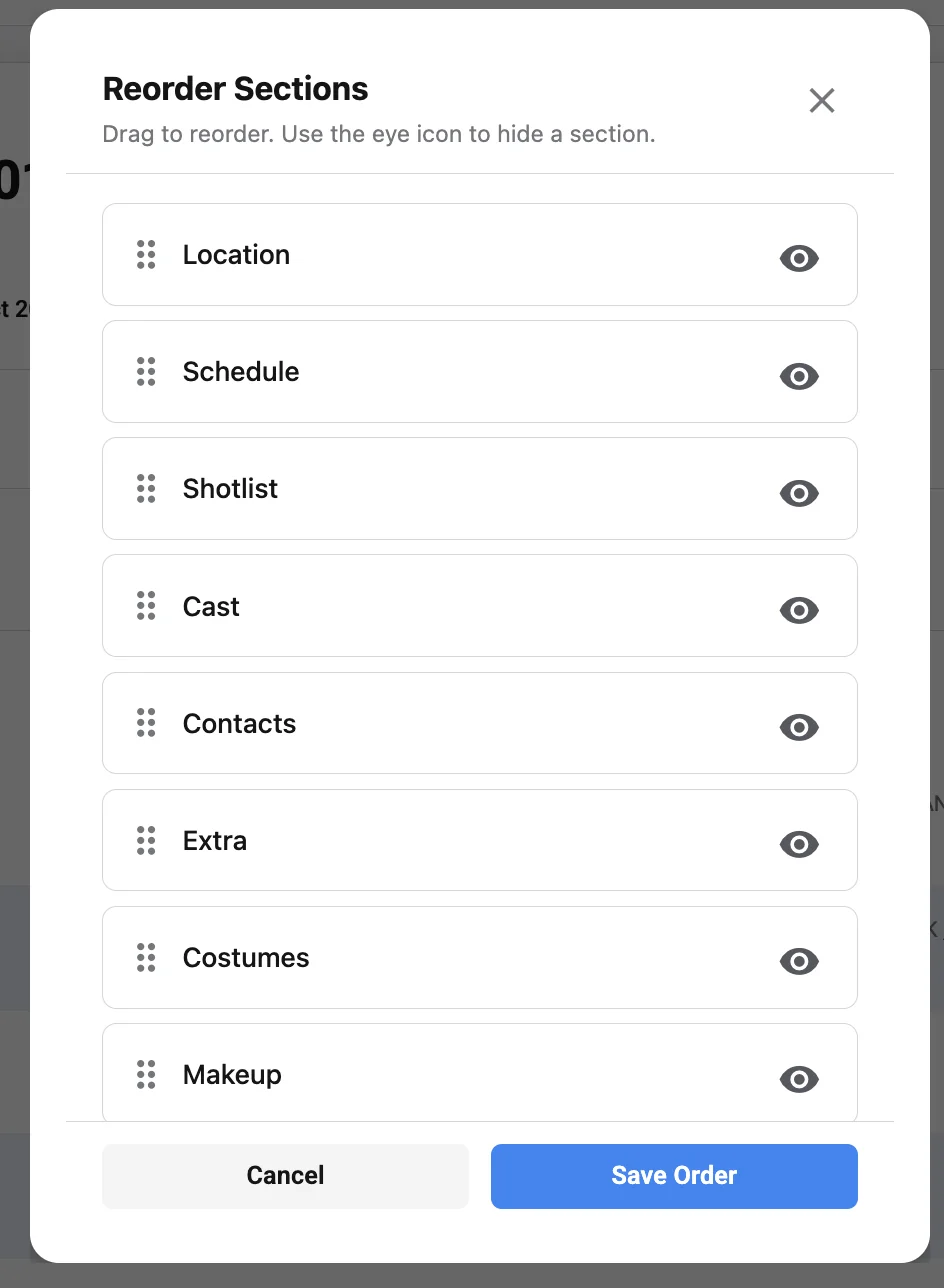
Building a template that scales across units
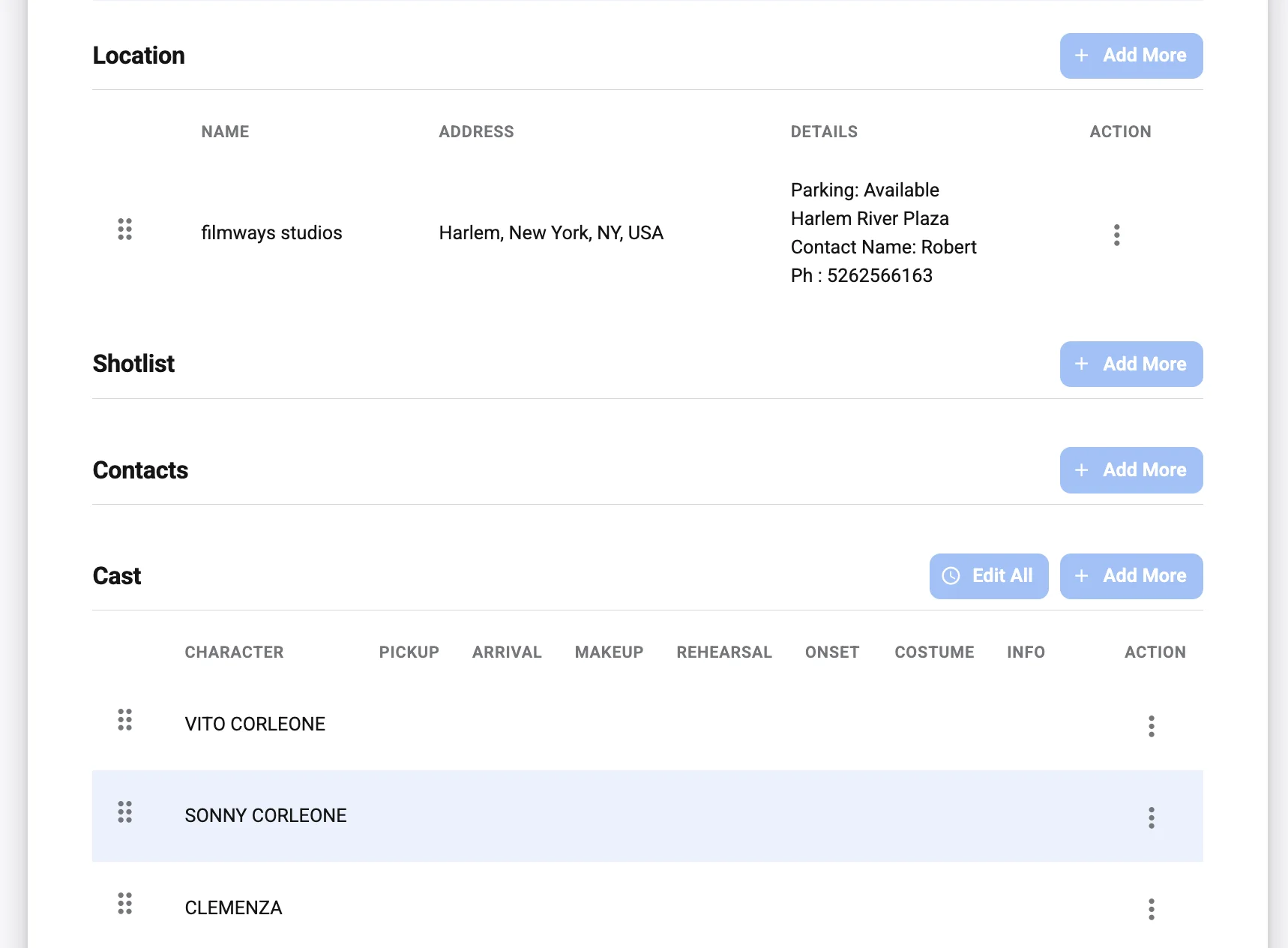
Start with a strong core: production title, date, unit name, key contacts, location, nearest hospital, call times, schedule and department notes. Then add or remove sections per unit. A stunt unit needs space for rehearsals, lockups, effects and medical support; an insert unit needs prop, lens and continuity notes; a plate or VFX unit needs camera data, witness camera and clean plate reminders.
- Unit name and production day are visible at the top.
- Calls are split by cast, crew, departments, background and specialty roles.
- Locations include parking, holding, base camp and movement notes.
- Safety notes are never buried in dense text.
- Department notes are grouped so each team finds its own fast.
- Contacts list who to call, not every name on the show.
- Revision notes make late changes obvious.
Check it on a phone. If a second unit grip cannot scan it at 5:30 a.m. in a parking lot, simplify it. In Studiovity you can set up separate main and second unit call sheets from the same schedule and keep the shared details in sync.
Common second unit call sheet mistakes
- Building the unit sheet without checking shared people, vehicles or camera packages.
- Copying every main-unit note onto the second unit sheet.
- Letting group-chat messages replace the official update.
- Hiding safety or timing changes in long paragraphs.
- Sending before approvals are complete.
- Ignoring missing confirmations the night before.
A short daily review routine
- Confirm each unit’s scenes, locations and core calls.
- Review shared cast, crew, equipment and vehicles.
- Collect unit-specific department notes.
- Check safety and emergency information.
- Proof drafts for accuracy and consistency.
- Approve and distribute from one source.
- Monitor acknowledgments and handle revisions centrally.
Final takeaway
Running multiple units is a balance of independence and coordination. Name units consistently, build every sheet from the master schedule, tailor the content to each crew and keep revisions in one place. When you want fewer copy-paste errors between units, create unit-specific call sheets in Studiovity and share them from one link.