
A flashback can be the most powerful moment in a film or the moment a reader puts the script down. Done well, it reveals a secret that changes how we see the present. Done badly, it stops the story cold.
This guide covers how to write a flashback in a screenplay from both sides: the formatting that keeps a reader oriented, and the story decisions that decide whether a flashback earns its place.
Before the details, here is a short Studiovity walkthrough on filtering a screenplay’s scenes by character, location and scene, which is handy when you need to track every past and present scene in a nonlinear draft:
What a Flashback Has to Do
A flashback moves the audience to an earlier point in time, and every jump backward pauses the forward motion of your story. So the first question is not how to format it. It is why the audience needs this information now.
A strong flashback usually does at least one of these jobs:
- Reveals information that reframes the present, such as a betrayal we did not know about.
- Shows a character’s wound so that a present-day reaction suddenly makes sense.
- Plants a clue or object that pays off later.
- Creates dramatic irony, letting the audience know something a character in the present does not.
If a line of dialogue or a single image in the present could deliver the same information, cut the flashback. Readers notice when a writer goes back in time only to explain.
How to Format a Flashback in a Screenplay
There is no single official format, but the industry uses a few clear conventions. The goal is simple: the reader must always know when we are.
Option 1: Add FLASHBACK to the scene heading
For a single flashback scene, add the label to the end of the slugline. Then add a scene heading with BACK TO PRESENT, or simply a normal present-day heading, when you return.
INT. MEERA'S APARTMENT - NIGHT

Meera turns the old train ticket over in her hands.

EXT. RAILWAY PLATFORM - DAY (FLASHBACK - 1998)

A YOUNG MEERA (10) runs beside a moving train, waving.

INT. MEERA'S APARTMENT - NIGHT (PRESENT)

Meera folds the ticket and puts it away.
Adding the year or a short marker such as (FLASHBACK – 1998) is useful when the story jumps more than once, because it tells the reader exactly how far back we went.
Option 2: BEGIN FLASHBACK and END FLASHBACK
When the flashback covers several scenes, mark the start and end with transitions instead of tagging every heading. Write BEGIN FLASHBACK: (or FLASHBACK:) before the first scene heading and END FLASHBACK. after the last one. Each scene inside still gets its own normal slugline.
Option 3: A flashback inside a scene
For a very short memory, a few seconds of picture, you can stay inside the current scene and describe the flash in the action lines, for example: “A FLASH: the platform, the train, the small hand letting go.” Keep it to a few lines. Anything longer deserves its own scene heading.
In Studiovity’s screenwriting software, scene headings, transitions and action lines format themselves as you type, so you can try each option and see how it reads on a real page before choosing.
Introducing Young Versions of Characters
Flashbacks often bring in younger versions of your cast. Treat them as new characters on the page. Introduce them in caps with an age, and use a distinct character cue, such as YOUNG MEERA, so dialogue never gets confused with the present-day character. Keep the cue consistent for the whole script, since casting and scheduling teams will read it as a separate role.
Story Rules for Better Flashbacks
Earn the jump with a trigger
The cleanest flashbacks are motivated by something in the present: a smell, an object, a phrase, a location. In the example above, the train ticket is the trigger. A trigger tells the audience why we are going back and makes the jump feel emotional instead of mechanical.
Keep it short and dramatic
A flashback is still a scene. It needs conflict, a turn and a reason to end. If it is only a character walking through a memory, it will feel like exposition with nice lighting.
Return with something new
When you come back to the present, the character or the audience should see things differently. If nothing has changed, the flashback did not do its job.
Want to test this on your own pages? Try the Studiovity screenwriting editor and draft one flashback scene with each of the formats above.
Planning Flashbacks With Beats and Index Cards
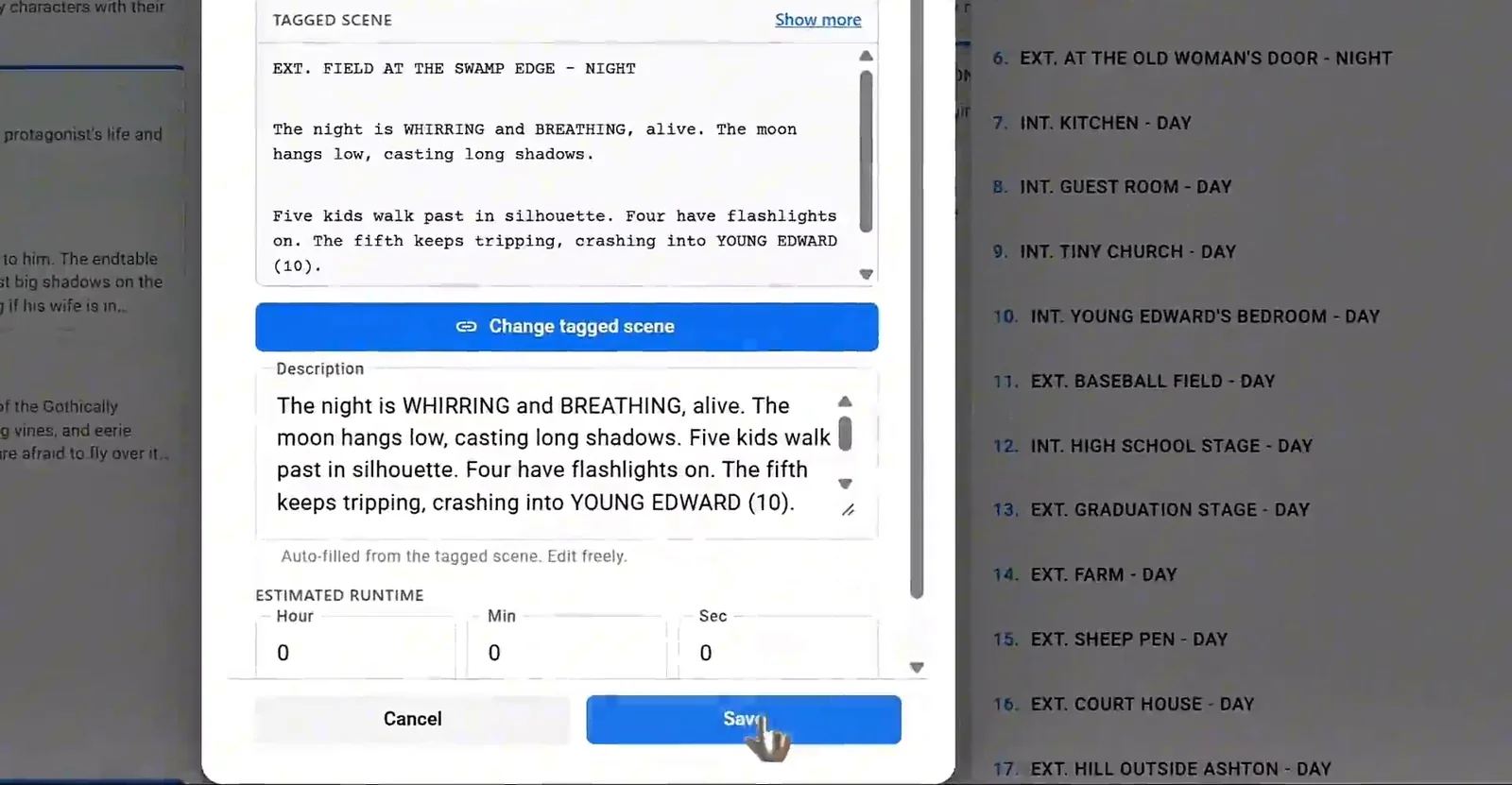
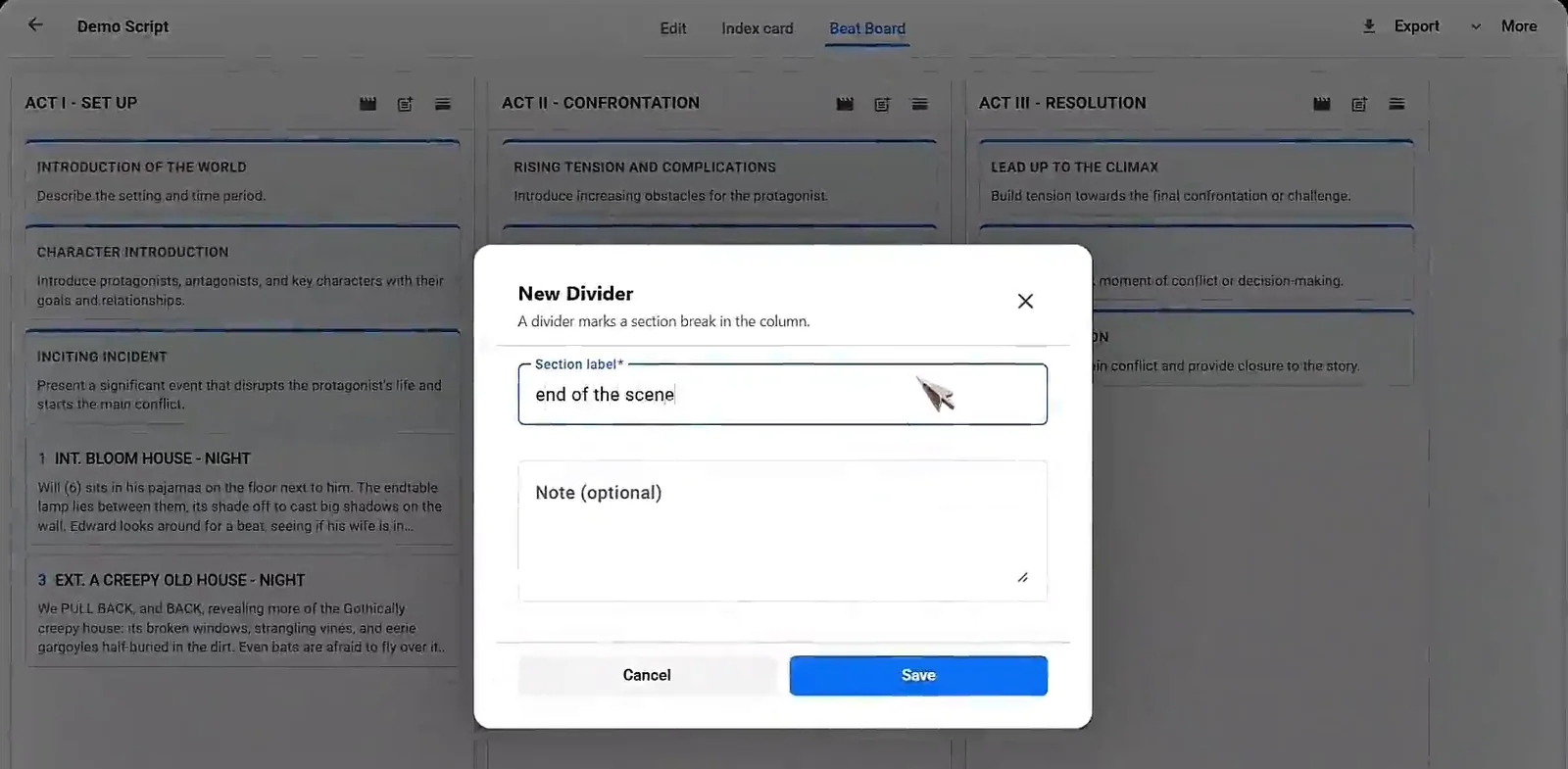
Flashbacks are much easier to control when you can see the whole story at once. A beat board lets you tag a beat to a specific scene and add a description, so you can mark exactly where each memory lands in the structure. Dividers can label sections such as “Past” and “Present” to show how the two timelines alternate.
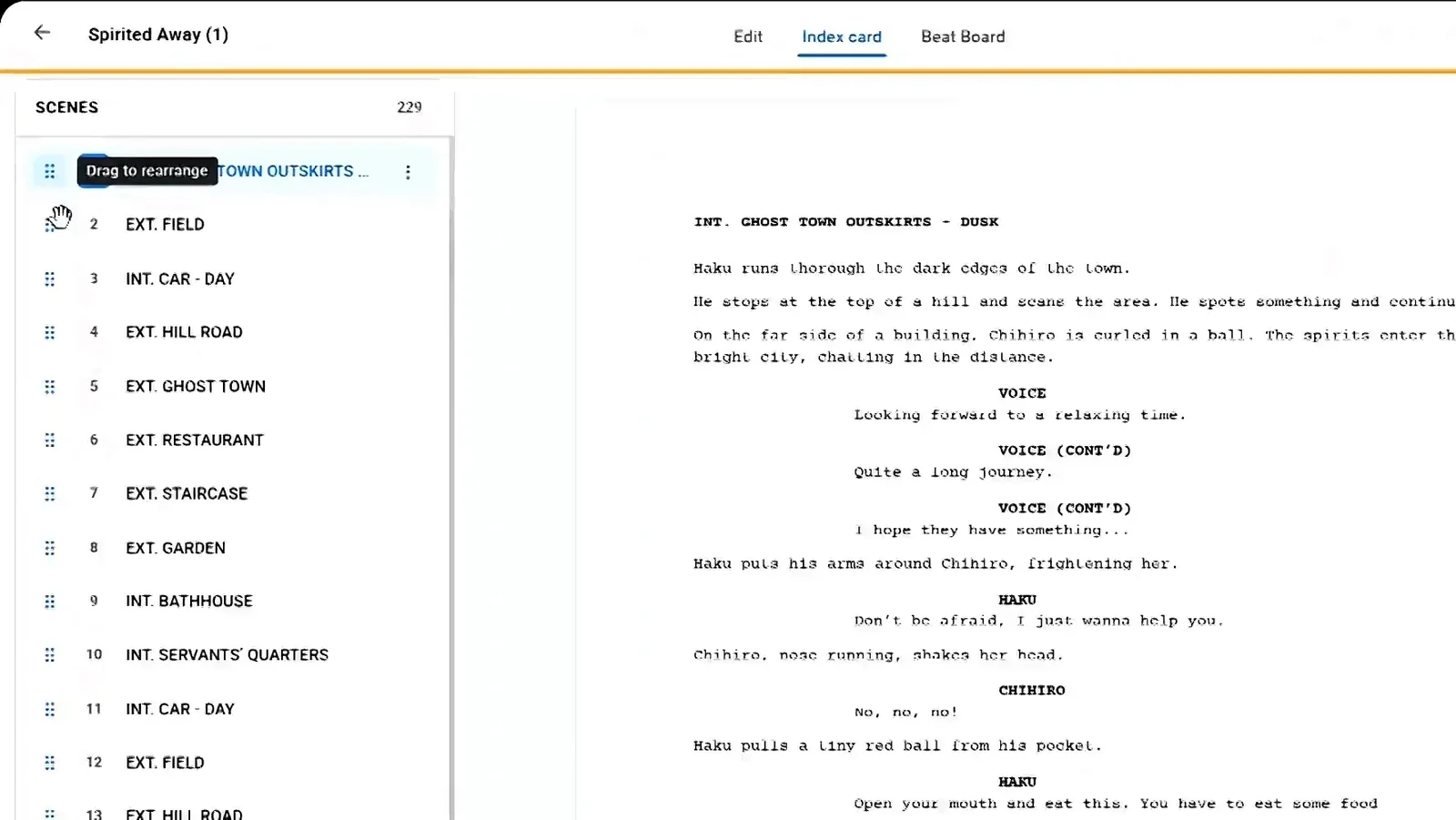
Index cards help with the next step. Dragging scenes into a new order is the fastest way to test whether a flashback works better early, as a hook, or late, as a reveal. Moving it ten pages can change it from a clue into a twist.
Common Flashback Mistakes
- Opening the script with a flashback before we care about the present-day character.
- Using a flashback to repeat something the audience already saw or was told.
- Forgetting to mark the return to the present, so the reader is lost.
- Changing a character cue between timelines, such as MEERA in one scene and YOUNG MEERA in the next for the same age.
If your flashback is closer to a dream or a hallucination, the rules shift, since dream logic does not need to be accurate. Our guide on how to write a dream sequence in a screenplay covers that case, and the complete screenplay formatting guide explains scene headings and transitions in more depth.
FAQ
Should I write FLASHBACK in the scene heading or as a transition?
Use the scene heading tag for a single scene. Use BEGIN FLASHBACK and END FLASHBACK when the flashback runs across several scenes.
How long should a flashback be?
As short as possible while still playing as a scene. Many effective flashbacks are under two pages.
Can I start a screenplay with a flashback?
You can, but it is risky. Unless the past event is the real hook, open in the present and let the audience earn the trip backward.
Write Your Flashbacks in Studiovity
A clear flashback depends on clean formatting and a structure you can see. Studiovity gives you an auto-formatting editor, a beat board, index cards and export to PDF, Fountain or FDX in one place. Start writing your screenplay in Studiovity and map your past and present timelines before you write a single page.