
Phone calls look simple until you try to put one on the page. Two people talk, but they are in different places, and the reader has to know at every moment who is visible, who is only heard, and where the camera is. Get it wrong and a tense conversation turns into a confusing block of names and parentheticals.
This guide shows how to write a phone call in a screenplay using the three formats professional writers rely on: the one-sided call, the heard-but-not-seen call, and the intercut. You will also see how to handle texts, video calls and voicemail, plus the mistakes that make a reader stop and reread.
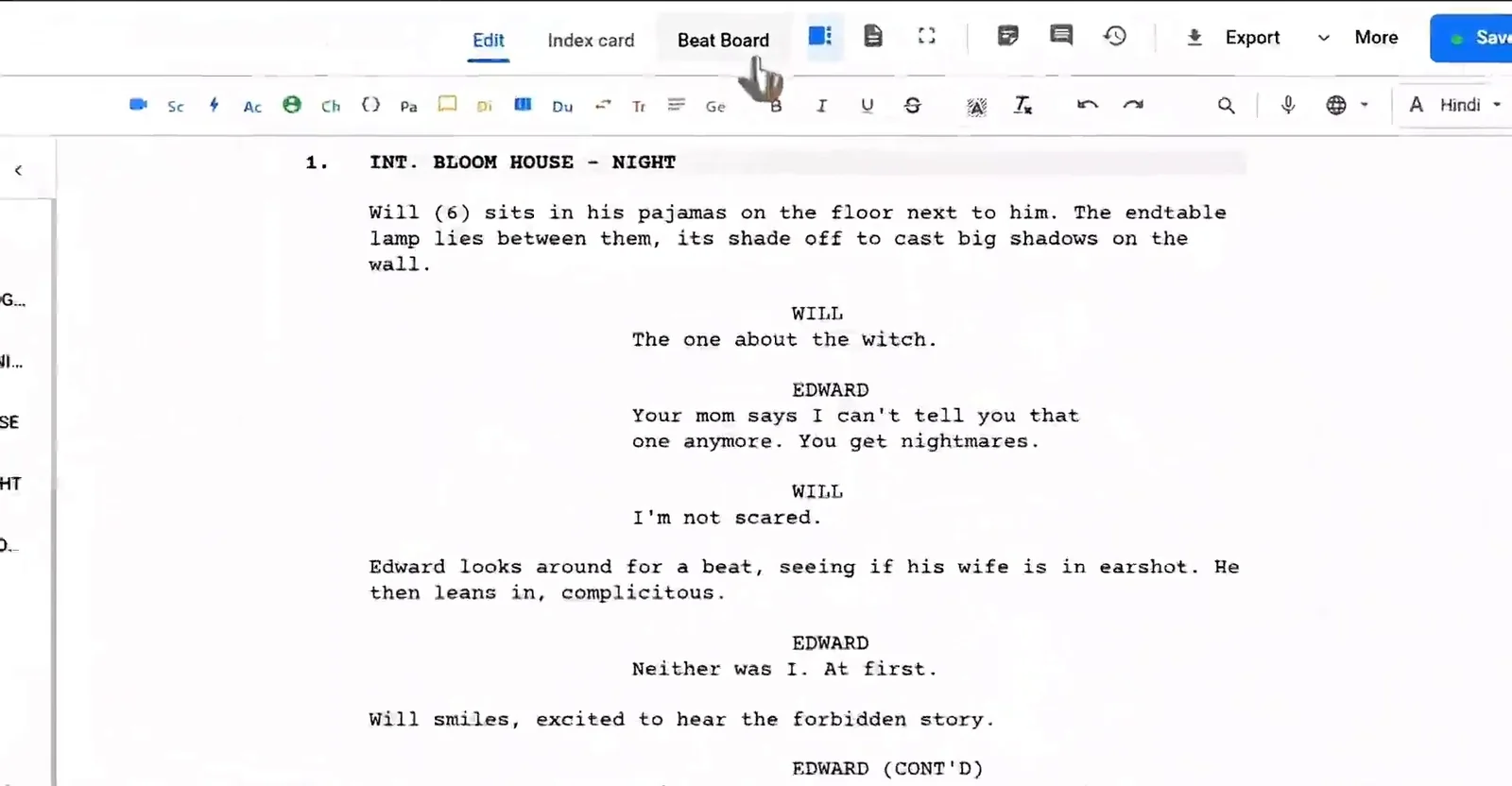
Here is a quick walkthrough of formatting a script in Studiovity, which handles scene headings, character cues and dialogue as you type:
Why Phone Calls Are Tricky on the Page
A screenplay is a promise about what the audience will see and hear. In most scenes the characters share a room, so a simple scene heading covers everything. A call splits that promise in two. You have to decide whether we stay with one character, cut between both, or only hear the other voice.
That choice is not just formatting. It is a storytelling decision. Staying with one side builds mystery, because we never see who is on the other end. Cutting between both sides lets you play reactions against each other. Once you know the effect you want, the format follows.
Option 1: Only One Side of the Call
Use this when the other person does not matter visually, or when you want the audience to fill in the gaps. We stay in one location and only hear one character speak. The pauses do the work.
INT. KAVYA'S CAR - NIGHT

Kavya grips the phone, engine still running.

KAVYA
No. I said Thursday.
(listens)
Then tell him to find someone else.
The parenthetical (listens) tells the reader there is a reply we do not hear. Use it sparingly. If every second line is (listens), the scene reads like a transcript. Let the action lines and the character’s reactions carry the rhythm instead. In a screenwriting app with auto formatting, parentheticals drop into the right position as you type, so you can judge the rhythm on a real page.
Option 2: Both Voices, One Location
Here we stay with one character but also hear the voice coming through the phone. The standard way to mark that voice is the V.O. extension, sometimes written as (V.O.) or (ON PHONE), because the speaker is not physically in the scene.
INT. KAVYA'S CAR - NIGHT

KAVYA
Where are you?

ARJUN (V.O.)
Outside the station. They won't let me in.
Do not confuse V.O. with O.S. Off screen (O.S.) is for a character who is physically present in the location but outside the frame, like someone shouting from the next room. A voice on a phone line is not in the room, so V.O. is the cleaner choice. If you want a refresher on how extensions sit next to names, see our guide on how to write a character cue in a screenplay.
Option 3: The Intercut
When both characters need to be seen, set up each location once and then tell the reader you will move freely between them. This is the INTERCUT, and it saves you from writing a new scene heading every time the camera switches.
INT. KAVYA'S CAR - NIGHT

Kavya dials. Rain on the windshield.

INT. POLICE STATION - CONTINUOUS

Arjun answers, back turned to the front desk.

INTERCUT - KAVYA'S CAR / POLICE STATION

KAVYA
Are they listening?

ARJUN
Every word.
Once the intercut is established, both characters speak without extensions because both are on screen. Add short action lines when you need a specific image, such as Arjun lowering his voice. When the call ends, return to a single location with a normal scene heading so the reader knows the intercut is over.
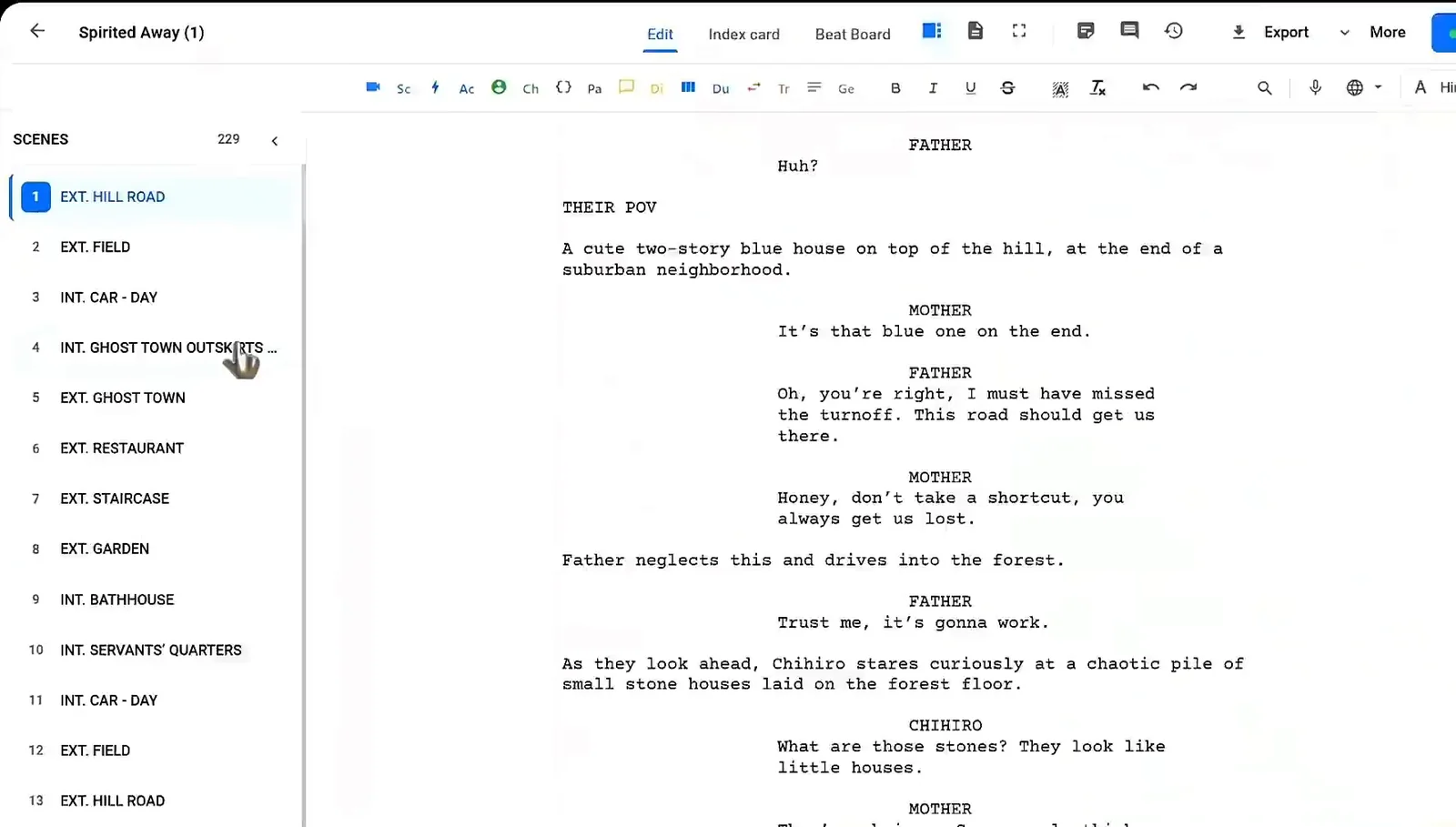
If you want these elements to snap into place while you write, the screenplay editor in Studiovity formats scene headings, transitions and dialogue automatically, so you can focus on the call itself instead of margins.
Texts, Video Calls and Voicemail
Text messages
Short texts can sit in the action line, in caps or in quotes, so the reader sees them as on-screen text. For a longer exchange, introduce the format once, then keep it consistent. Avoid pasting a whole chat log. Pick the two or three messages that change the scene.
Video calls
A video call is still a call, but now we see a face on a screen. Write the screen as part of the location (“Arjun’s face fills the laptop screen”) and use V.O. only if we hear him without seeing him. If both sides are shown full frame, an intercut works here too.
Voicemail
Treat a voicemail as a recorded voice. Use V.O. and add a brief action line that tells us it is a message, such as the phone showing a missed call. This keeps it distinct from a live conversation.
Common Mistakes to Avoid
- Writing a new scene heading for every line of an intercut instead of one INTERCUT line.
- Using O.S. for a voice that is coming through a phone.
- Stacking (listens) and (beat) until the dialogue disappears.
- Forgetting to close the intercut, so the reader is unsure where the next scene happens.
- Letting the call run for pages with no visual change. Give the actors something to do.
Good formatting is invisible. If the reader never has to ask who is speaking or where we are, the call is working. For the wider rules on margins, headings and page layout, our detailed guide on how to format a screenplay covers the basics.
FAQ
Should I use V.O. or O.S. for a phone voice?
Use V.O. for a voice heard through a phone, because the speaker is not physically in the scene. Keep O.S. for characters who are in the location but out of frame.
How long can an intercut phone call be?
As long as the drama holds. Most work best at one to three pages. If it runs longer, look for a visual turn, a third character, or a reason to cut away.
Do I need CONTINUOUS in the second scene heading?
It is common and helpful, because it tells the reader that the second location happens at the same moment as the first.
Write Your Next Phone Scene in Studiovity
Phone calls are one of the fastest ways to raise tension, as long as the page stays clear. Try Studiovity’s screenwriting software free to draft intercuts, extensions and dialogue in industry-standard format on web and mobile.