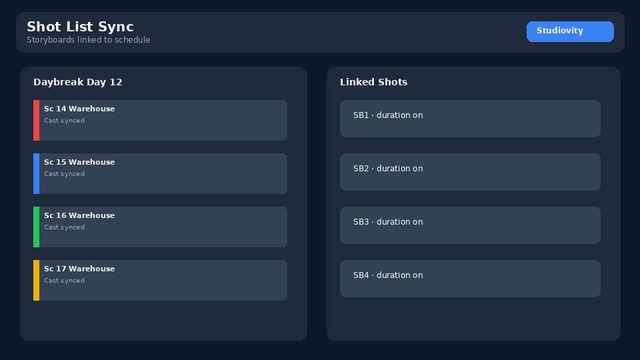
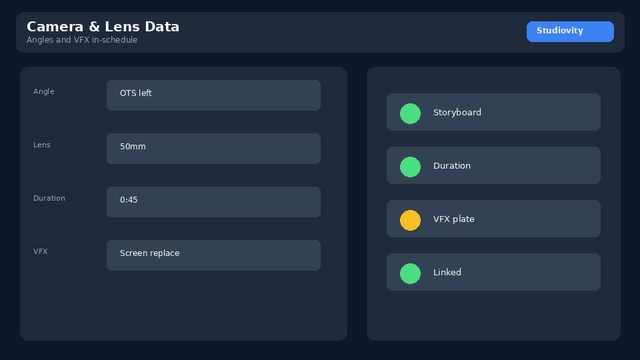
A shooting schedule without a linked shot list is half a plan. Assistant directors know the risk: a daybreak that fits pages on paper but overruns once camera setups, lenses, and VFX plates are counted. Shot List Sync closes that gap by tying every shot—storyboard frame, angle, and duration estimate—to the master stripboard so creative intent and daily logistics stay in one workspace.
Why disconnected shot lists slow production
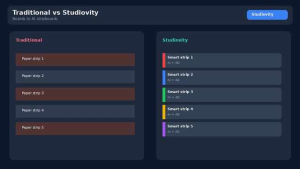
Many teams still keep storyboards in one tool, camera plans in a spreadsheet, and the stripboard elsewhere. When a scene moves days, the shot list does not follow. Duration estimates drift, VFX notes get lost, and the call sheet understates the work. Linking shots to schedule rows fixes that: change the board, and the visual plan updates with it.
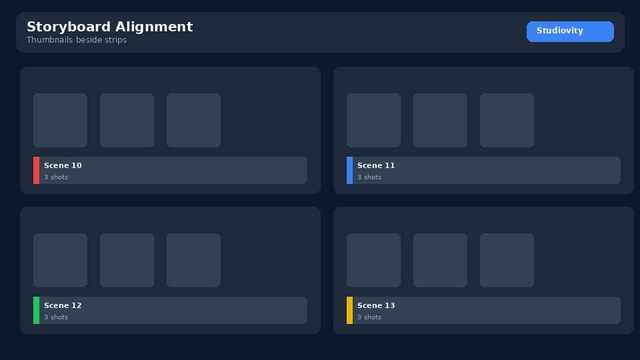
Studiovity’s Shot List Sync lets you visualize storyboard images and manage camera angles, lens data, and VFX checks inside the film scheduling workspace. Precise duration estimates help you avoid overcommitting a day before the trucks roll.
How sync improves daybreaks and handoffs
When shots sit on the same board as scenes, ADs can see whether a “short” page day is actually a heavy setup day. Line producers gain clearer resource signals. Directors keep creative continuity without chasing separate files. Instant call sheets from daybreaks then pull tagged assets and shot context so the crew arrives aligned—Studiovity’s call sheet software turns the locked day into a shareable sheet without retyping.
Producers comparing platforms can review Studiovity film scheduling software for how AI Film Scheduling, episodic multi-script stripboards, boneyard management, and shooting schedule reports—including one-liners and DOOD—work beside Shot List Sync. PDF and Excel export keep distribution simple across departments.
A practical workflow for features and series
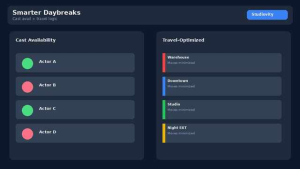
Start from your script breakdown, build or import the shot list, then sync shots to scheduled scenes. Use AI Film Scheduling to propose location- and cast-aware order (see how AI film scheduling cuts company moves and saves production days); refine with AD judgment. Park undecided scenes in the boneyard without deleting data. When the day is locked, generate the call sheet in one click—our guide From Daybreak to Call Sheet walks through it—and share reports so cast and crew share one source of truth.
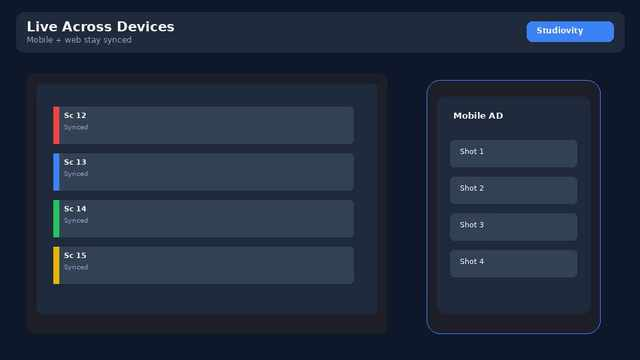
Mobile and web access, offline work, and real-time collaboration matter on set: the AD can confirm shot order on a phone while the UPM updates the board from the office. Teams working in ecosystems familiar across Netflix, Disney+, and peer platforms expect that level of continuity—not another siloed camera spreadsheet.
If your next shoot still reconciles storyboards by hand the night before call, bring Shot List Sync into the stripboard. Explore the full video TV film scheduling software feature set, or go deeper on alignment inside Studiovity’s scheduling platform.