
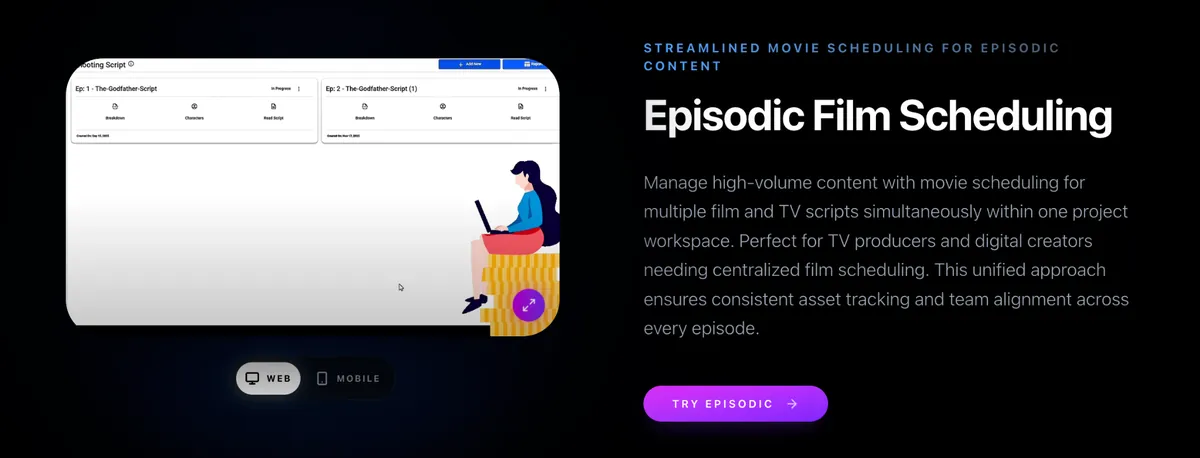
Episodic television rarely lives in a single script file. A season means multiple episodes, overlapping cast, shared locations, and directors who rotate week to week. When each episode sits in its own spreadsheet or PDF stripboard, version control collapses. The AD updates Episode 3 while the line producer still quotes Episode 2’s old day count. Multi-script stripboards in one workspace fix that fragmentation.
The multi-file trap
Legacy workflows treat every episode as an island. You export one board, email another, and paste cast notes into a third. Cross-episode conflicts—same lead booked on two units, or a location double-booked across episode shoots—surface late. Assistants burn evenings reconciling files instead of protecting the call. Episodic movie scheduling should behave like one production system, not a folder of orphans.
One stripboard workspace for the season
Studiovity’s Episodic Movie Scheduling keeps multiple scripts visible in a shared stripboard environment. You plan across episodes without jumping between disconnected documents. Cast availability, locations, and resources stay contextual to the season, so an actor’s hold on Episode 5 is visible while you board Episode 4. Compared with traditional practice—episodic work split across multiple files—one workspace reduces version drift and speeds approvals.
Real-time collaboration lets the first AD, second AD, and UPM edit with shared context. Offline and mobile access matter on location when connectivity drops between setups. For a practical overview of multi-episode tooling, review Studiovity video TV film scheduling and how episodic boards sit beside AI optimization and reporting.
What producers and ADs gain
- Consistency: day counts and company moves reflect the season, not a stale export.
- Visibility: shared locations and cast appear once, reused across episode boards.
- Speed: less copy-paste between files; more time refining the shootable day.
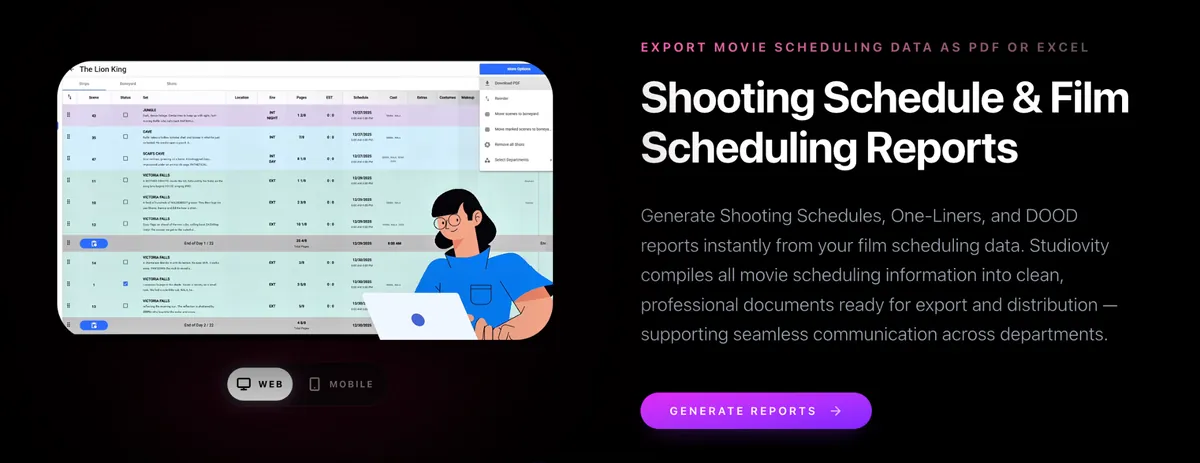
- Continuity into reports: shooting schedules, one-liners, and DOOD reports stay aligned with the live board.
Studiovity also supports instant call sheets from daybreaks, shot list sync, boneyard management, and PDF/Excel exports—so the episodic board is not a dead end. App trust signals include a 4.0 score across hundreds of reviews, with strong iOS ratings, and the product sits comfortably alongside familiar industry workflow logos.
If your writers’ room is delivering scripts weekly, your scheduling workspace should absorb them without spawning new file silos. Open multi-script film scheduling software to see episodic stripboards in context, then compare the full feature set on the Studiovity scheduling software page.