
Default breakdown categories were designed for a "typical" film: a few locations, contemporary wardrobe, everyday props. Then a script arrives with alien prosthetics, 1920s motorcars and a haunted house that needs to breathe. Squeeze those needs into "props" or "miscellaneous" and they vanish into the noise. Custom categories keep the unusual work visible. Custom breakdown categories keep that unusual work visible instead of burying it under props or miscellaneous.
When defaults are not enough
Standard categories, such as cast, extras, props, costumes, makeup, vehicles, animals and special effects, cover most scripts. But genre productions consistently produce work that deserves its own bucket, because it has its own crew, budget line or schedule constraint. A good test: if an item needs a specialist vendor or a dedicated person to track it, it probably deserves a category. For the default buckets every AD starts with, see our guide to script breakdown elements.
Ideas by genre
Some examples that show up again and again:
- Sci-fi: practical screens and playback, creature or prosthetic work, VFX plates, futuristic weapons.
- Period: period vehicles, signage and graphics, historical research notes, hair and wig continuity.
- Horror: blood and gore rigs, practical scares, prosthetic transformations, lighting effects such as flicker.
- Action: stunt rigs, weapons and blanks, precision driving, crash cars.
- Musical: playback tracks, choreography, featured dancers.
Building custom categories in Studiovity
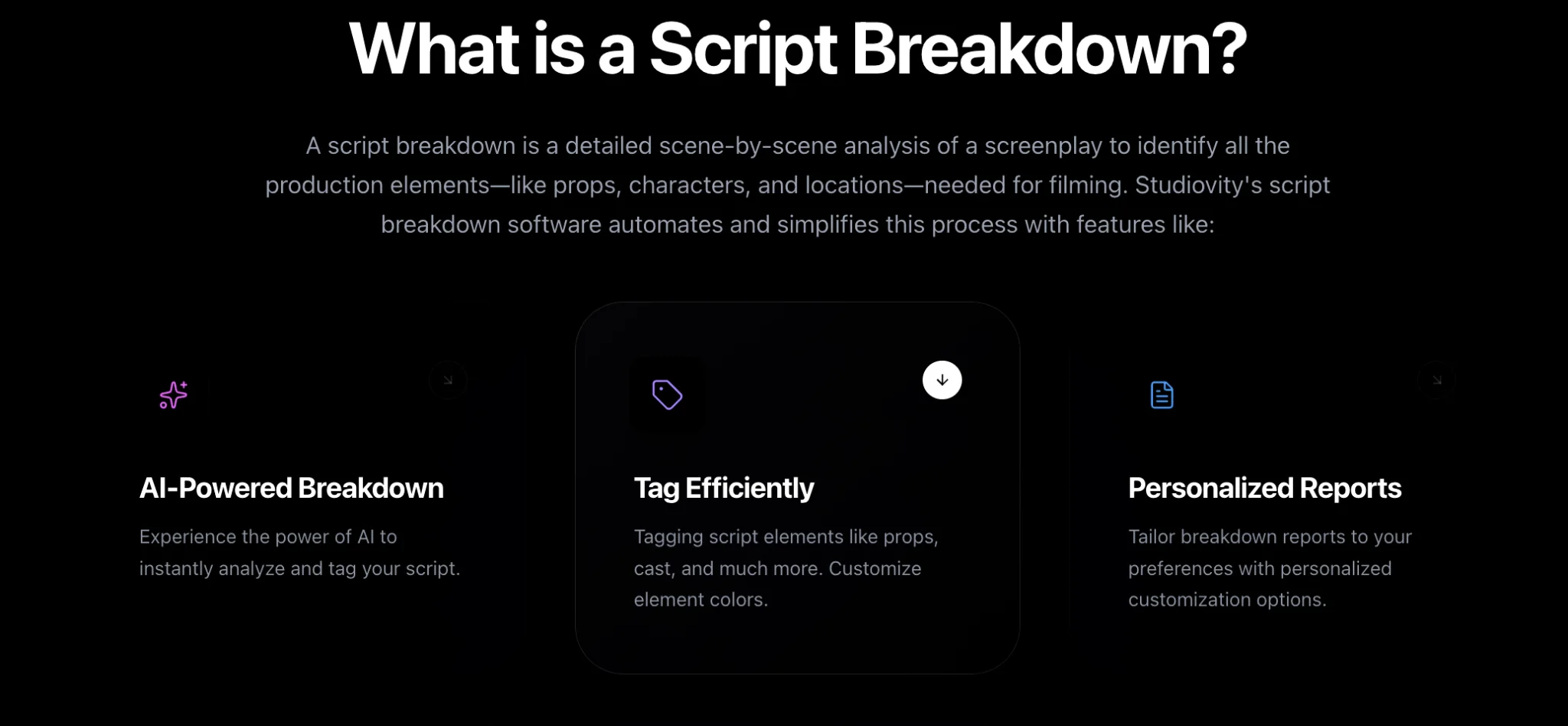
Studiovity’s AI script breakdown software lets you create custom categories and add unique elements beyond the AI defaults, then assign each category its own color. Once a category exists, you can tag elements into it manually across the script, and those tags behave just like built-in ones: they appear on breakdown sheets, filter in reports and flow into scheduling.
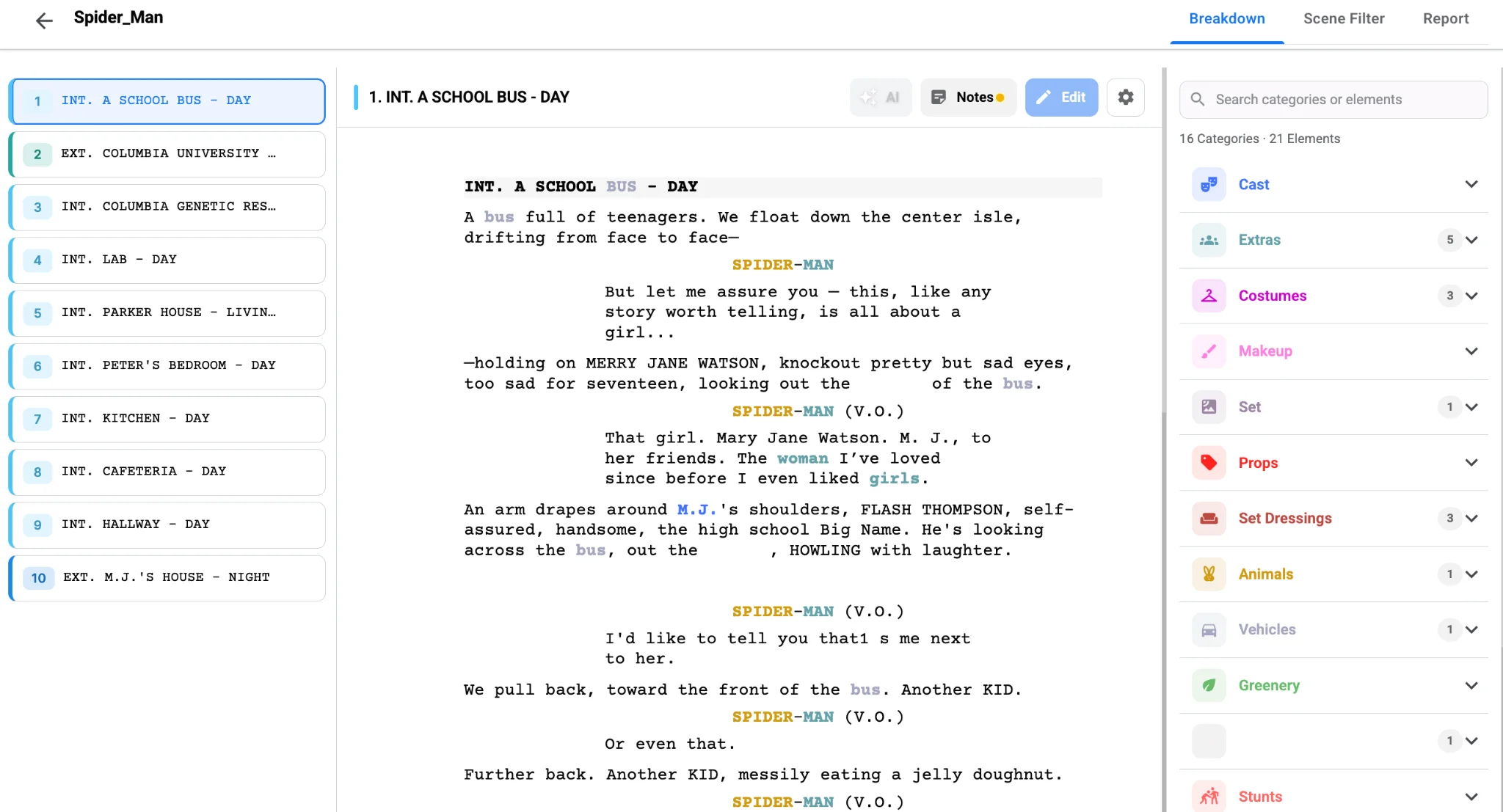
One line producer on a sci-fi project described customizing categories for the production as a game changer, and that is the common experience. When the creature team can filter the breakdown and see every scene that involves their work, they plan with confidence instead of guessing from the script.
Keep it lean
Custom categories are powerful, but too many make the breakdown harder to read. Aim for a handful that reflect real cost centers, not every passing idea. Name them clearly so a crew member joining in week three understands them instantly, and agree on them with department heads before tagging begins so nobody has to re-tag later. Give each new bucket a clear color so it stays readable; our post on script breakdown color codes covers the industry palette.
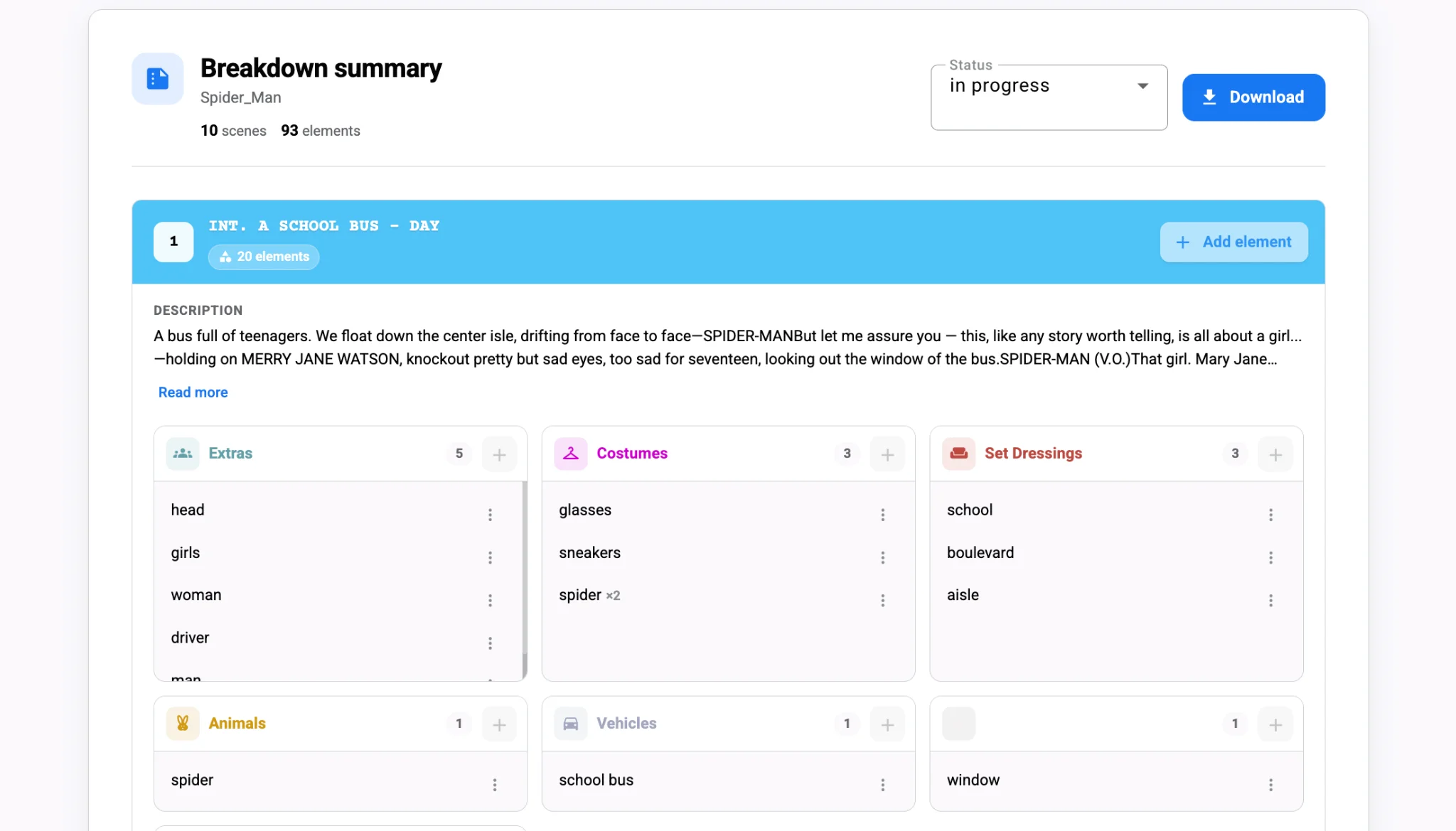
Once set, export category-specific reports for the specialist teams and connect the same elements to cost estimates in Studiovity’s movie budgeting software. A creature effects category that totals scene by scene gives the producer a clear line to price, rather than a vague allowance.
Revisit the categories after the first draft of the schedule. If a custom bucket barely appears, fold it back into a default category. If one keeps growing, it may need splitting. The script breakdown tool keeps every tag intact as you reorganize, so tidying the structure never costs you data.
A simple naming habit helps across the team: prefix custom categories with the department that owns them, such as "Art – Period Signage" or "MUFX – Prosthetics." Anyone filtering the breakdown then knows instantly who to call about a tag.
The payoff
Genre films live or die on the details that defaults do not anticipate. Create a few well-named custom categories, give them bold colors and run reports from them early. Tailor your next genre breakdown in Studiovity and make sure the unusual work gets the planning it needs.