
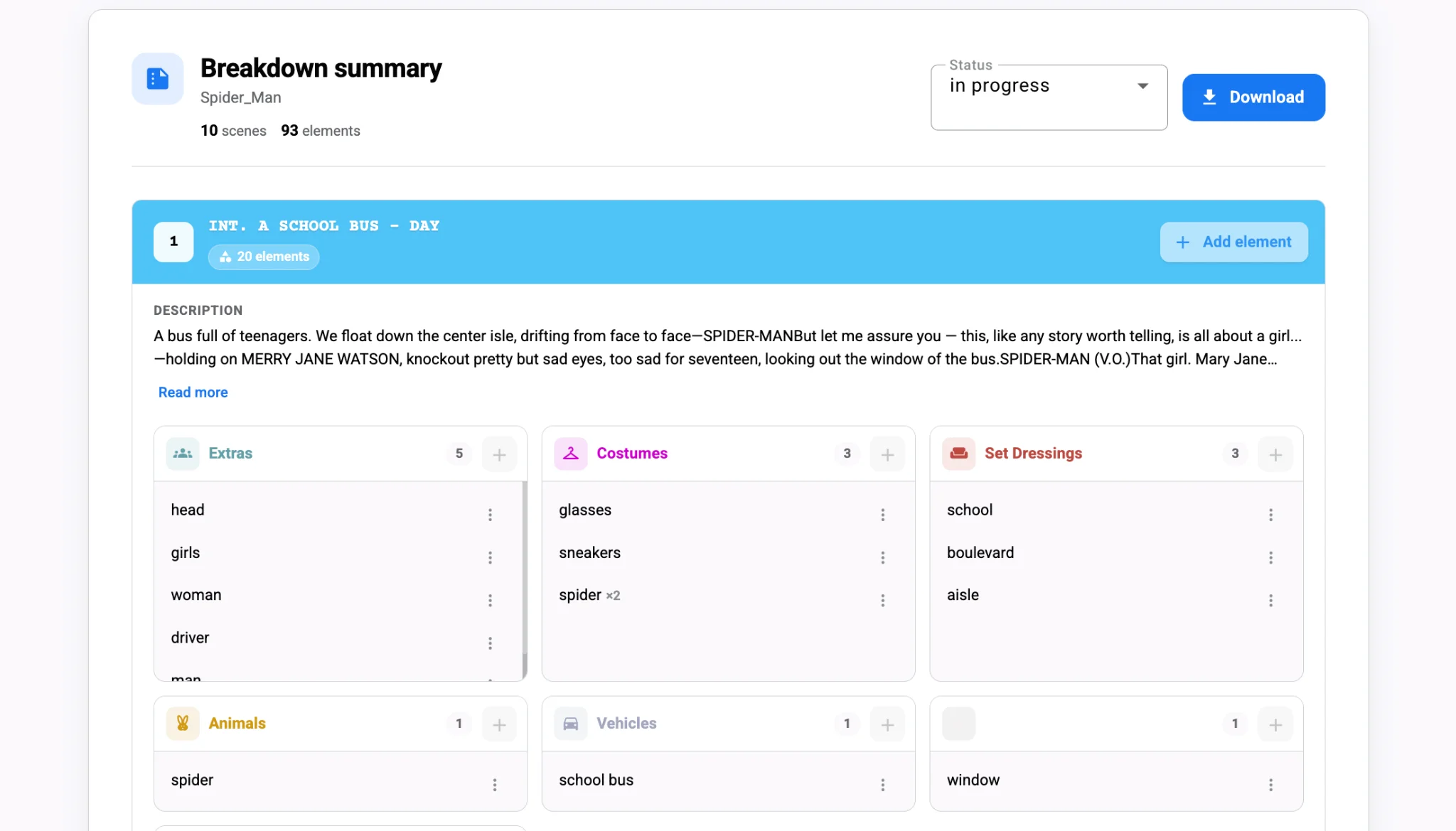
Background actors are the easiest element to undercount and one of the hardest to fix late. A script says "the bar is packed" or "commuters rush past," and nobody writes down a number. On the day, the AD is asking for thirty people and the casting agency has booked eight. The fix starts in the breakdown, where crowds get tagged with the same care as principal cast. Here is how to tag extras and background actors in a script breakdown so crowd counts, rates and continuity stay accurate.
Separate the three types of non-principal performers
Not everyone without a speaking role is the same. Most productions split them like this: Principal cast is a different job; our guide to building a cast list from your screenplay covers speaking roles and day players.
- Silent bits: performers with a specific, directed action, such as the waiter who hands over a note.
- Featured extras: background that the camera will notice, such as a dancer near the lead.
- Atmosphere: the general crowd that fills the frame.
Each type has different rates, booking lead times and wardrobe needs, so tag them separately. Traditional breakdowns use yellow for silent bits and green for atmosphere, and keeping that convention makes crowd scenes easy to spot.
Put a number on every crowd
The most valuable thing you can add to an extras tag is a count. Turn "busy cafe" into "Cafe patrons x20" and "Barista x2." When the script is vague, make your best estimate and add a note for the director to confirm. That number feeds wardrobe fittings, catering, holding space and the casting agency’s booking.
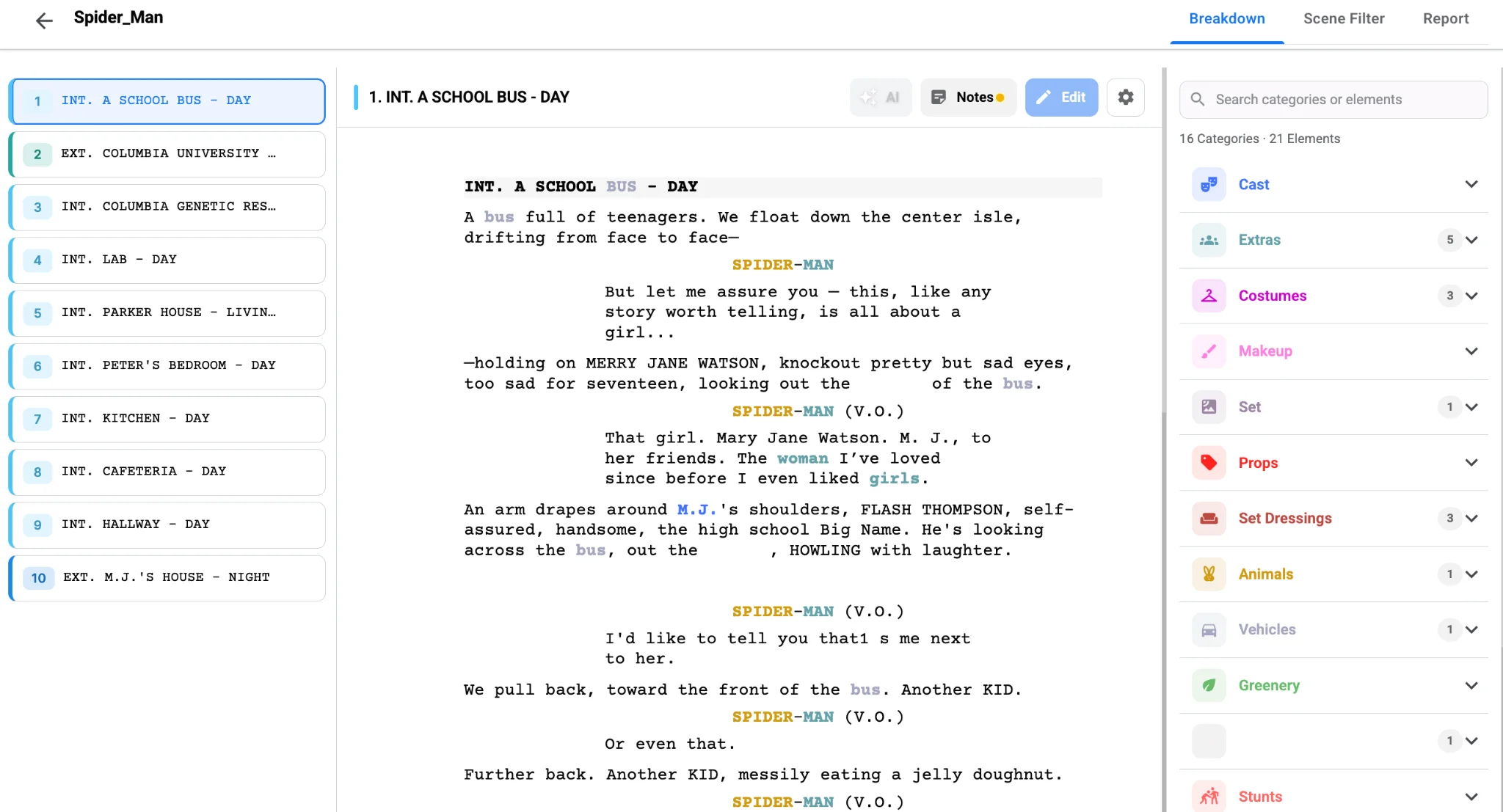
Studiovity’s AI script breakdown software tags extras alongside cast and other elements in each scene, so crowd needs appear on every breakdown sheet automatically. You then refine names and counts, and the breakdown summary shows extras grouped for each scene next to costumes and set dressing, which is exactly how the wardrobe and art teams want to read them.
Track continuity for recurring background
Some background actors are not anonymous. The same neighbor who walks a dog in scene 4 should be the same person in scene 52. Tag recurring background with a specific name, such as "Dog Walker Neighbor," so casting books the same performer and wardrobe repeats the same look. Recurring looks also need wardrobe notes; see how wardrobe continuity starts in the script breakdown.
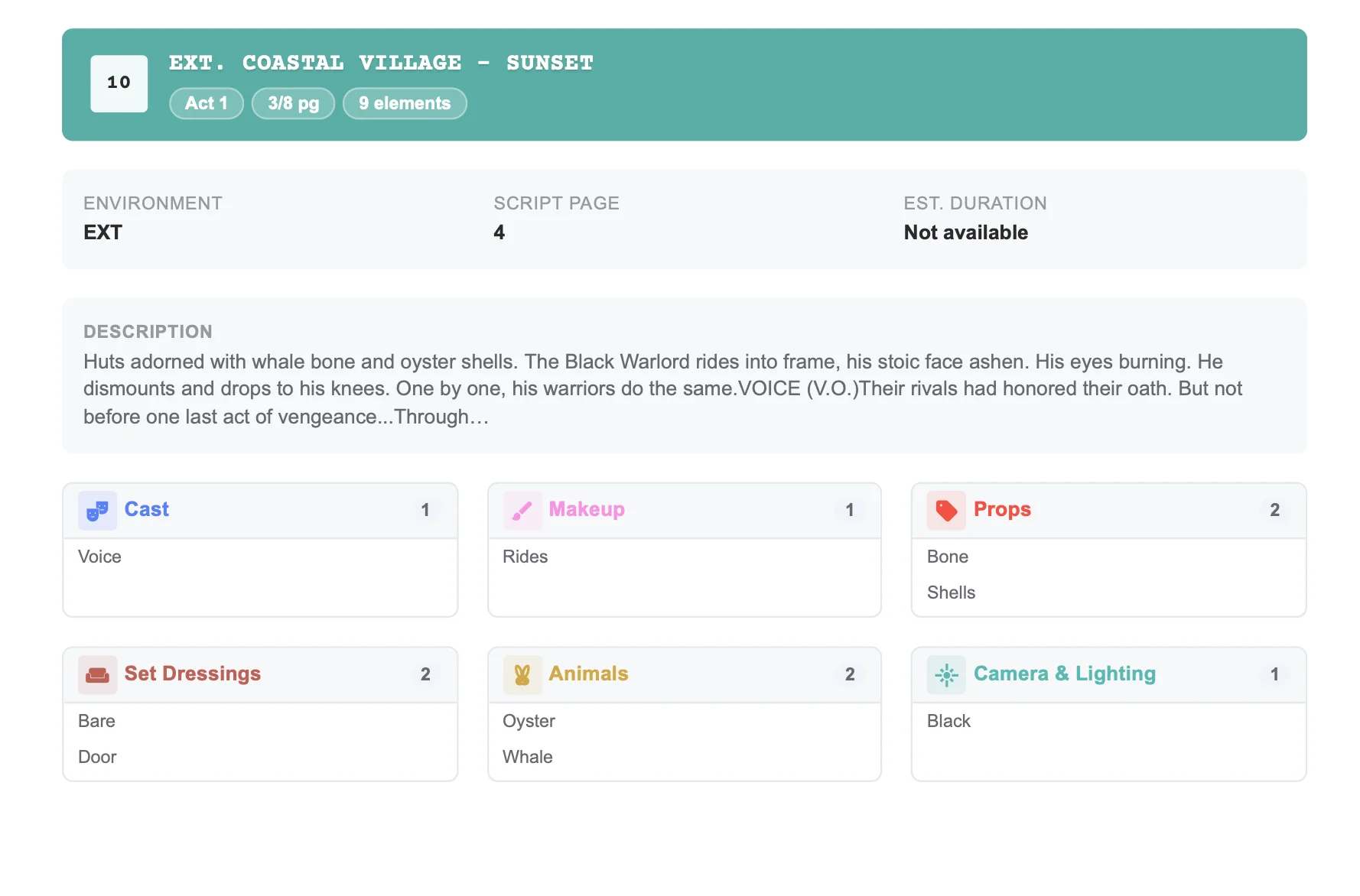
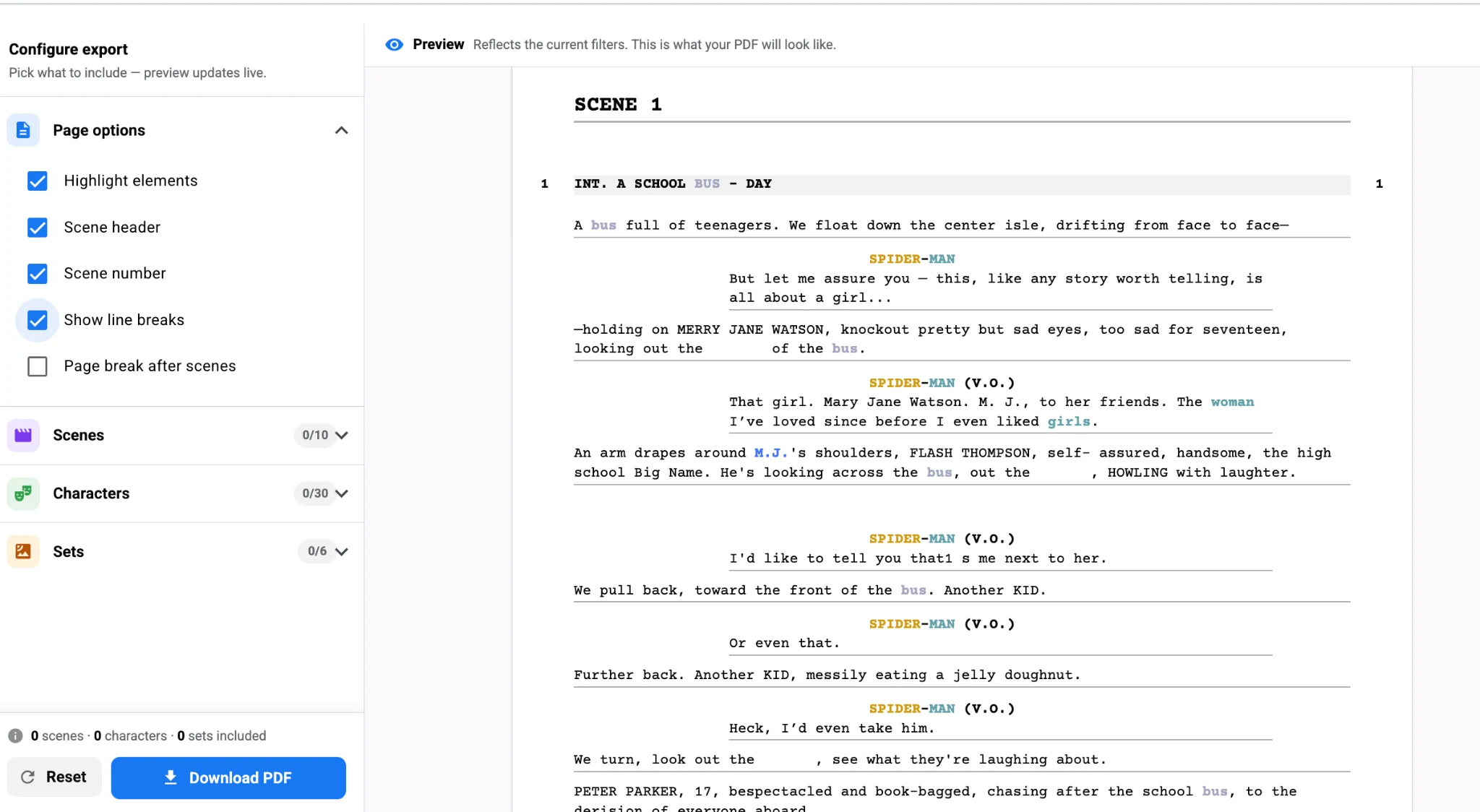
Period and uniformed extras need even more attention: soldiers, nurses, 1970s commuters. Pair the extras tag with wardrobe tags in the same scene so the costume team can count fittings, and use filters in the breakdown tool to export a crowd-only report for the casting agency.
Let crowd sizes shape the schedule
Large background days are expensive and logistically heavy. When extras tags flow into Studiovity’s shooting schedule, the AD can group crowd scenes by location so the same background can work multiple scenes in one day. That single decision can cut background costs considerably and simplify holding, catering and transport.
Finally, extras counts belong on the call sheet. When shoot days are generated from the same data, the background numbers on each day match what was planned in the breakdown.
The payoff
Crowds look effortless on screen because someone counted them in prep. Separate silent bits from atmosphere, put a number on every crowd, name recurring background and let those counts drive the schedule. Tag your next crowd scene properly in Studiovity’s AI script breakdown and never come up twenty people short again.