
Action lines are everything on a screenplay page that is not dialogue: what we see, what we hear and what characters do. Readers spend most of their time in them, and they decide quickly whether a script feels fast and visual or slow and heavy. Learning how to write action lines in a screenplay is one of the fastest ways to make your pages easier to read.
This guide covers the format of action lines, how long they should be, the language that keeps them moving, and a simple trim pass for your next draft.
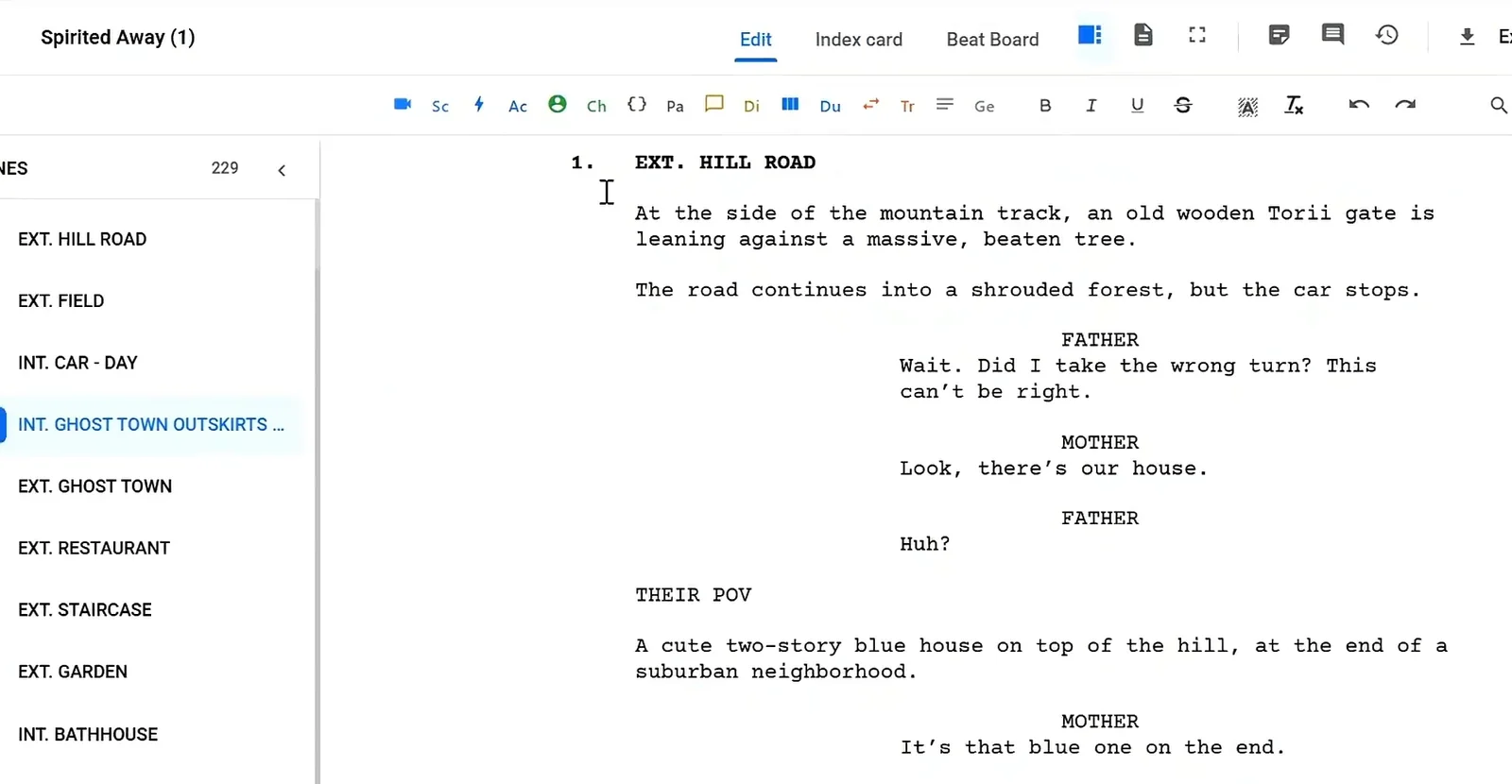
Here is a short Studiovity video on the screenplay editor where you write scene headings, action and dialogue:
What Action Lines Are
Action lines, also called scene description or simply action, sit directly under the scene heading and between dialogue blocks. They tell the reader what the camera would show: the setting, the characters on screen, their movements and any important sounds.
They run the full width of the page margin, in normal sentence case, and are always written in the present tense. The reader should feel the story happening now.
Action Line Format Basics
- Present tense, active voice. Write “Tara slams the door”, not “Tara slammed the door” or “The door is slammed by Tara”.
- Only what can be seen or heard. If the camera cannot capture it, it usually does not belong in action.
- Capitalise a character name the first time they appear, then use normal case after that.
- Capitalise key sounds or props sparingly if your style or production needs it, but do not overdo it.
- No camera directions unless essential. Words like “we see” and “close on” slow the read and step on the director.
How Long Should Action Lines Be
The most common advice is to keep each paragraph to three or four lines on the page. Long blocks of text are tiring and readers start to skim, which means they may miss something important.
Compare this heavy block:
INT. KITCHEN - NIGHT

The kitchen is dark and quiet and has not been cleaned in days,
with dishes stacked high in the sink and a faint smell of old
coffee everywhere. Tara comes in slowly, looking exhausted after
a long shift, and drops her bag on the floor before going to the
fridge to look for something to eat but finds nothing at all.
With this lighter version:
INT. KITCHEN - NIGHT

Dark. Dishes tower in the sink.

TARA (30s), still in her nurse's scrubs, drops her bag and opens
the fridge.

Empty. She stares at it anyway.
The second version is shorter, easier to picture and gives the reader a rhythm. Each paragraph is roughly one shot or one beat.
Use White Space to Control Pace
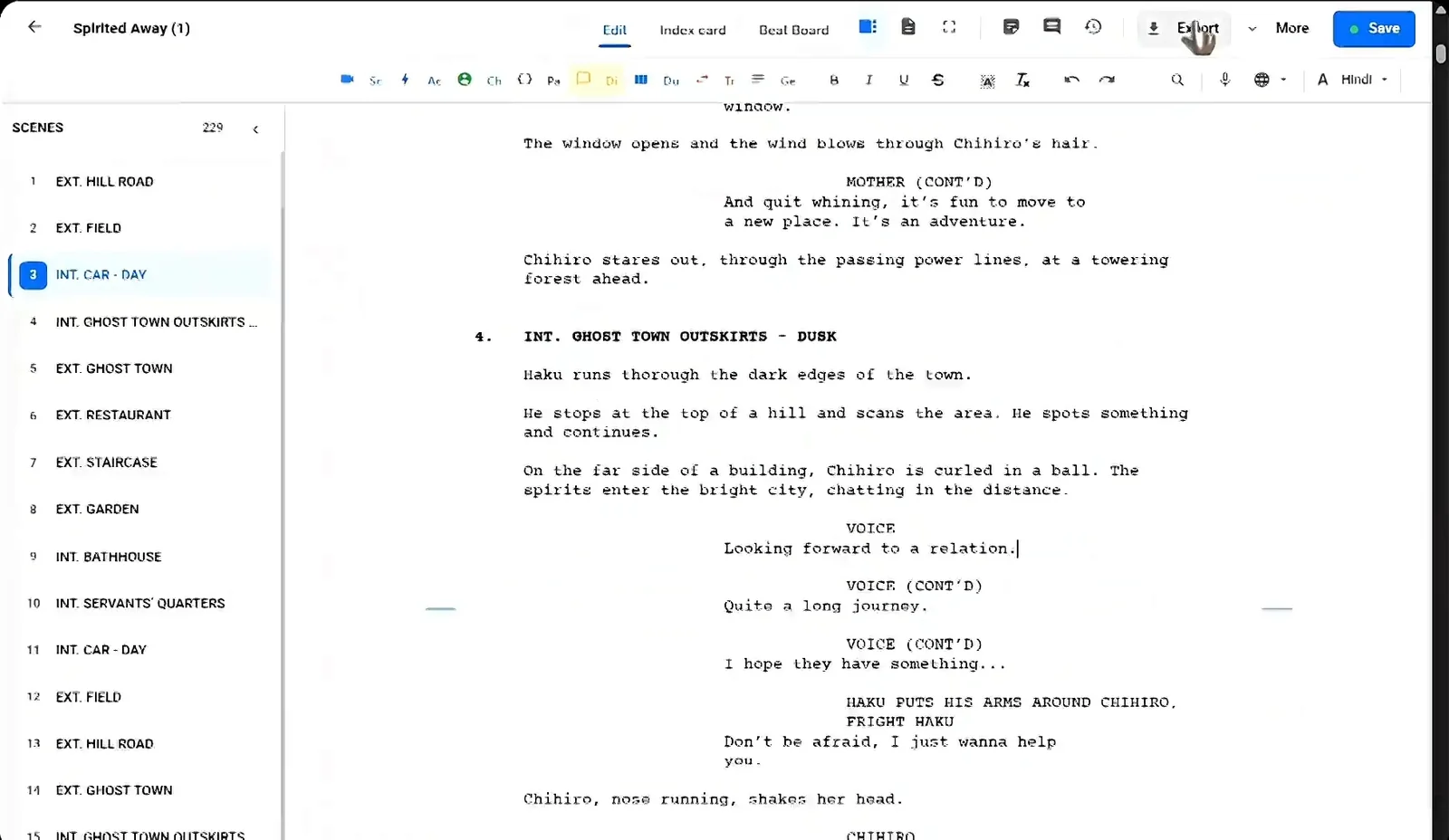
White space is a tool, not wasted paper. A new paragraph tells the reader that something new is happening, much like a cut. Short paragraphs speed the read up and work well in action, chase and suspense scenes. Slightly longer paragraphs can slow things down for a quiet or emotional moment.
When you draft in the Studiovity screenwriting software, the editor handles margins and element formatting for you, so you can focus on where each paragraph breaks and how the page looks at a glance.
Choose Strong, Specific Words
Pick Vivid Verbs
“Walks” tells us very little. “Shuffles”, “storms” and “creeps” each show a different mood. One precise verb often replaces an adverb and a whole clause.
Cut Filler Words
Phrases like “begins to”, “starts to”, “we can see” and “there is” add length without meaning. “He starts to run” becomes “He runs”.
Show Character Through Behaviour
Instead of writing that a character is nervous, show the behaviour: she checks her phone, puts it away, checks it again. Readers trust what they can see. If you want more on first appearances, see our guide on how to introduce a character in a screenplay.
Avoid Unfilmables
Thoughts, memories and backstory that the camera cannot show belong in dialogue, voice-over or a visual action, not in description. “She remembers her father” is unfilmable; “She touches the old watch on her wrist” is not.
A Trim Pass for Your Action Lines
After your draft, read only the action, skipping dialogue, and apply these checks:
- Break any paragraph longer than four lines.
- Delete “we see”, “begins to” and “starts to”.
- Replace weak verbs and adverbs with one strong verb.
- Remove anything the audience cannot see or hear.
- Make sure the most important image in each paragraph comes first or last, where it has the most impact.
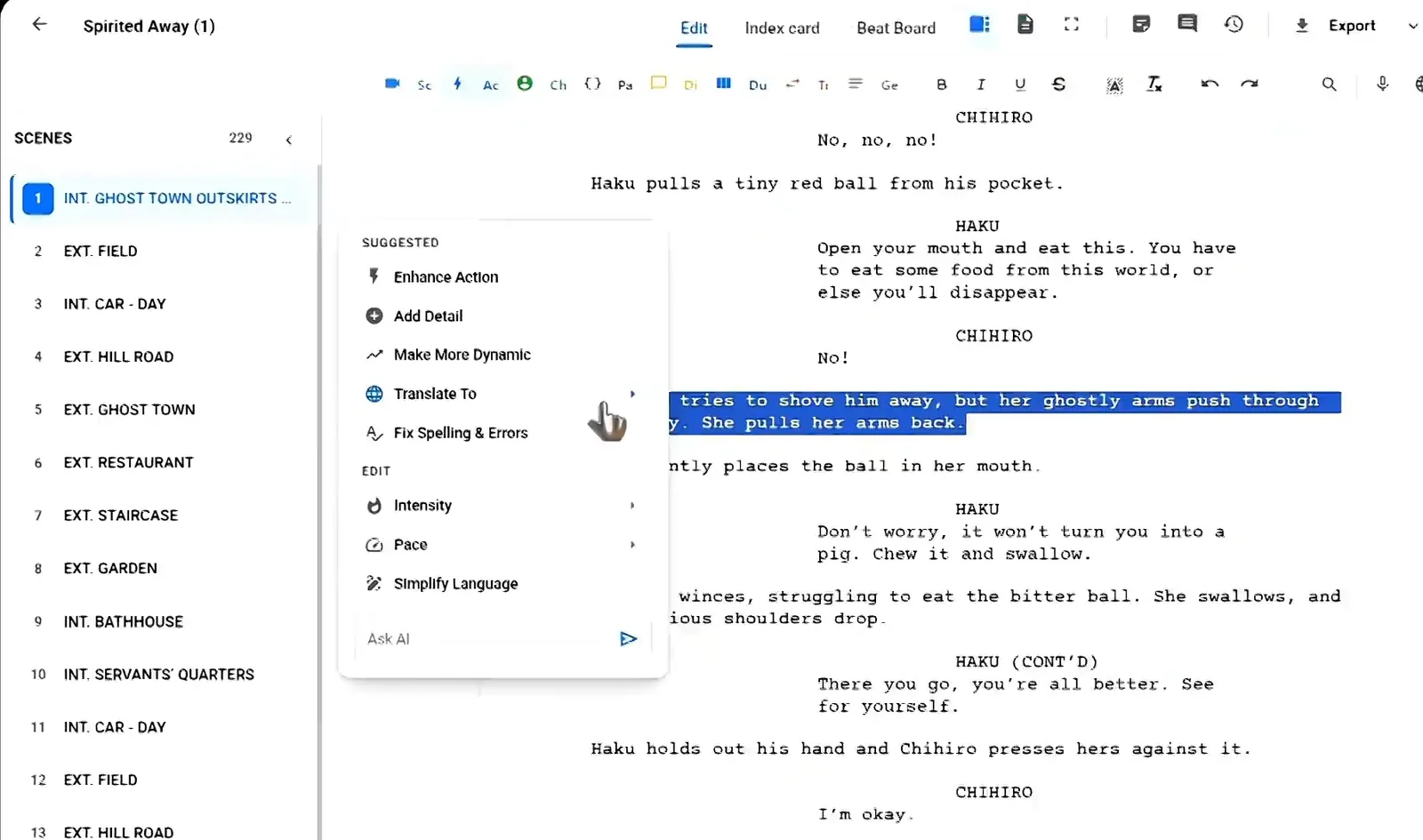
This pass often cuts a few pages from a feature script without losing a single story beat. Use the scene list in your Studiovity screenplay editor to move through the script one scene at a time, and lean on AI rewrite options when a description needs to be simpler or punchier. For the full layout of every screenplay element, see our complete guide to screenplay format.
FAQ
Can I write action lines in the past tense?
No. Screenplays use the present tense throughout so the story feels immediate, as if it is happening in front of the reader.
Are sentence fragments allowed in action lines?
Yes. Short fragments such as “Silence.” or “Empty.” are common and help with pace, as long as the meaning stays clear.
Should I describe every detail of a location?
No. Give two or three details that set the mood or matter to the story, and let the production team fill in the rest.
Write Lean, Visual Pages in Studiovity
Great action lines are short, present tense and full of things we can actually see. Break up heavy blocks, choose sharp verbs and cut anything the camera cannot capture. Start writing your screenplay in Studiovity and give every reader pages that move.