Night shoots deliver mood—and risk. Missed turnaround, stacked wrap-to-call gaps, and poorly ordered day/night flips burn out cast and crew and invite safety issues. Film scheduling that respects rest windows is not a luxury; it is how responsible productions stay on time and on budget.
Related video: Studiovity Film Pre-Production Software: AI breakdown, scheduling, and production calendar
Why turnaround belongs on the stripboard
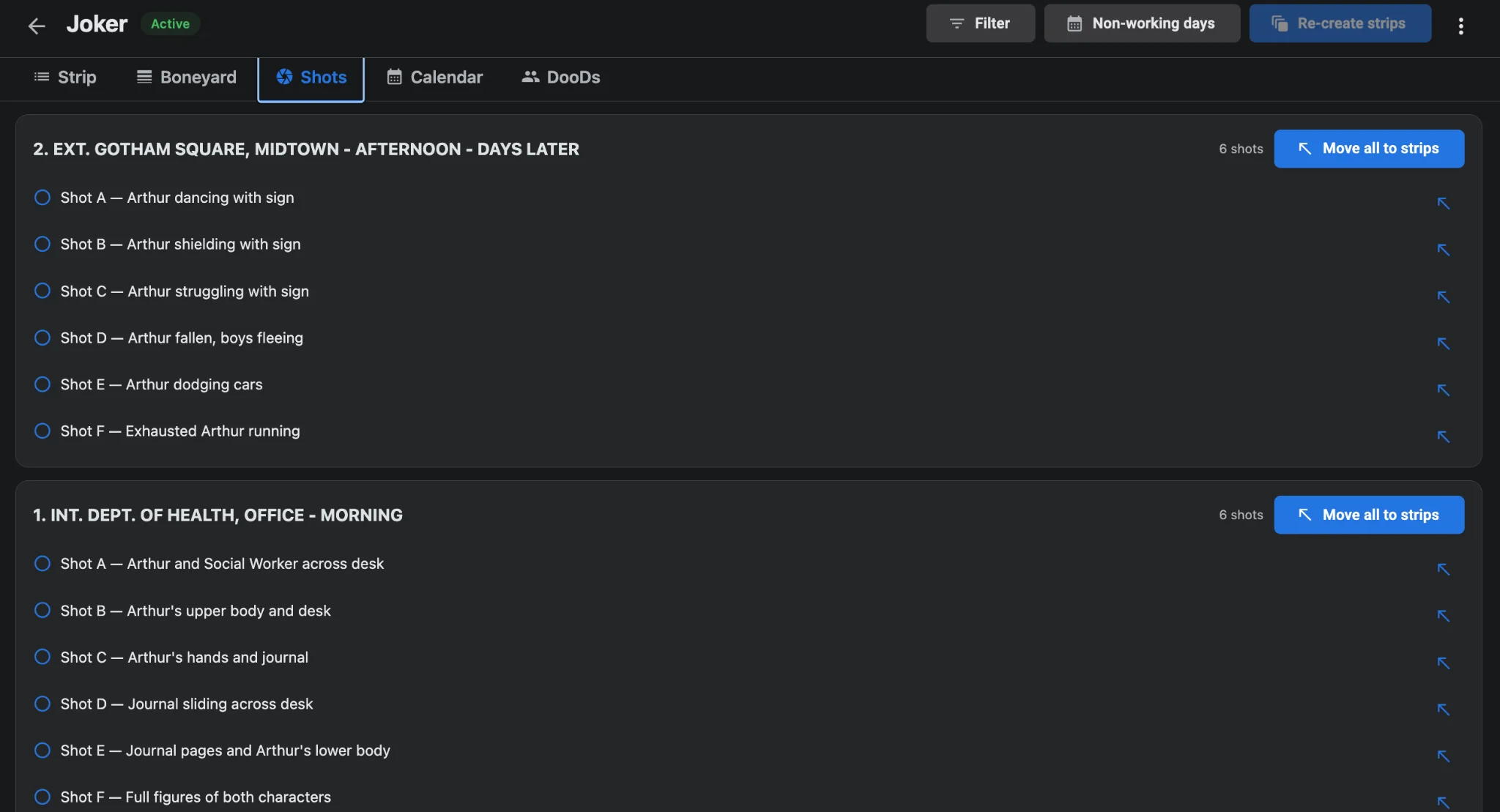
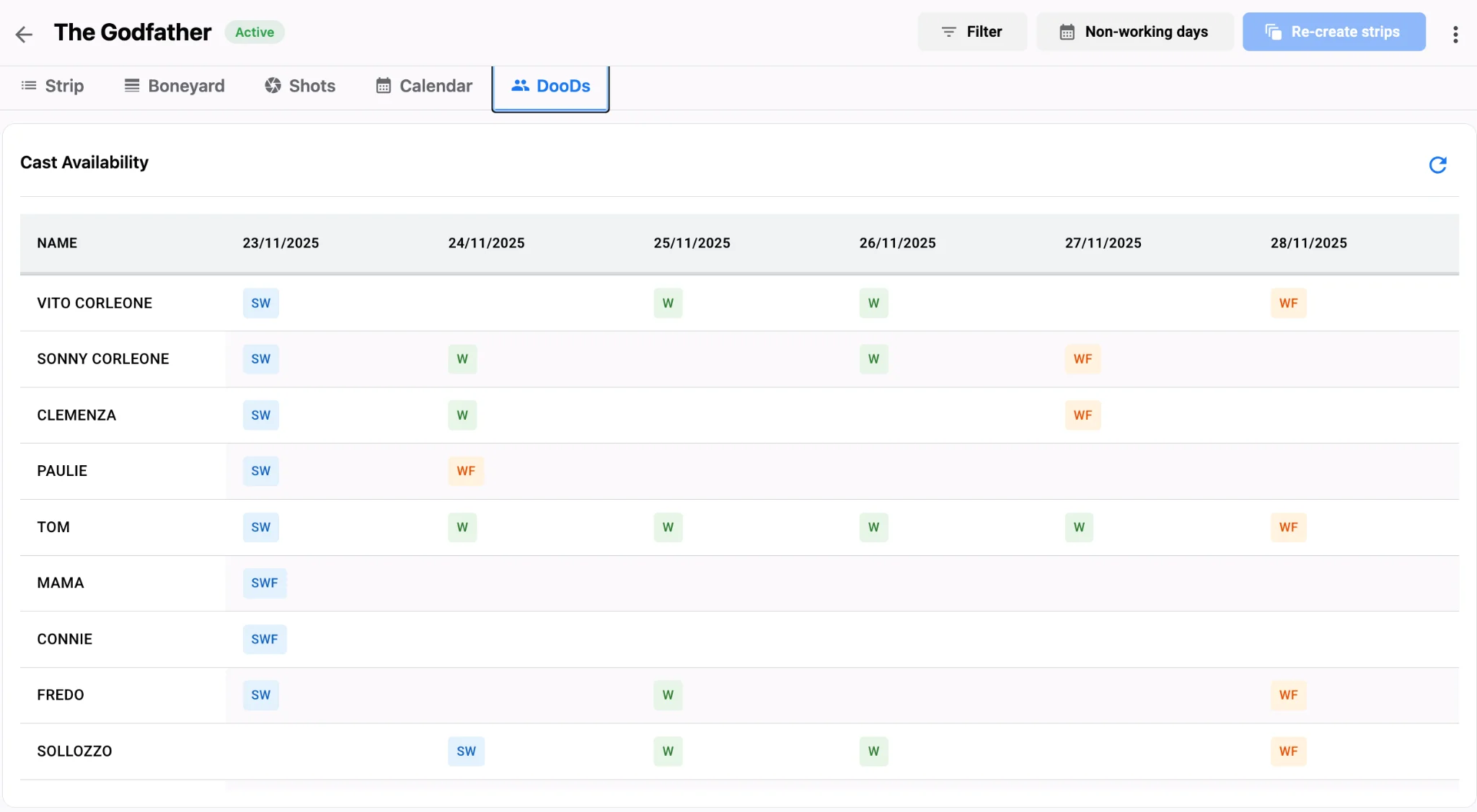
Spreadsheets that only track pages ignore the clock between wrap and next call. When a night exterior runs long and a dawn INT follows, the board may look efficient while the cast is under-rested. Day Out of Days reports help, but only if the shooting schedule encodes realistic work patterns. Grouping night work, protecting travel buffers, and avoiding impossible flips should be visible on the stripboard itself. Studiovity’s film scheduling software can propose order that clusters similar lighting conditions and cast sets, while AD judgment enforces union-aware rest. Cast availability checks reduce the chance that a night block collides with an early call the next morning. Shot List Sync adds duration honesty so “short” night pages are not secretly long setups.
Practical patterns for safer night blocks
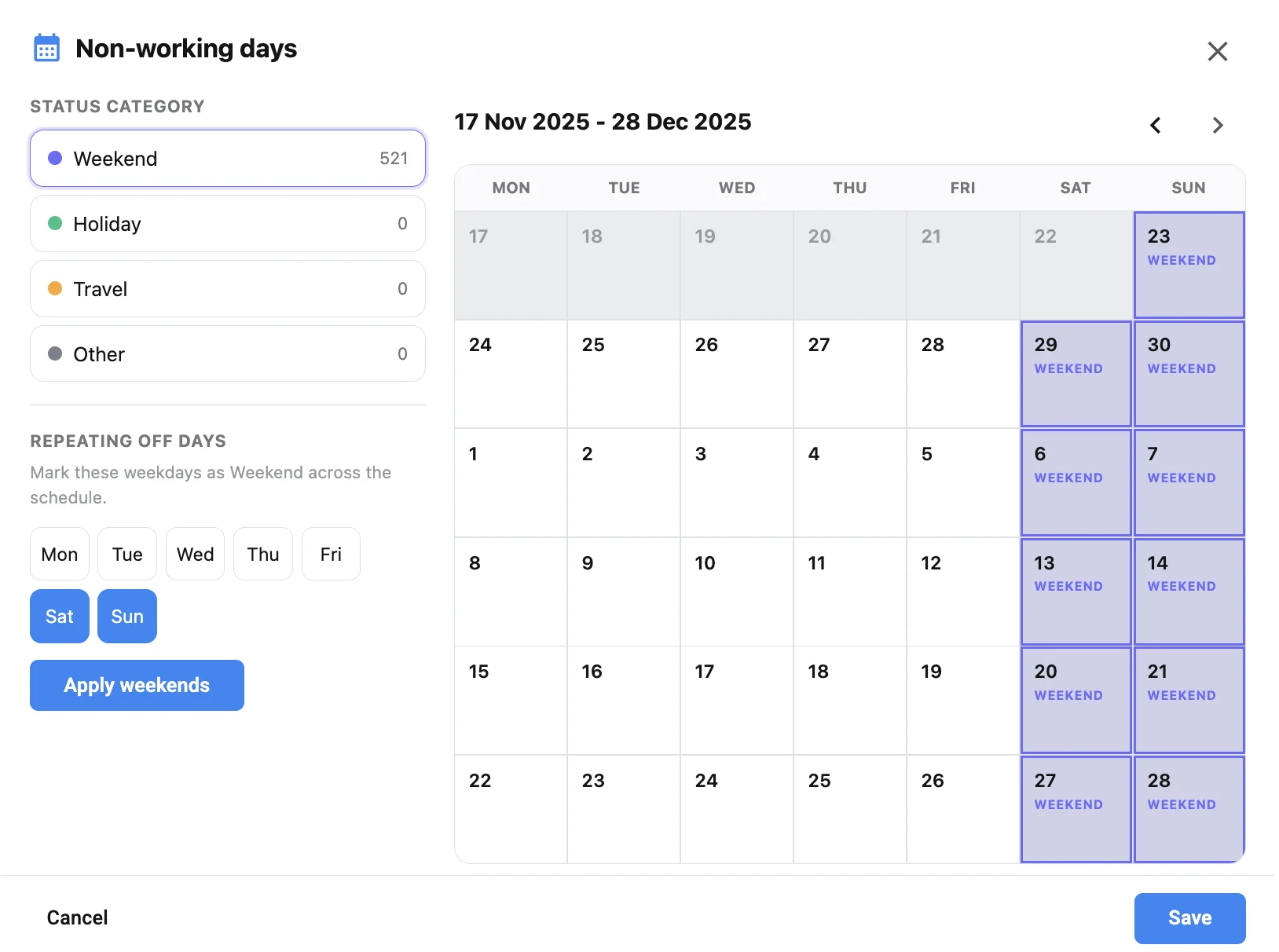
Batch night exteriors across consecutive calendar nights when story allows. Keep cover INT day work ready if weather or fatigue forces a pivot—boneyard scenes preserve options without data loss. Travel logic between distant night locations should include realistic company-move time so the board does not promise an impossible wrap. Mark weekends, holidays, and travel in the non-working days panel so a night block never pretends a rest day is available. Use one-click call sheets so call times, scenes, and tagged elements match the locked daybreak. Share one-liners and DOOD so producers and casting see workday load before it becomes a grievance. Pair those checks with cast availability and travel logic before you stack another late call.
From plan to protected call times
Build the board with night blocks first when they drive the schedule, then fill day work around turnaround constraints. Validate with DOOD and department reviews. If a night overruns, reshuffle live and regenerate with call sheet software—do not silently shorten rest. Production calendars keep the wider team aligned on which days are night-heavy; see the production calendar view so night-heavy weeks are obvious before they land on the call. Mobile and offline access let the AD adjust night order on set while the UPM monitors rest implications from the office in real time.
Walk the DOOD across every flip
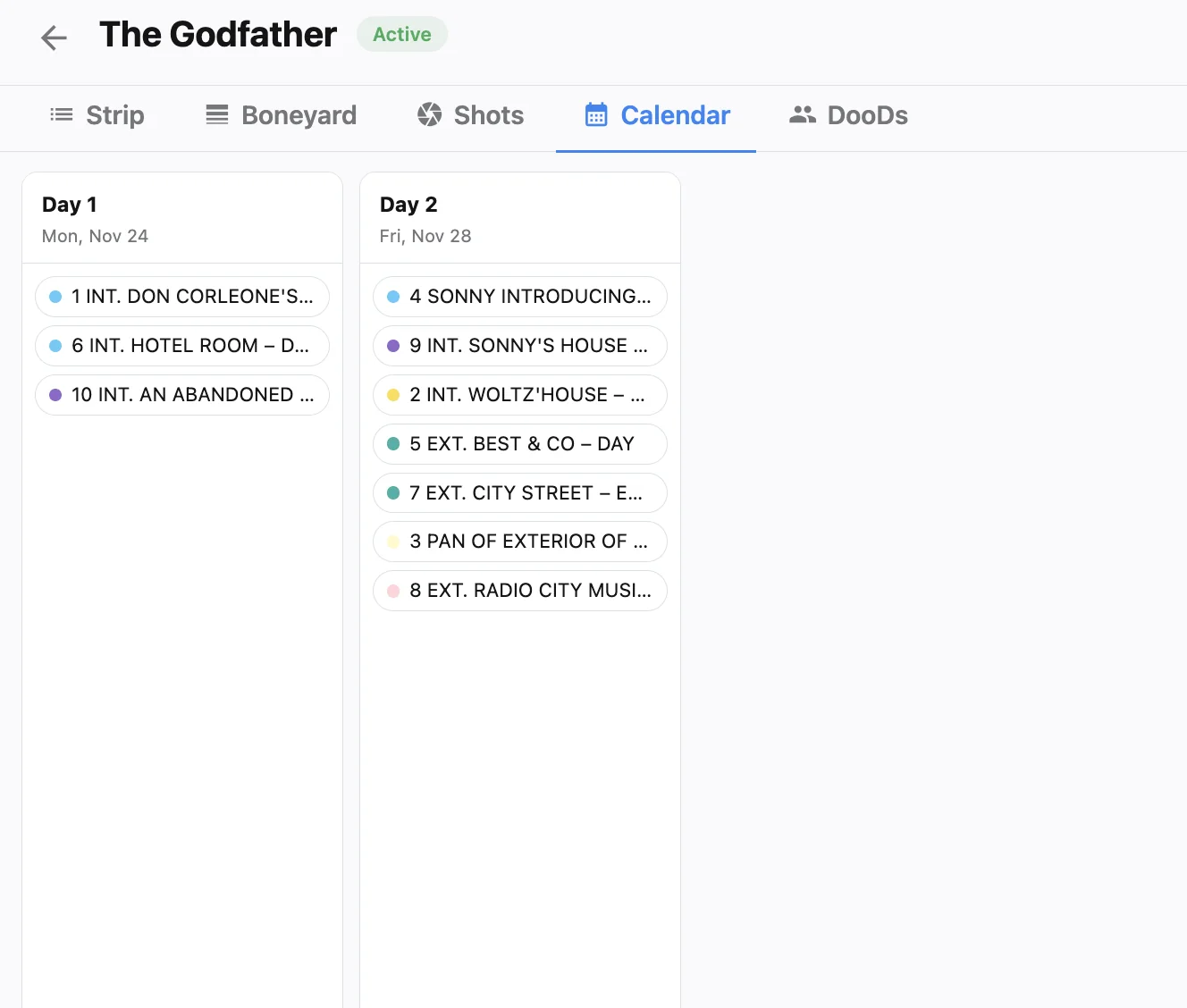
Before locking a night block, have the UPM and AD walk the DOOD for every principal who works across the flip. Look for wrap-to-call gaps that look fine on paper but collapse once travel and meal windows are added. If a dawn INT must follow a late EXT, park a lighter pickup as the first strip after turnaround so the day can start without forcing an unsafe call. Document those rest rules on the daybreak notes so every revision inherits them. Ask casting and transport to validate travel into night calls the same day you place the block. A legal turnaround on the board still fails if an actor’s hotel-to-set drive eats the rest window you thought you protected. Stress-test that pattern with AI film scheduling, keep the shooting schedule honest, and treat rest like any other hard constraint. Crews that sleep safely shoot better the next night.