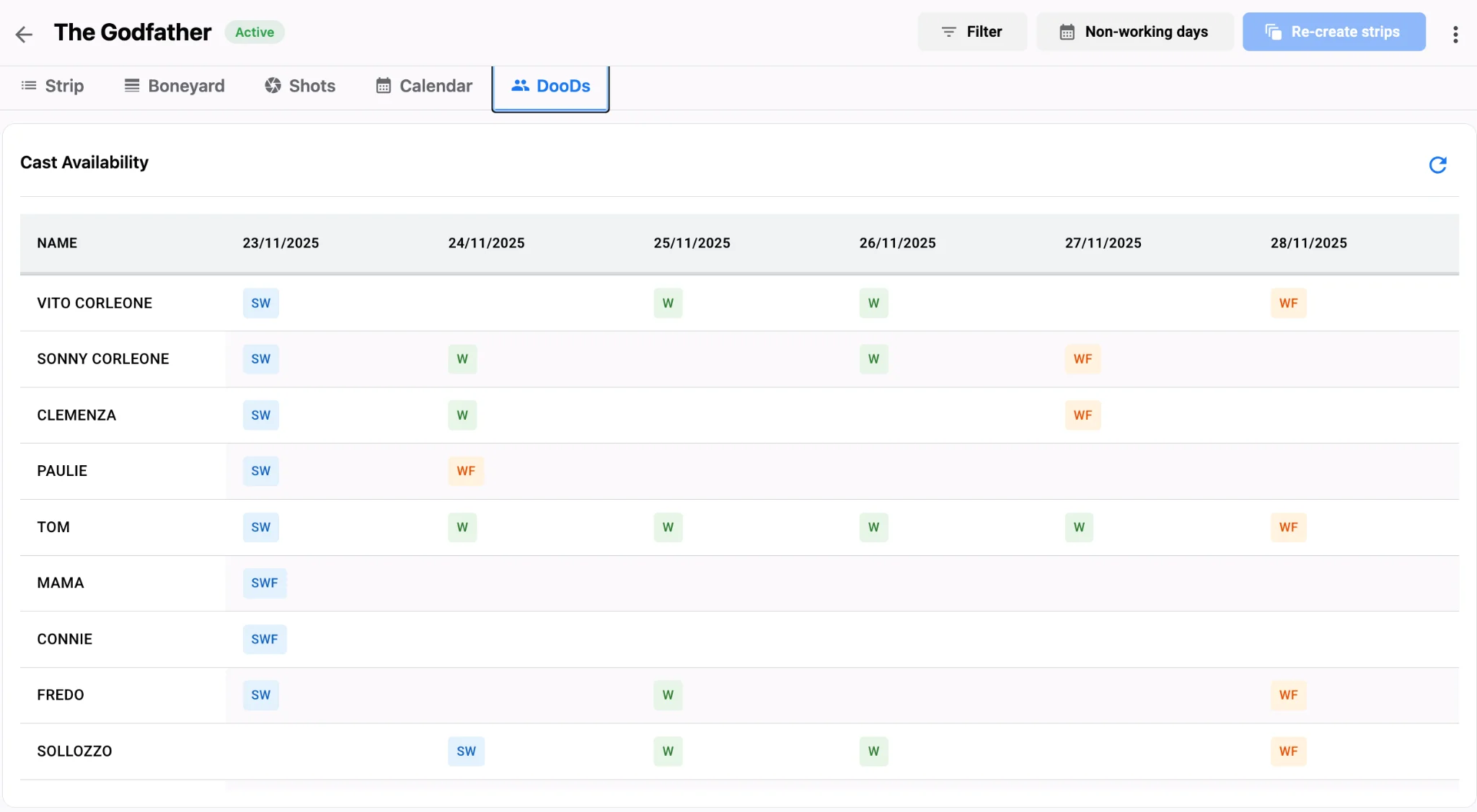
When the AD is on location and the UPM is still rewriting daybreaks from the office, version chaos is expensive. Real-time collaboration puts both roles on one live stripboard so scene moves, cast swaps, and location clusters update for everyone at once—not after a late-night email thread.
Related video: Studiovity mobile scheduling
Why split boards create production risk
Paper stripboards and siloed spreadsheets force serial updates. The AD locks a day on set while the office still holds yesterday’s order. Call sheets go out stale. Travel logic and cast conflicts surface too late. A shared workspace in Studiovity’s film scheduling software keeps the shooting schedule as a single source of truth across web and mobile. AI Film Scheduling drafts smarter order, episodic multi-script stripboards keep series aligned, and instant call sheets pull from the same daybreaks the AD is editing on a phone. Offline mode still matters on remote sets; changes sync when connectivity returns so the board never forks permanently.
How live collaboration changes the day
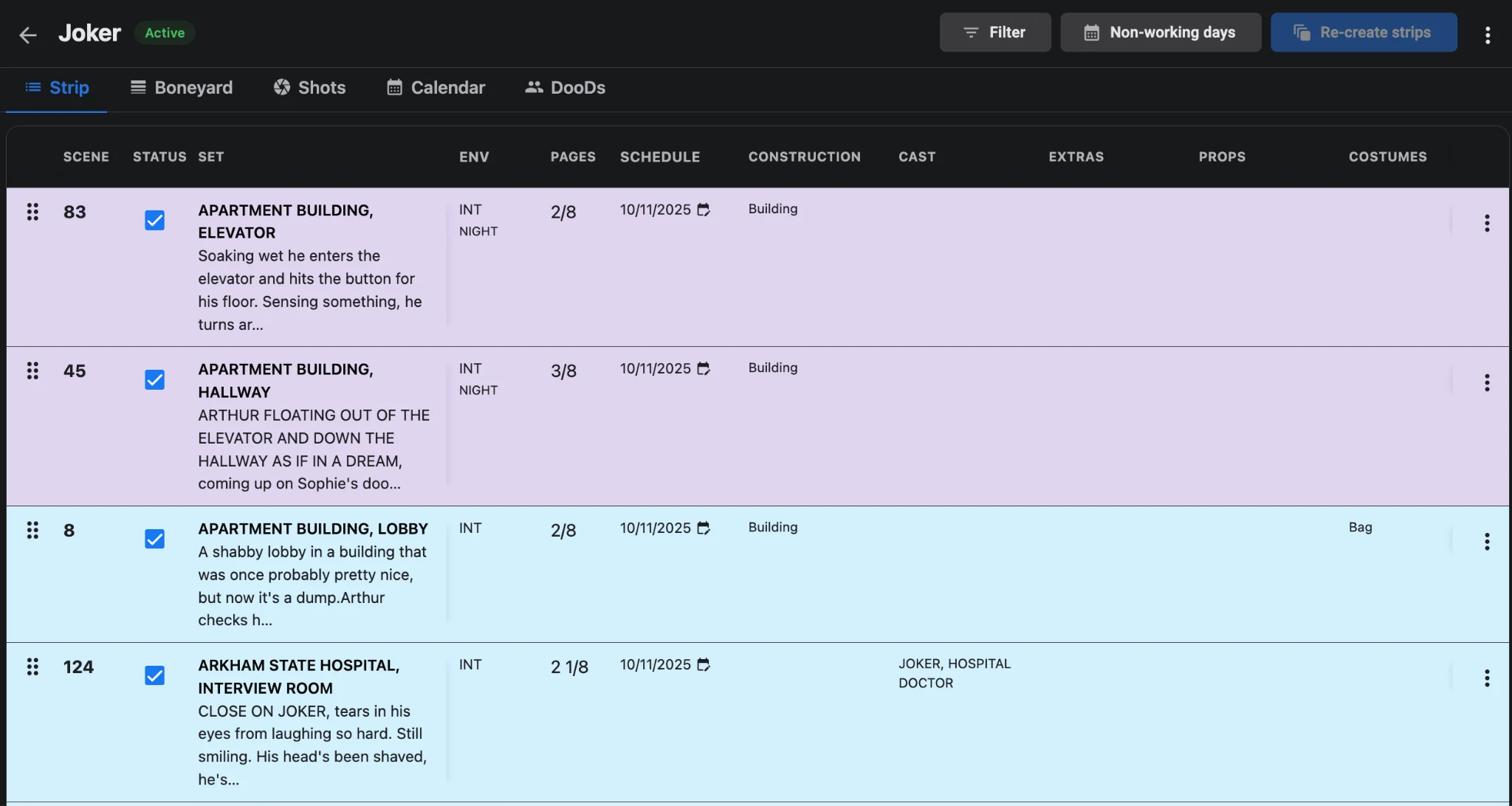
On a typical shoot morning, the AD can reshuffle strips after a delayed actor while the UPM watches page counts and company moves update in real time. Producers review DOOD and one-liner reports without exporting a second “master.” Boneyard management parks undecided scenes without deleting data, so contingency options stay visible to both office and set. Live boards also cut the lag between a set decision and an office cost check. When a company move slips, the UPM can see page-count and cast-day impact before locking a new order. Department heads reading the same stripboard avoid staging for a day that already changed. Pair that habit with how to read a stripboard so every role interprets the same columns the same way.
A practical collaboration playbook
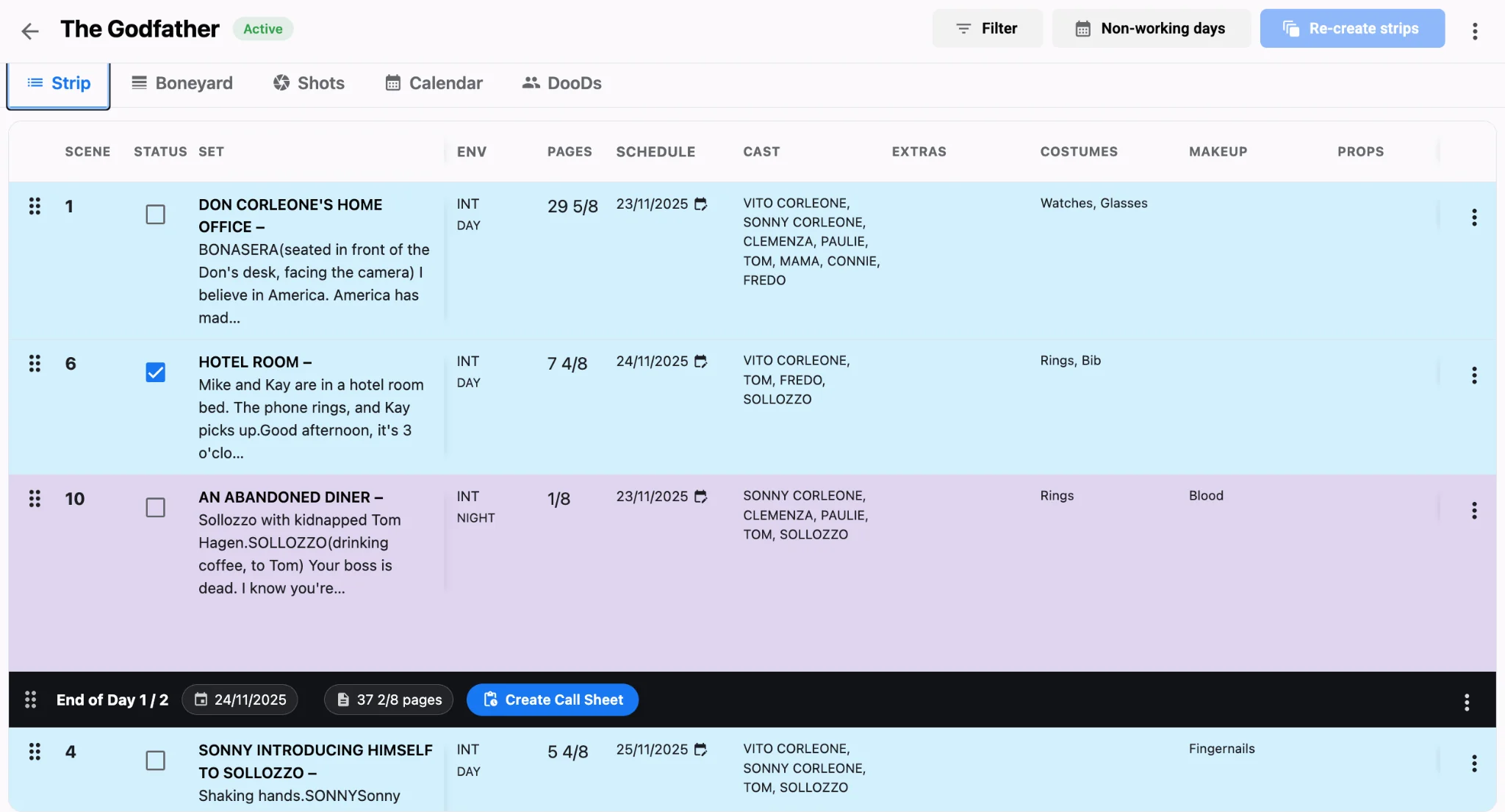
Start the day from the shared stripboard, not a personal copy. Confirm night-before call sheets still match locked daybreaks. When weather or cast availability shifts, move scenes together—then regenerate with call sheet software in one click so crew distribution stays accurate. Use the production calendar and task views so department notes attach to the same plan the schedule reflects. Mobile-native apps and cross-platform sync mean the UPM does not wait for the AD to “send the latest board.” Advanced permissions keep producers, ADs, and department heads in the right lanes without exposing every draft edit.
Lock roles before trucks roll
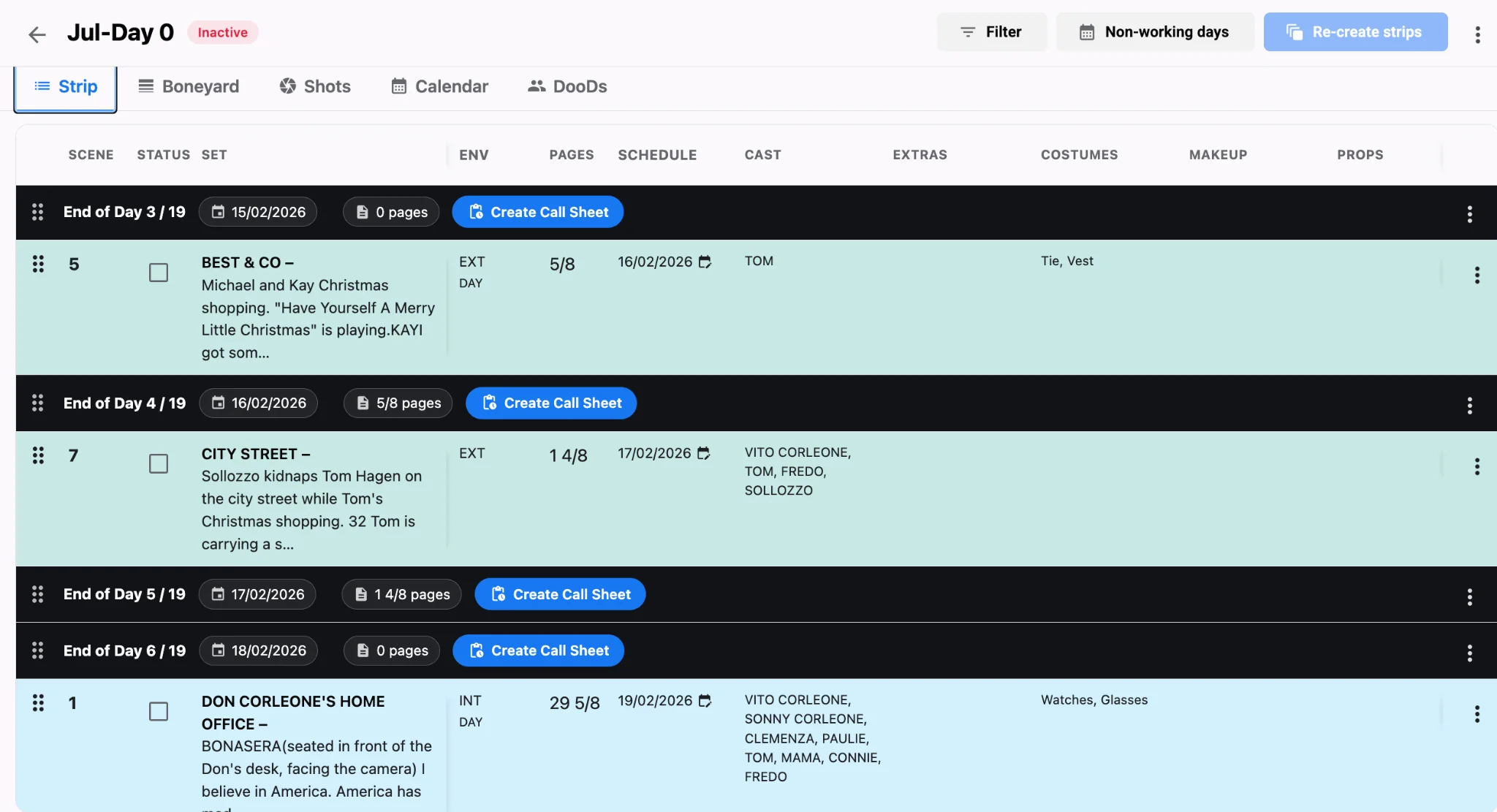
Agree on who may lock a daybreak versus who may only propose moves. That single permission habit stops an office edit from overwriting an on-set contingency while trucks are already rolling. End each night with both AD and UPM confirming the live board matches the call sheet revision label. Role-based permissions keep creative IP protected while the people who need the shooting schedule still see it. For cast holds and travel that feed those live edits, see cast availability and travel logic. Build the habit on AI film scheduling so one live board beats three conflicting versions every time. When the unit needs a wider week view, open the production calendar view beside the stripboard—not a side spreadsheet.