New PAs, department heads and first-time producers are often handed a stripboard and expected to understand it on the spot. It looks like a colorful spreadsheet, but every strip is a compressed scene report. Once you know where to look, the board answers most “what are we shooting and what do we need” questions before anyone asks the AD.
One strip, one scene
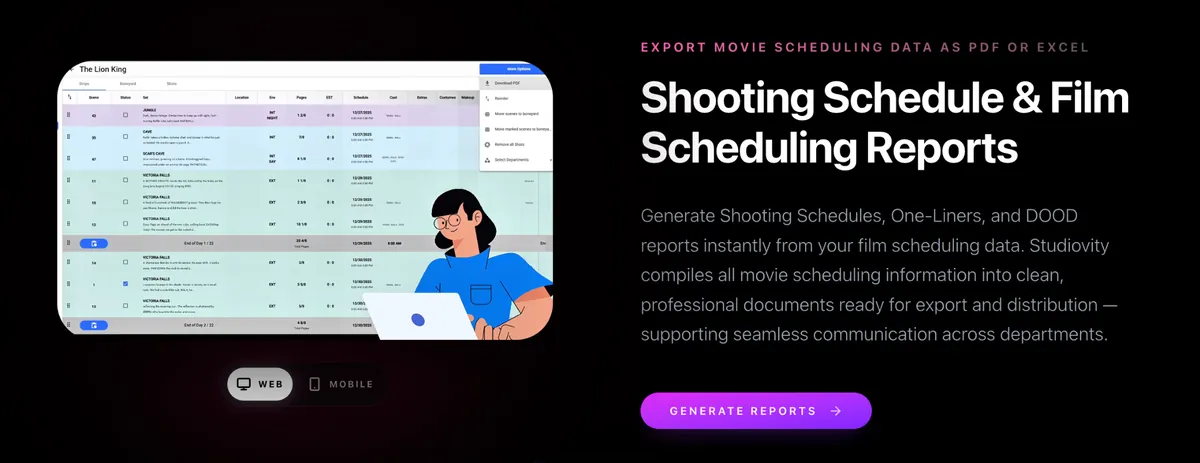
Read a strip from left to right. In the Strip view of Studiovity’s film scheduling software, each row carries the scene number, a status checkbox, the set name with a short synopsis, INT or EXT with day or night, the page count, and the scheduled date. Further right come the department columns: construction, cast, extras, props, costumes, makeup and set dressings. If your department’s column is empty for a scene, that is either good news or a breakdown gap worth flagging.
Colors separate day from night
Strip colors let the eye find interior, exterior, day and night work without reading a word. In the example board below, night interiors sit in purple and day interiors in light blue, so a stretch of night work stands out immediately. Paper boards used their own color conventions, and our comparison of traditional stripboards and Studiovity explains what changes when the board goes digital.
Eighths and day breaks
Page counts appear in eighths: 2/8 is a quarter page, 2 1/8 is just over two pages. Day breaks divide the strips into shoot days and total the pages for each day, which is the quickest way to spot an overloaded day. For the reasoning behind eighths, read script eighths explained.
What sits behind the strip
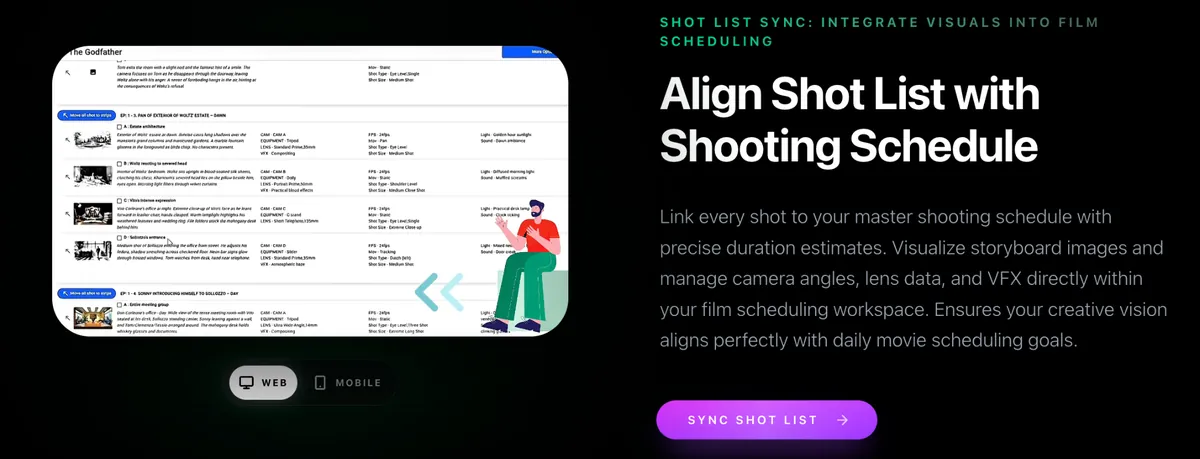
Pages alone can mislead. A strip that looks light may hide a dozen camera setups. When the shot list is linked to the schedule, each scene’s shots, lens data and duration estimates travel with the strip, so the camera team reads the same day the AD does.
Printing the board
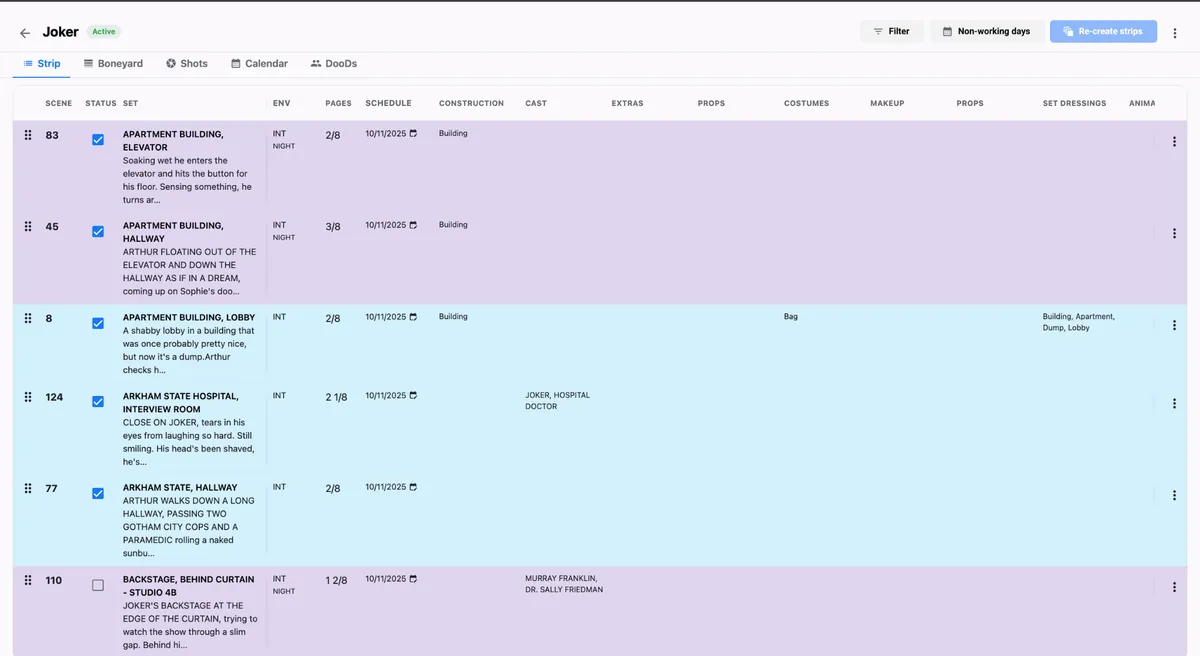
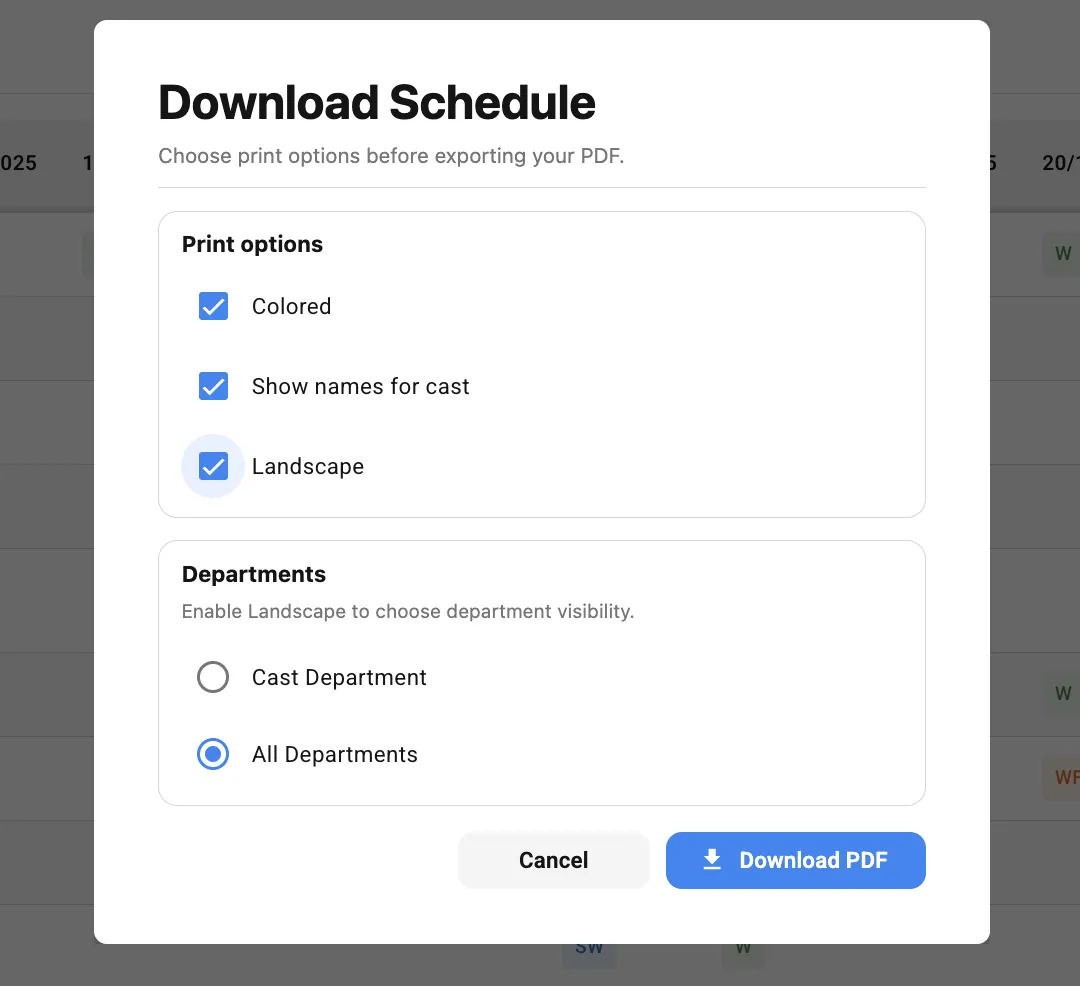
Some departments still want paper. The Download Schedule options let you choose a colored print, show cast names instead of numbers, switch to landscape and pick all departments or only the cast department before exporting the PDF.
Quick reading checklist
- Find your department’s column first, then scan for empty cells.
- Use colors to spot night work and plan turnaround.
- Check page totals at every day break.
- Open linked shots for anything that looks suspiciously light.
Each day’s strips also become that day’s call sheet through the call sheet software, so learning to read the shooting schedule pays off every morning. Try it on a real project in Studiovity’s stripboard.