
Prep boards change every afternoon. A scene that looked locked on Monday may wait on a location permit, a costume fit, or a cast hold by Thursday. The living boneyard is where those pending strips go so they stay out of published daybreaks without vanishing from the project. Done right, park-and-restore is a drag-and-drop habit, not a rewrite of the schedule.
Related video: Master Movie Scene Scheduling with Studiovity
Park pending scenes before they pollute Day 1
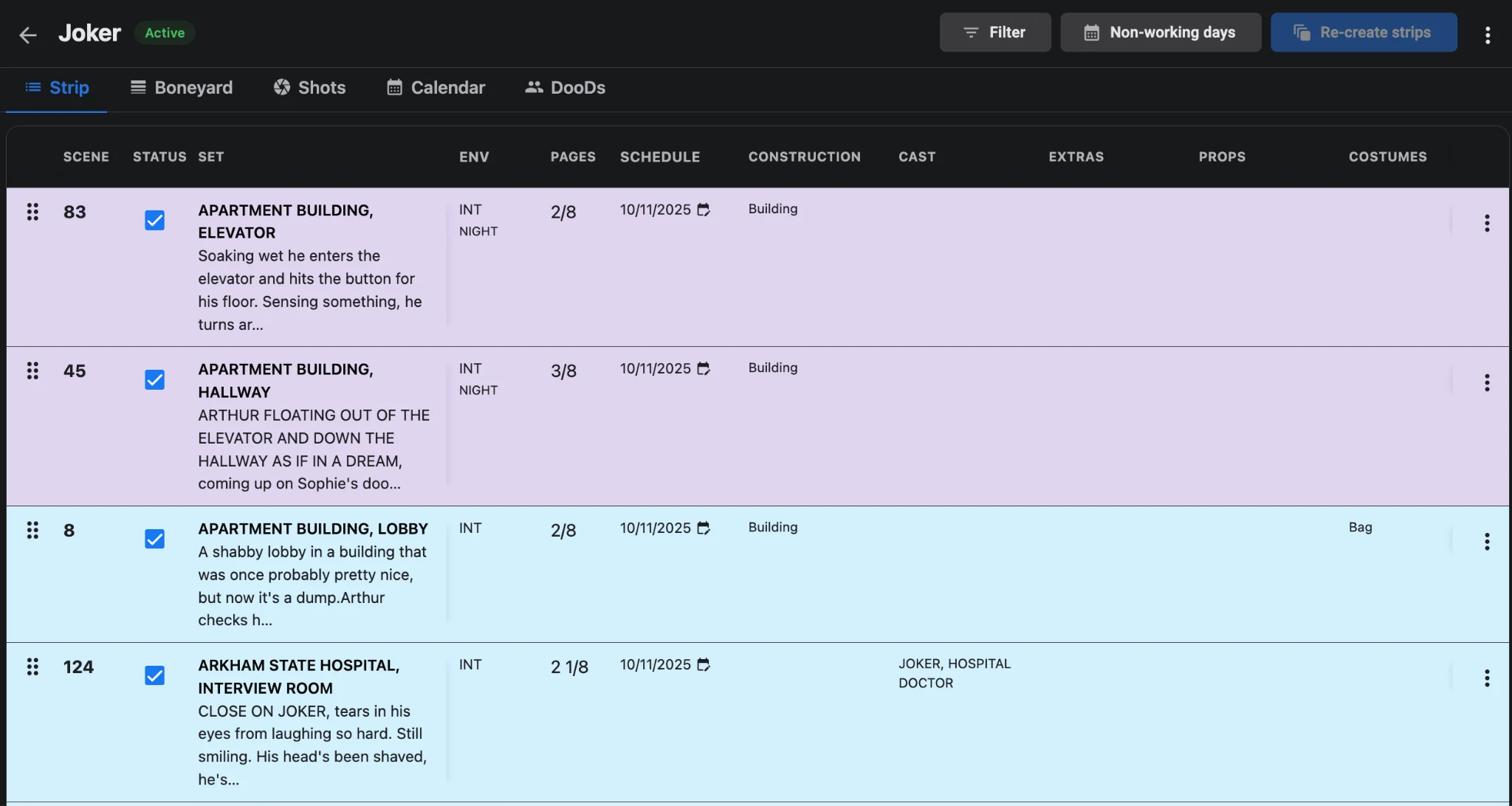
When a strip is not ready to shoot, leave it on the board and you risk an AD locking a day around soft work. Move it to the boneyard instead. In Studiovity’s film scheduling software, parked scenes keep scene number, set, INT/EXT, day/night, pages in eighths, cast, costumes, and set dressings attached. You are not dumping a title into a notes file; you are shelving a full strip until prep catches up.
Restore without rebuilding the day from memory
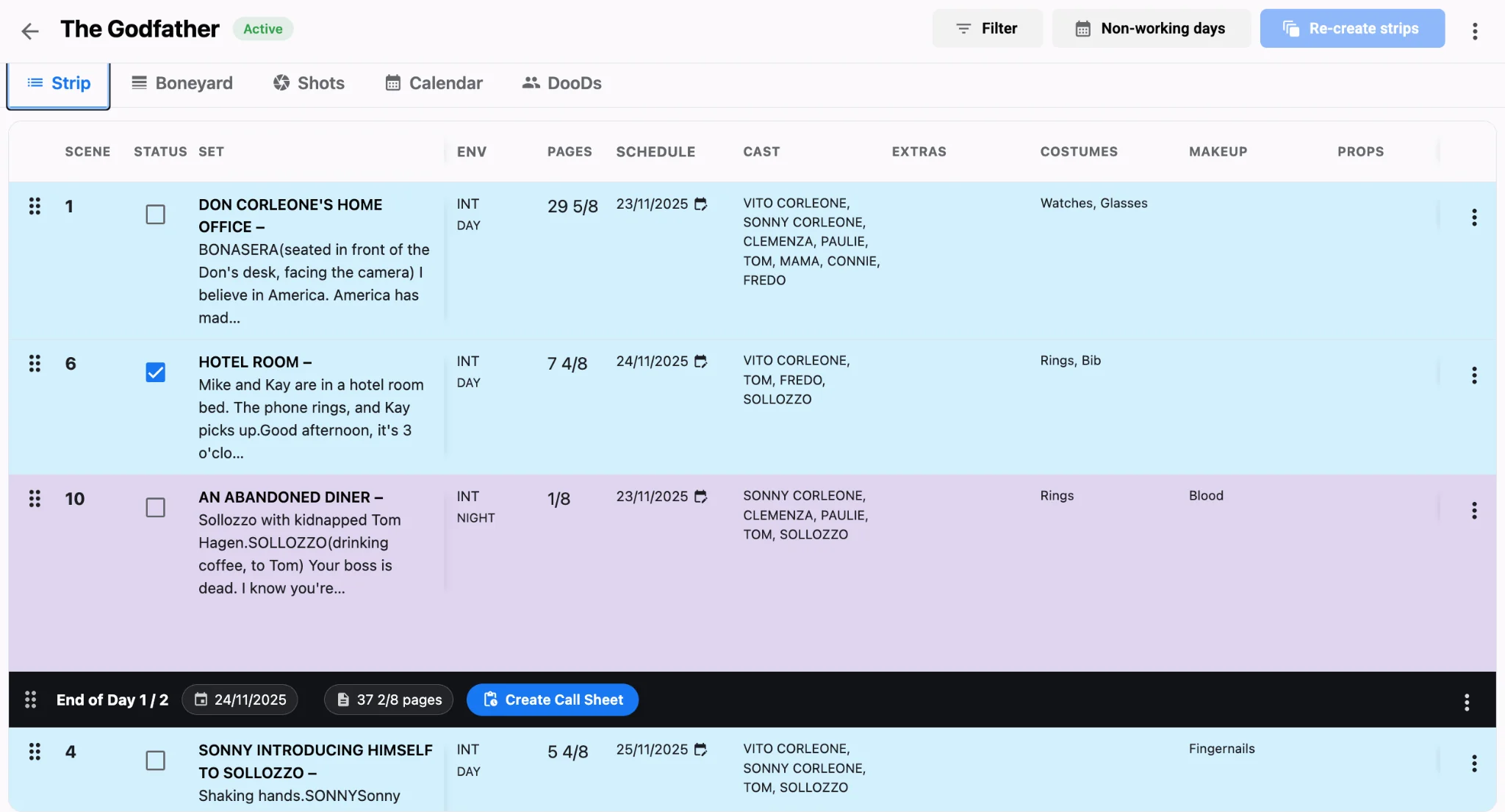
When the permit clears or wardrobe signs off, pull the strip back onto the board and drop it into the right daybreak. Reorder around company moves and cast blocks the same way you would any other strip. Because the data never left the project, page counts and department columns stay honest. Pair that restore with a quick DOOD and boneyard report check so UPMs see which scenes returned and which still sit on the shelf.
Keep multi-script prep from mixing parked work
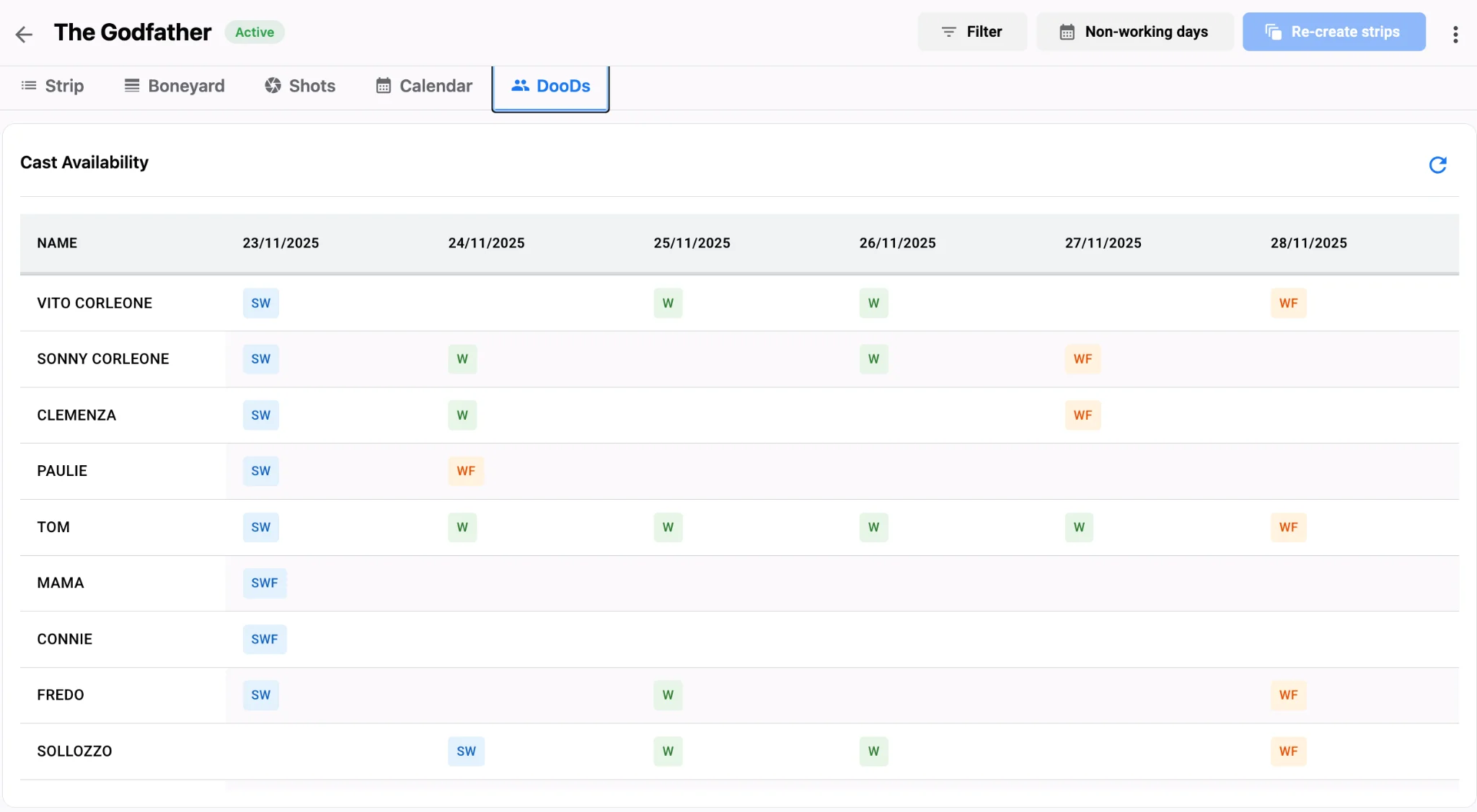
Episodic and multi-unit prep multiplies the risk of parking the wrong scene. Keep each project’s boneyard tidy inside one workspace so Episode 2 holds do not bleed into Episode 1 daybreaks. When several scripts share cast, park the weaker episode block first and restore only after travel logic and availability look clean. See how cast availability and travel logic shape smarter daybreaks.
Sync call sheets after every restore wave
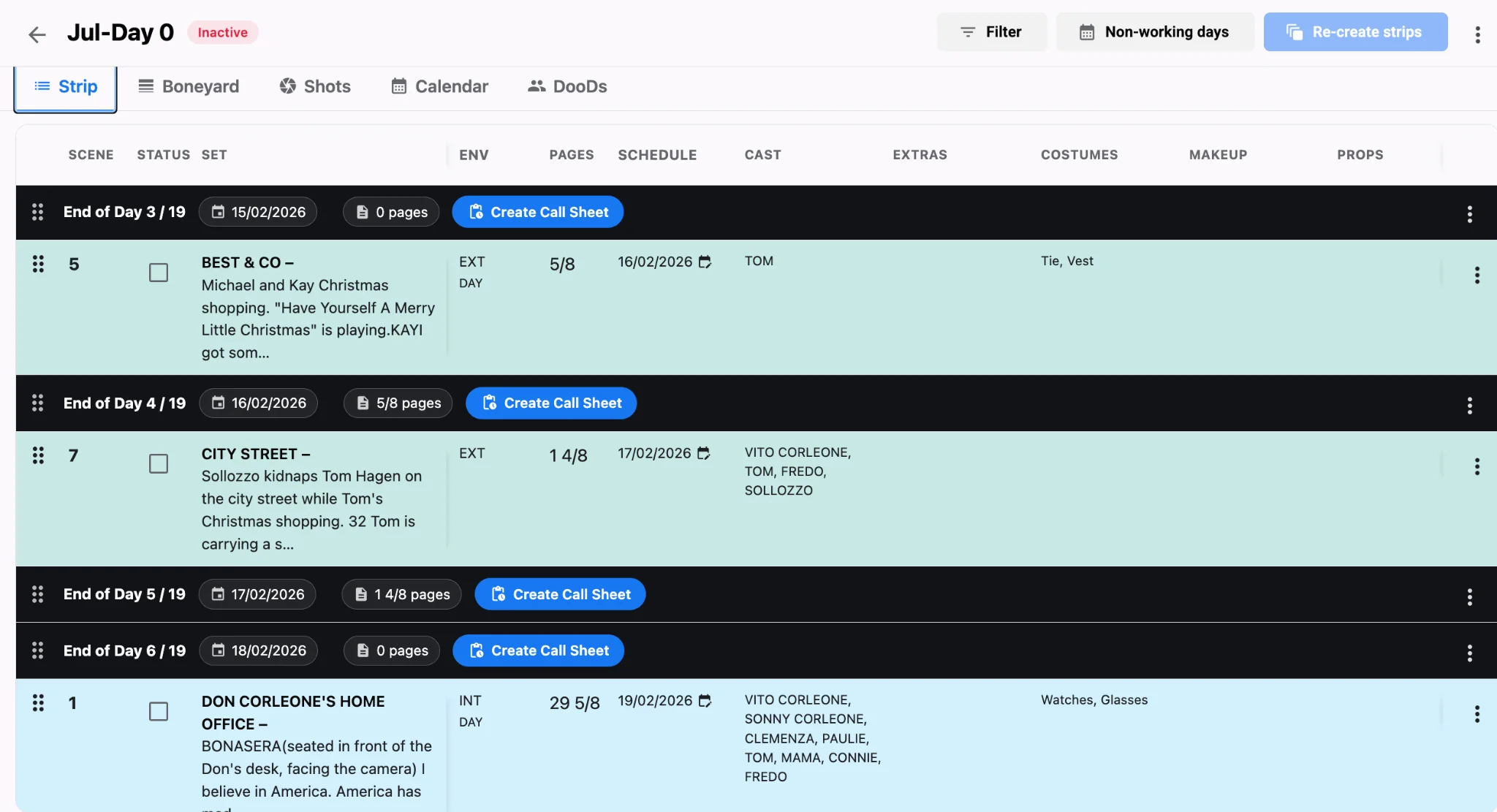
A restored strip that never reaches the call sheet is still a prep failure. After you lock the revised daybreak, rebuild with call sheet software so locations, scene lists, and individual call times match the board you just healed. Departments should learn about restored work from the official sheet, not a chat screenshot.
Prep boneyard checklist
- Park any strip waiting on location, costume, construction, or cast confirmation.
- Label why it was parked in the strip notes so tomorrow’s AD knows the blocker.
- Restore in batches before the weekly production meeting, not the night before camera.
- Re-export the shooting schedule and push a fresh call sheet after each restore wave.
A living boneyard keeps prep honest: soft scenes stay visible, hard daybreaks stay clean, and nothing important is lost in a side spreadsheet. Build that habit with AI film scheduling, keep reports current, and treat park-and-restore as part of the board, not an emergency. For how modern boards beat paper shuffling when prep moves this fast, see traditional stripboards vs Studiovity.