
A character picks up a coffee mug. Is that a prop or set dressing? The answer decides which department buys it, who tracks continuity, and whose budget line takes the hit if it breaks. It sounds pedantic until two departments both assume the other one has it, and the mug never arrives on set. This guide sets out where the line falls on props vs set dressing in a script breakdown, and how to keep both departments covered.
The working rule
Most productions use a simple test: if an actor touches, uses or interacts with an object, it is a prop. If it lives in the set and the camera simply sees it, it is set dressing. The mug on the table is dressing; the mug the lead throws at the wall is a prop, probably several of them. For a refresher on every category, see our guide to script breakdown elements.
Edge cases come up constantly:
- Food that is eaten on camera: prop, with multiples for repeat takes.
- A painting the camera pushes in on: dressing, but flag it for clearances.
- A phone that rings but is never picked up: dressing, with a sound note.
- Weapons of any kind: always props, always flagged for the armorer and safety.
Tag what the script says, then add what it implies
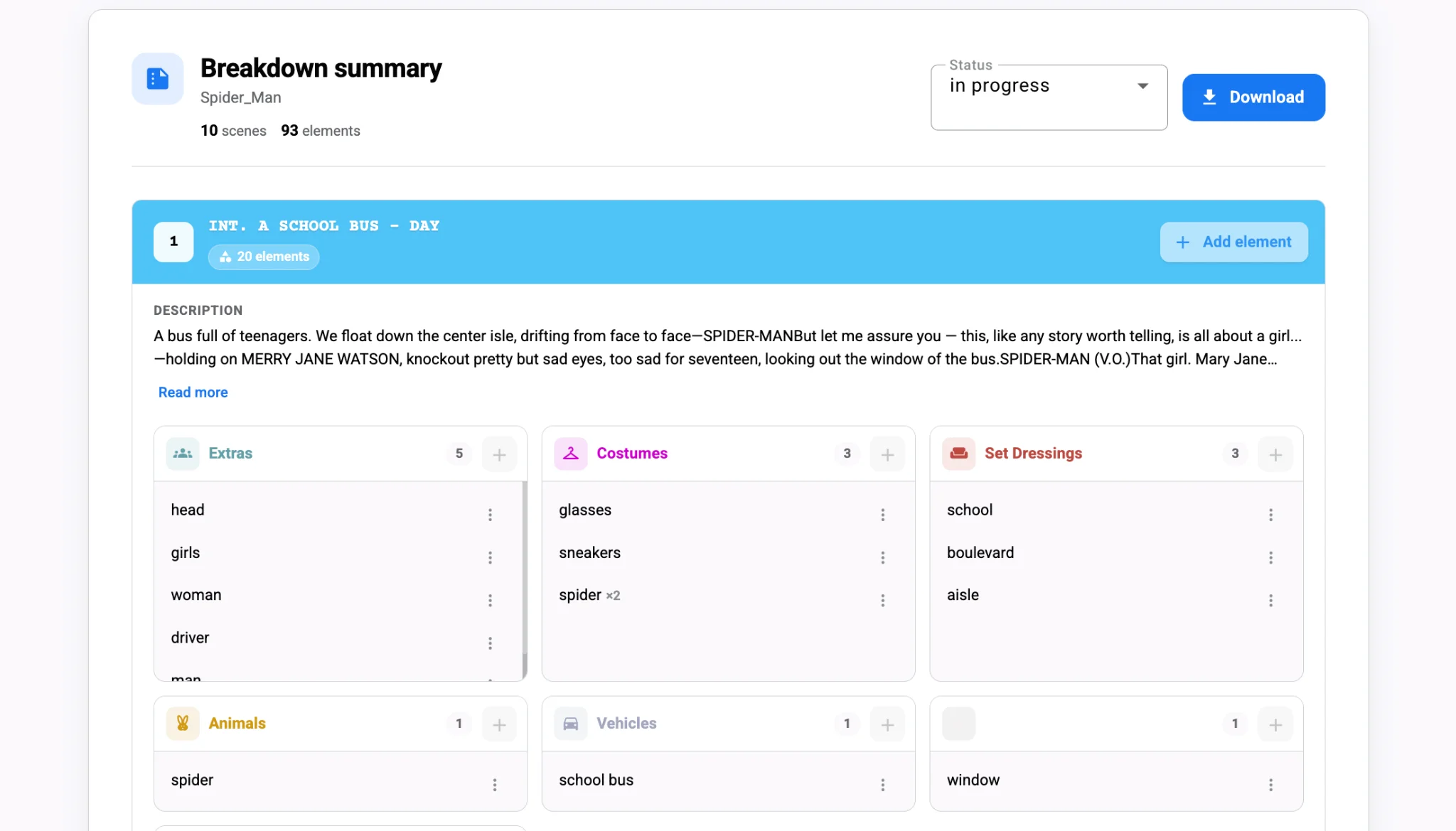
Scripts mention only some of what the set will need. A line like "a cluttered teenage bedroom" implies dozens of dressing items without naming one. Start with explicit objects, then add implied ones as dressing notes for the art department.
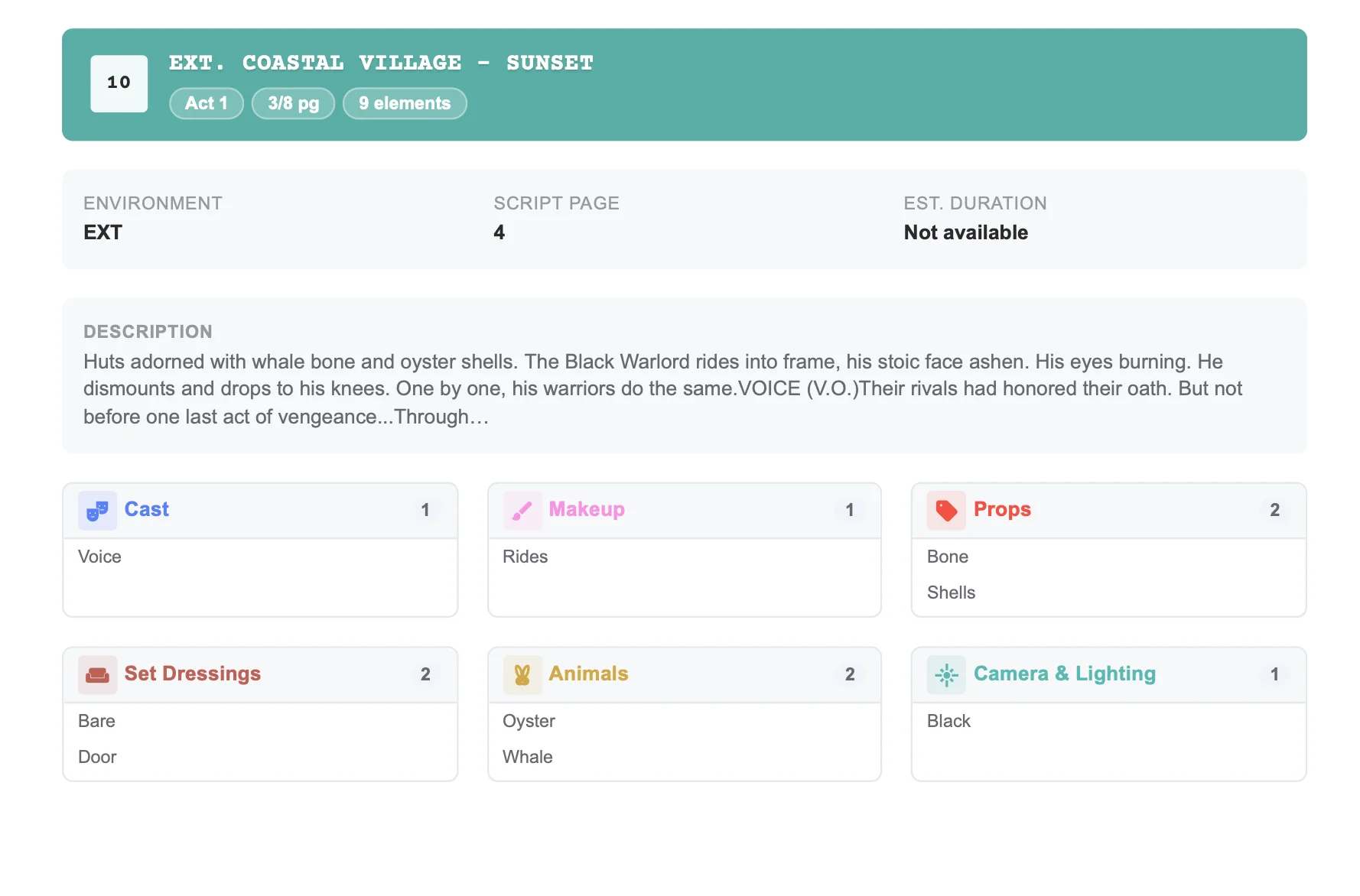
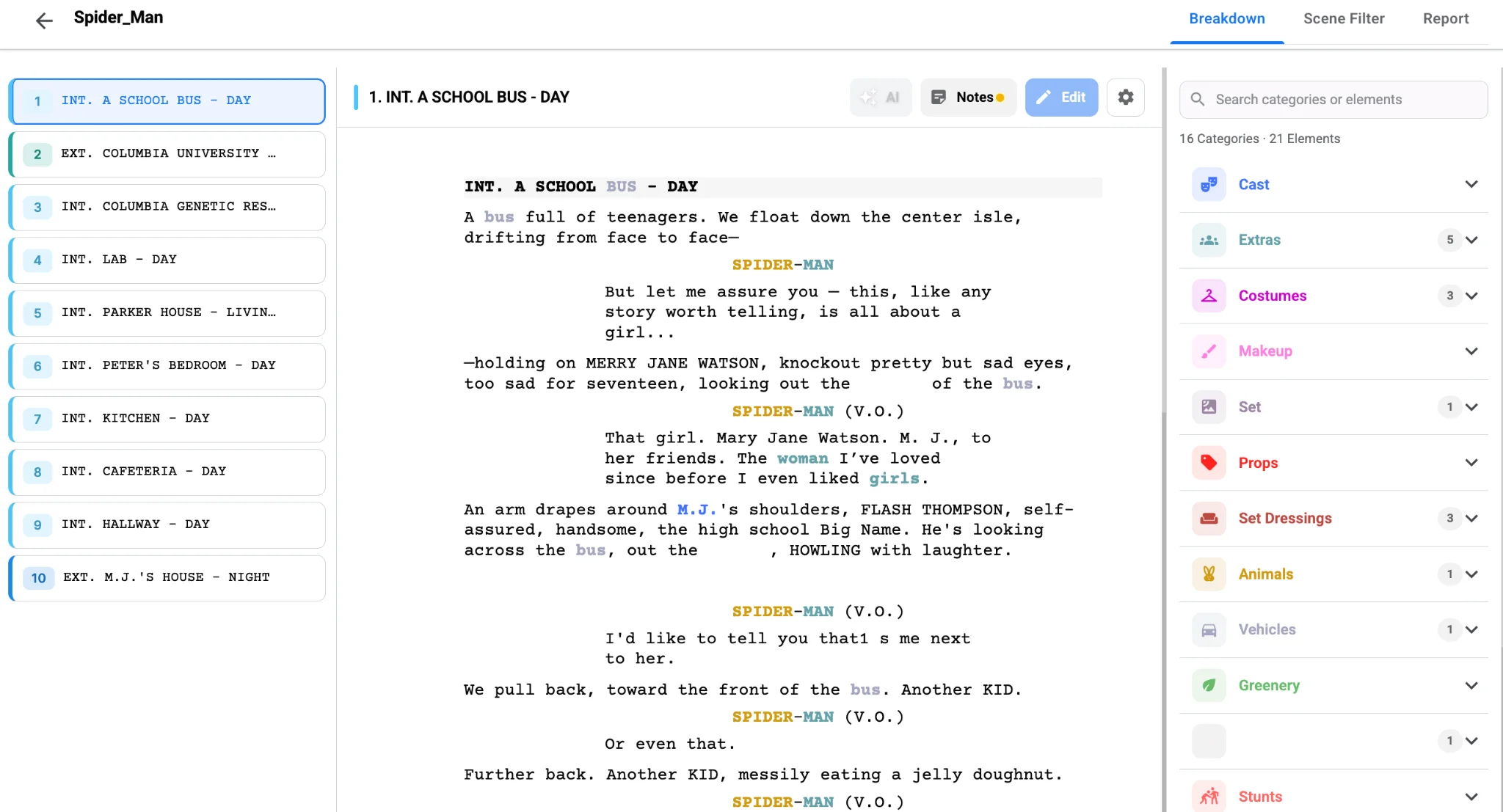
Studiovity’s script breakdown software gives props and set dressing their own categories, among sixteen default categories that also cover cast, costumes, vehicles and more. AI Magic tags named objects automatically, and you add the implied items manually so the art team gets the full picture. Because each category has its own color, a quick scan of a scene shows whether its weight sits with props or with the art department.
When an item belongs to both
Some objects change roles mid-scene. A book sits on a shelf for most of the scene, then an actor pulls it down and reads aloud. Tag it in both categories and add a note. The prop master and set decorator can then agree on a single physical item, so there is no continuity mismatch between the wide and the insert. Consistent category colors help here too; our post on script breakdown color codes lists the colors most crews recognize.
Continuity is the real reason this split matters. Props move between takes, so the props team tracks their state. Dressing should stay put, so the art team photographs and resets it. Put an item in the wrong bucket and nobody is watching it when it drifts.
Reports that each department can act on
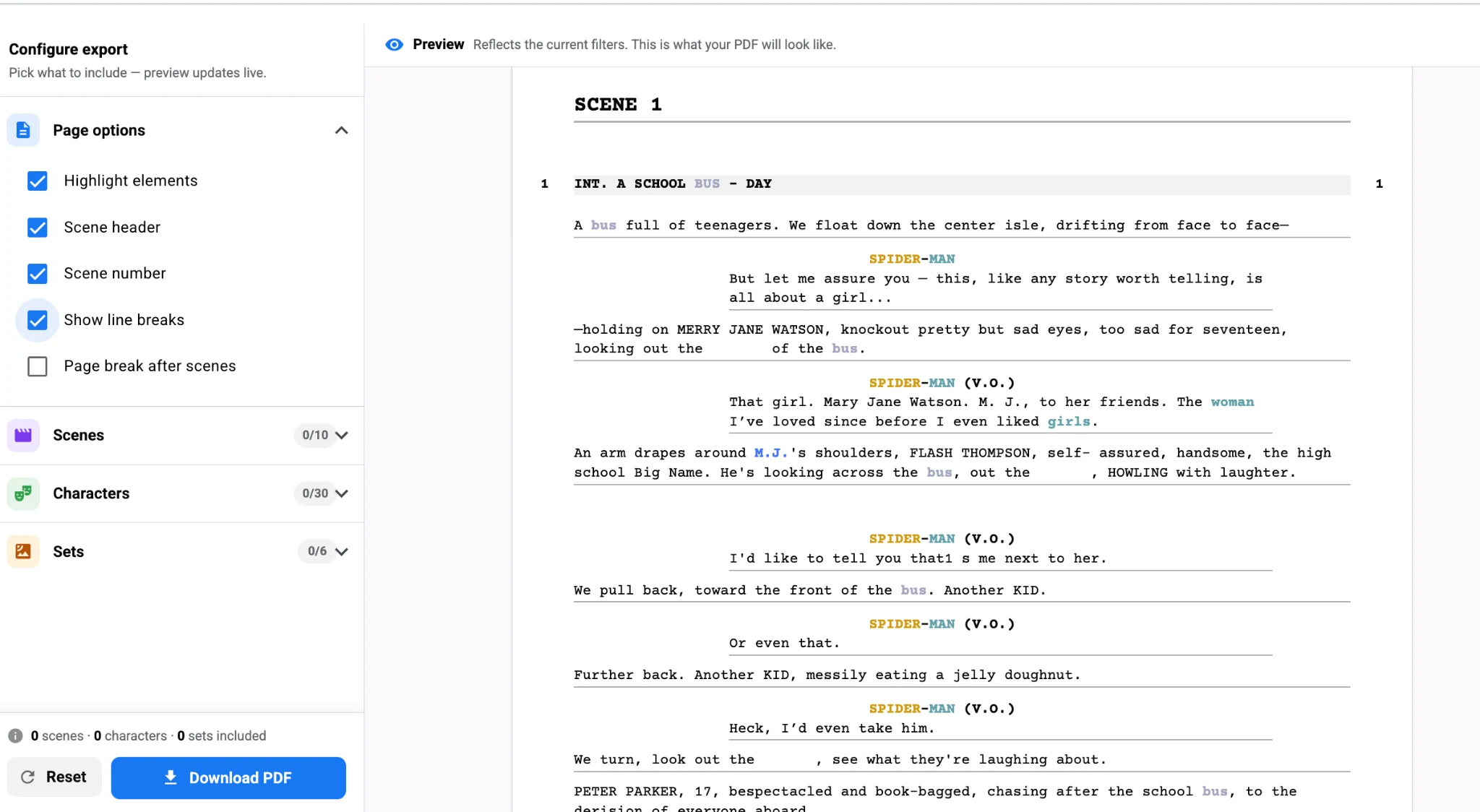
Once the split is clean, filter the breakdown by category and export separate lists. The prop master gets a props-only report; the set decorator gets dressing by set. Studiovity’s script breakdown tool exports these as PDF or Excel, filtered by category, so each head of department reads only what is theirs. Those same tags later inform the movie budgeting software when you price out purchases and rentals.
The payoff
A clear props-versus-dressing rule removes an entire class of on-set surprises. Decide the test, tag both explicit and implied items, double-tag the hybrids, and send each department its own filtered list. Try it on your next draft with the AI-assisted breakdown in Studiovity and watch the "I thought you had it" conversations disappear.