
A daybreak can look perfect on cast and locations and still be soft. Costume, set dressing, and construction columns are where that softness shows up, if you read them before you lock Day 1. Locking a board when wardrobe fittings are open or a set is still framing is how productions manufacture company holds they later blame on department lag.
Related video: How to generate an industry-standard call sheet in Studiovity
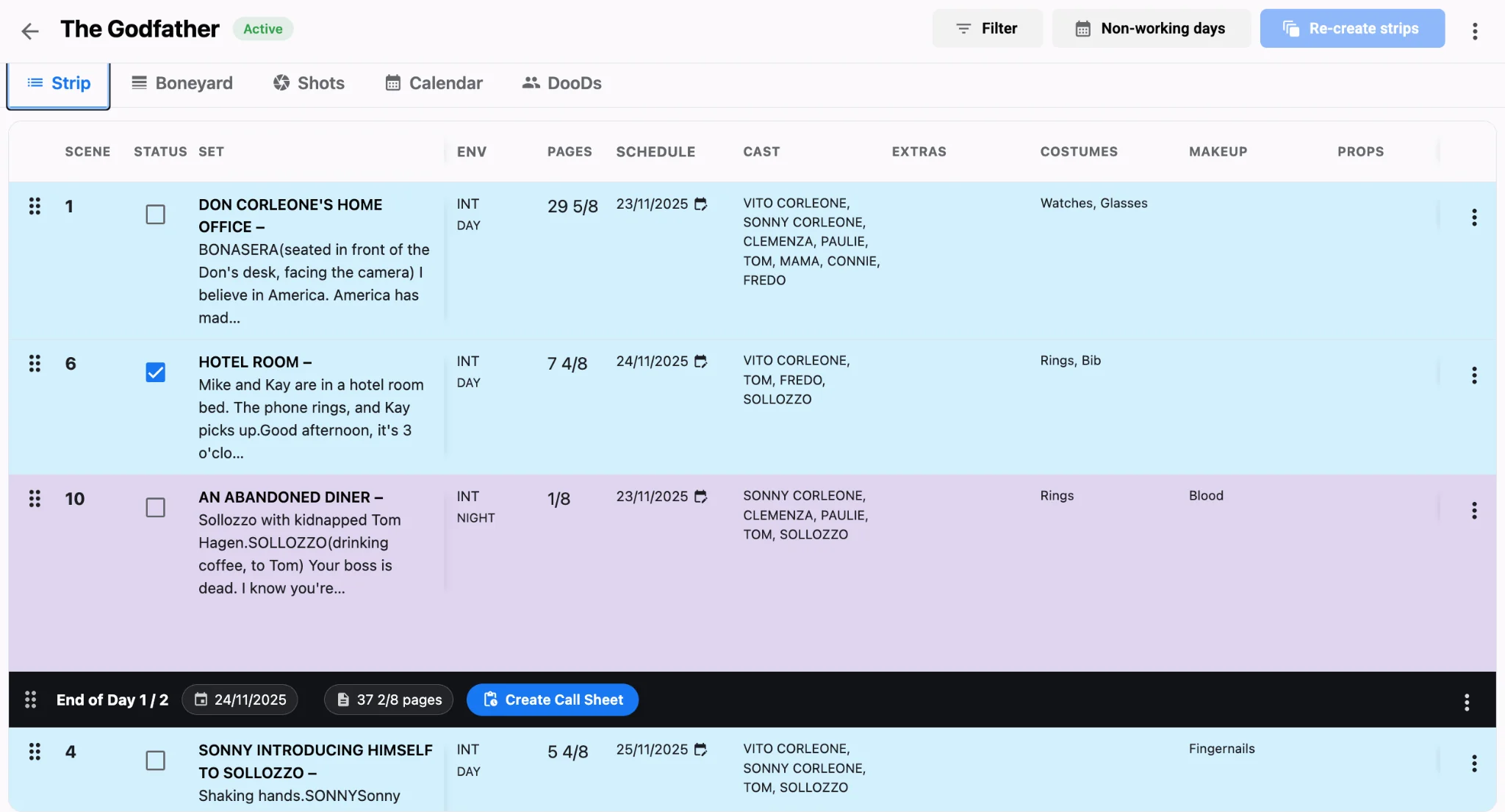
Treat department columns as go/no-go gates
On a working stripboard, each strip should show more than scene number and pages. Construction status, costumes, and set dressings sit beside cast so the AD can see whether the physical day is buildable. In Studiovity’s film scheduling software, those columns travel with the strip through reorders and filters. If construction is incomplete or costume is blank on a hero scene, that strip is not ready to anchor Day 1. Park it or move it before you publish.
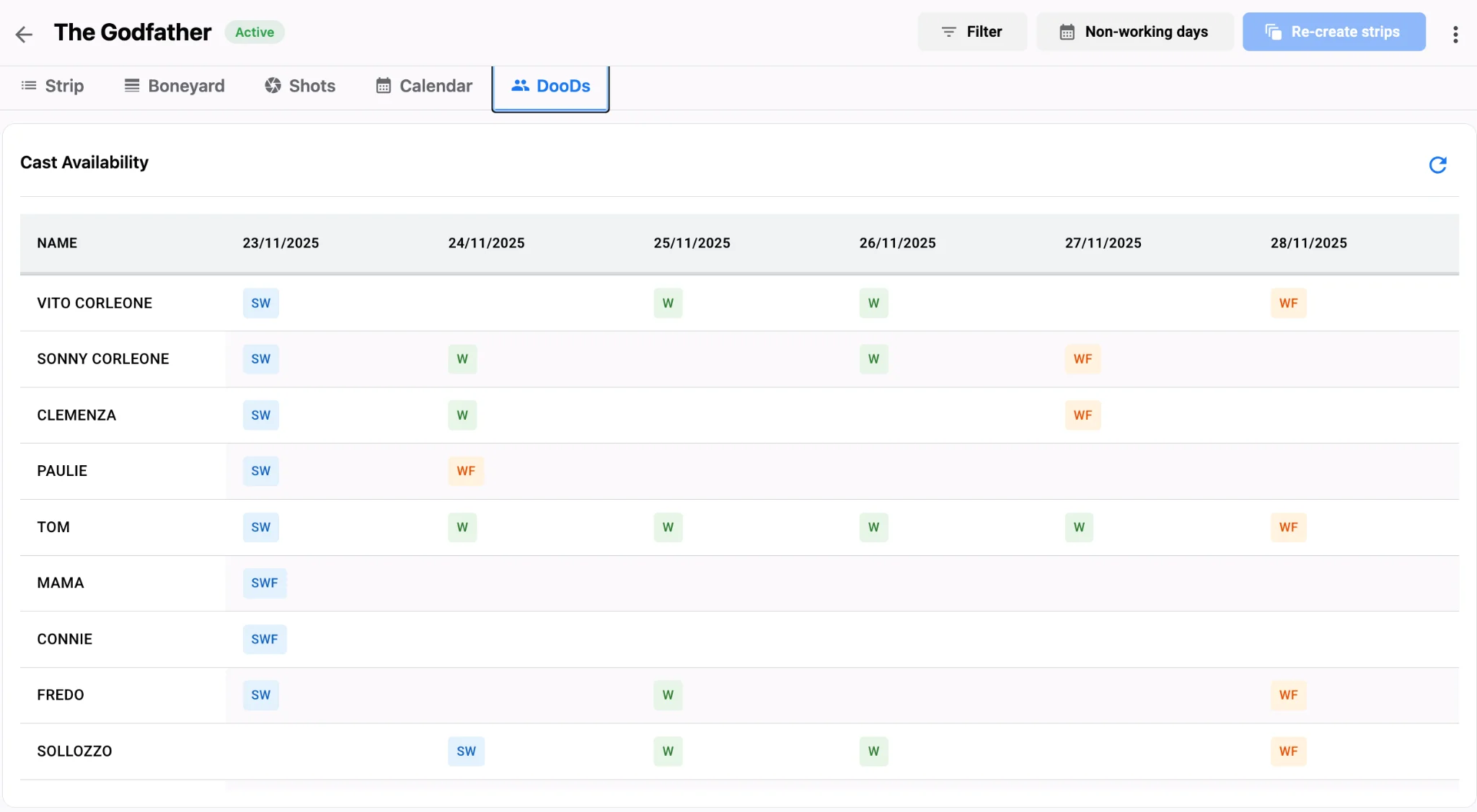
Cross-check cast days against costume readiness
Cast availability without costume readiness is a false green light. A principal marked working on the DOOD still cannot shoot if fittings failed. Filter the board for that actor’s strips, then scan the costume column before you confirm the day. Pair that pass with cast availability and travel logic so travel days do not land on unfinished wardrobe either.
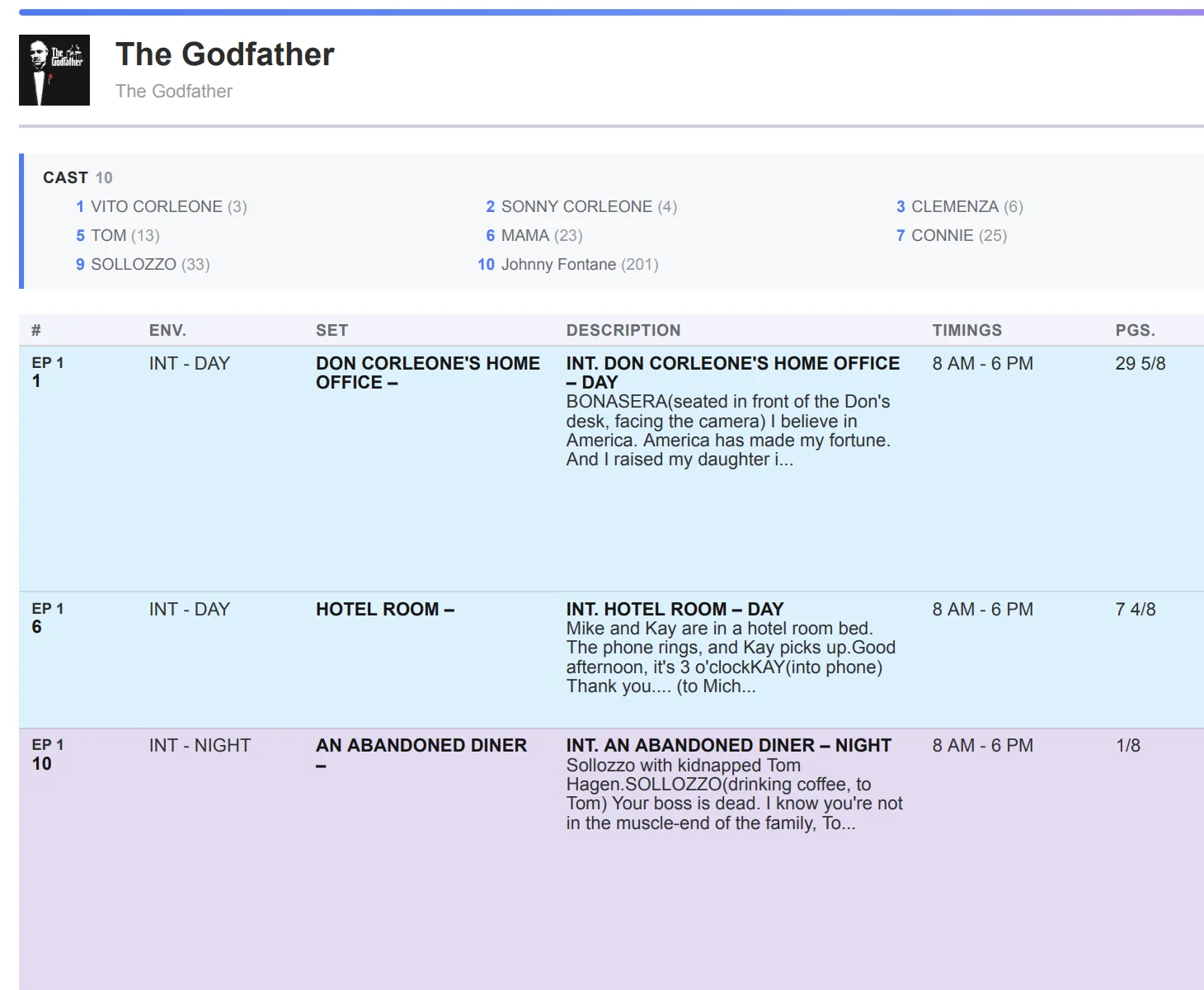
Do not distribute boards until construction and dressings clear
Set dressing and construction lag create the worst morning surprises: the unit arrives and the wall is still primer. Before you distribute department PDFs or the official board, walk every strip on the first three shoot days and confirm those columns. Export only when the shooting schedule reflects ready work. Guidance on creating shooting schedule stripboards assumes those department fields are filled, not decorative.
Call sheets only after the columns say yes
When costume, dressings, and construction clear, lock the daybreak and build the call sheet from that board. Call sheet software should pull scene lists and locations from a day departments already approved, not from a hopeful draft. If a column flips after distribution, retract and reissue. Do not patch with a verbal instruction to ignore a scene.
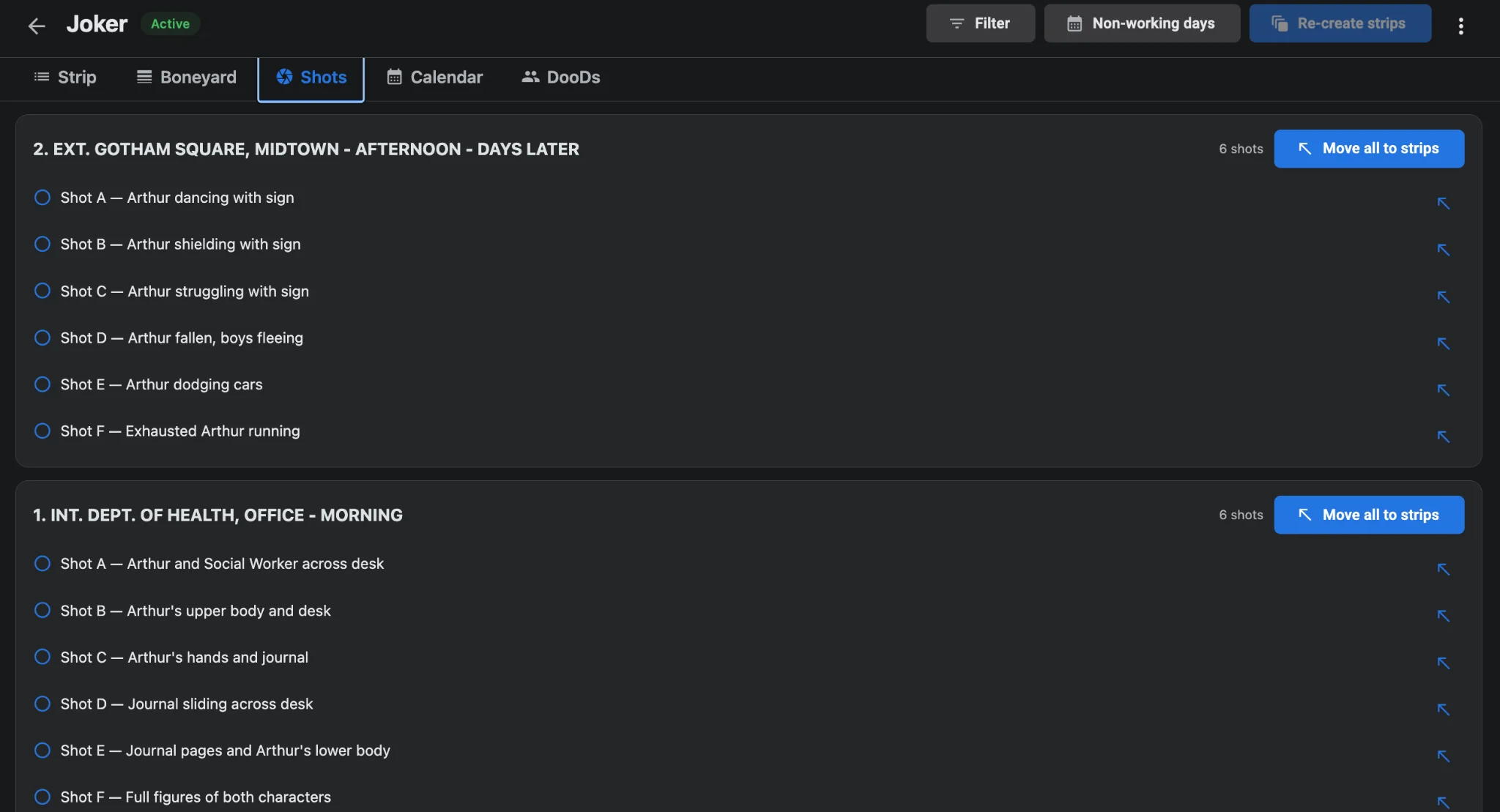
Department-column lock checklist
- Require non-empty costume and set-dressing notes on every strip in the first week.
- Flag incomplete construction as a hard block. Move or boneyard that strip before lock.
- Re-read columns after every script revision that touches a practical set.
- Publish the film schedule and call sheet only after AD, costume, and art sign the day.
Locking Day 1 is a department conversation expressed in strip columns. Read costumes, set dressings, and construction before you chase page-count glory. Keep that discipline inside AI film scheduling, and when the board finally clears, hand departments a sheet they can trust. See from daybreak to call sheet and how AI scheduling cuts wasted company moves once soft days stop reaching the unit.