
Stunt days, VFX plate days, and specialty-equipment blocks are not footnotes. They change call times, unit structure, insurance notes, and how much else you can schedule that day. If they hide inside a normal dialogue strip, departments under-prep and the daybreak lies. Promote them to first-class strips so the board tells the truth.
Give specialty work its own strip identity
A fight rehearsal that needs a stunt coordinator, pads, and a closed set should not share a strip with three pages of dinner-table dialogue. Split the specialty block onto its own strip—or a clearly labeled contiguous block—with accurate pages, set, and cast. In Studiovity’s film scheduling software, reorder those strips the same way you would any company-move cluster so camera, safety, and production design see the load before Day 1. For the basics of strip color and scene data, see how to read a stripboard.
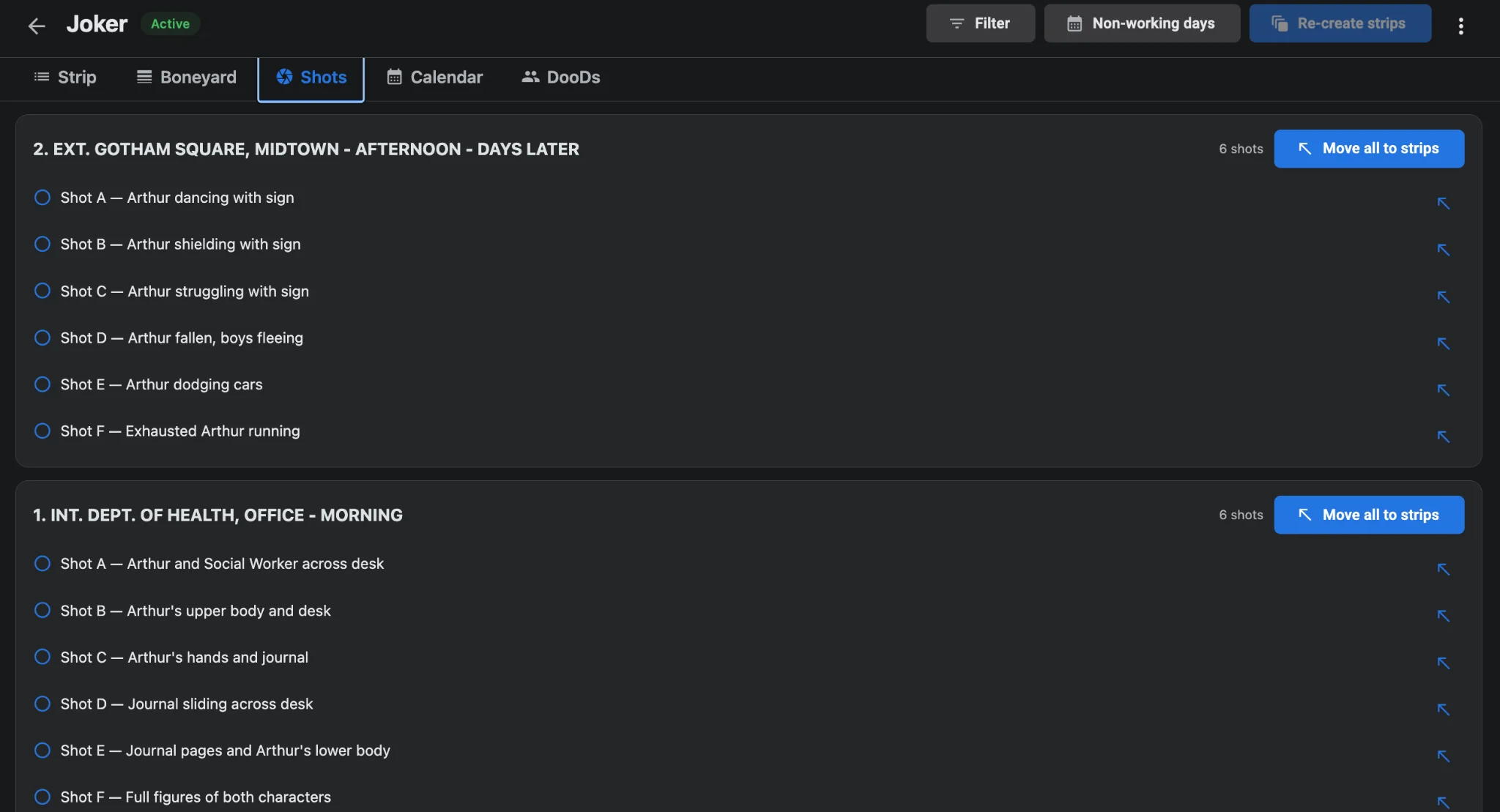
Link VFX plates and stunt coverage to the shot list
Plate days and stunt coverage live or die by shot count. Sync storyboard frames, camera angles, and VFX flags to the specialty strips so the day is sized by real setups, not hope. When shot list sync shows twelve plates on a half-day strip, you know to split the day before you lock. Specialty strips without linked shots are where overruns start.
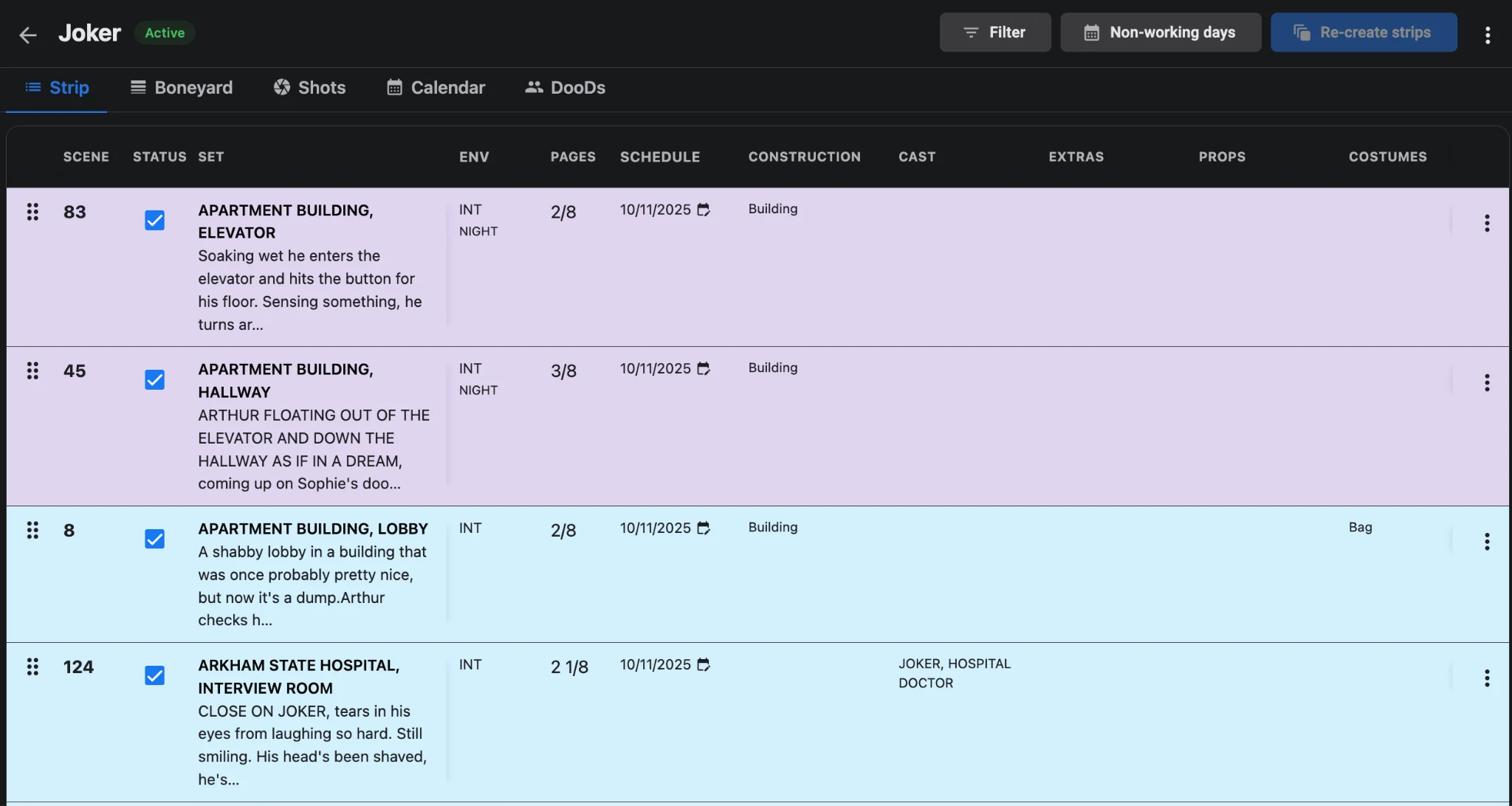
Protect the calendar around heavy specialty days
Stunt and crane days often need a lighter neighbor for recovery, equipment return, or second-unit turnaround. View the week in calendar mode so a plate day does not sit between two night exteriors with no buffer. Export a one-liner or DOOD after you place specialty strips—teams that only read the board still need DOOD and one-liner reports that flag who works the dangerous day.
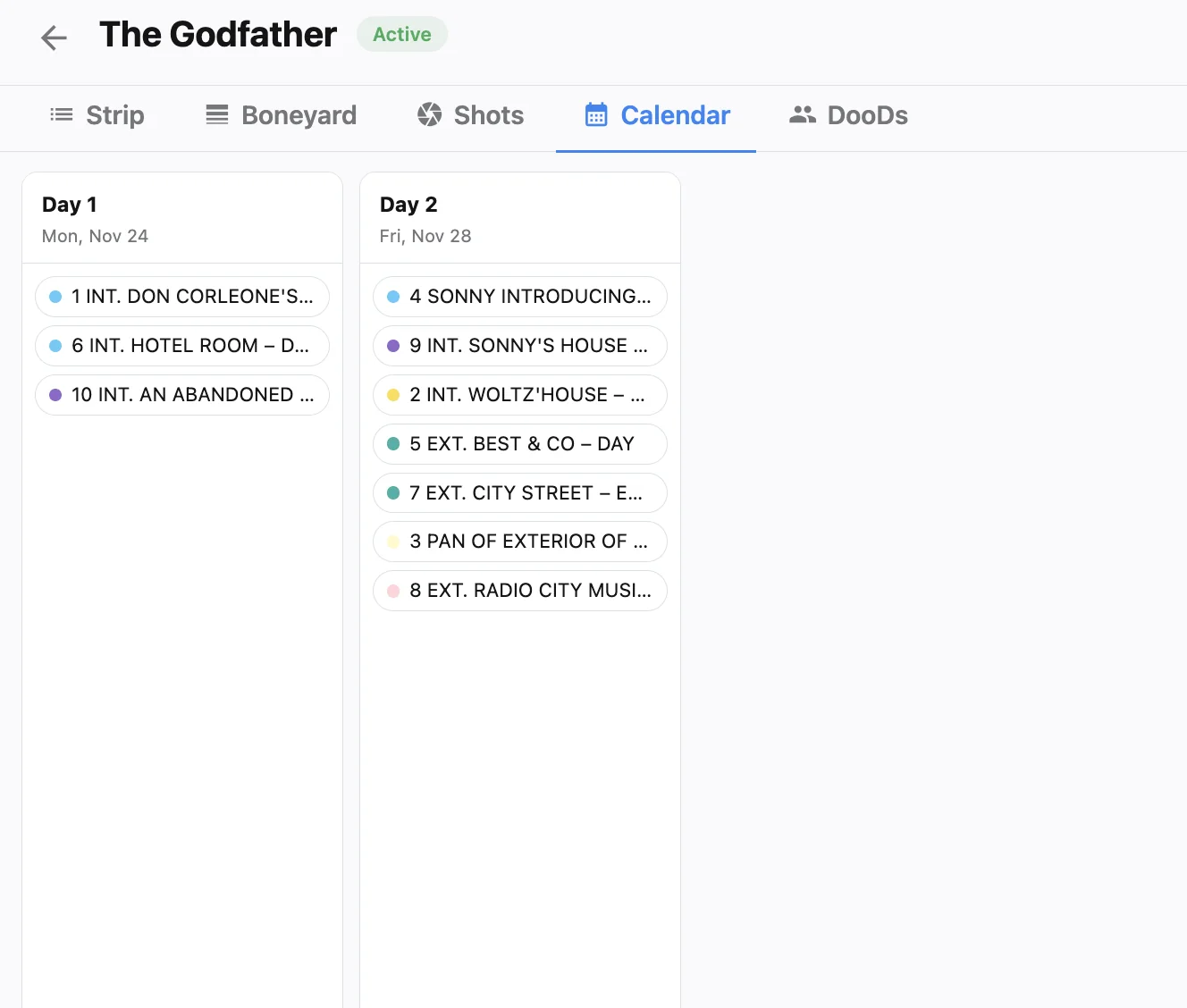
Call sheets must name the specialty risk
When the daybreak includes stunts, pyro, water work, or a specialty camera package, the call sheet has to say so. Generate from the locked specialty daybreak with call sheet software so safety notes, call times, and scene lists match the strip—not a generic template from Monday. Last-minute “we added the crash” Slack messages are how people miss PPE briefings.
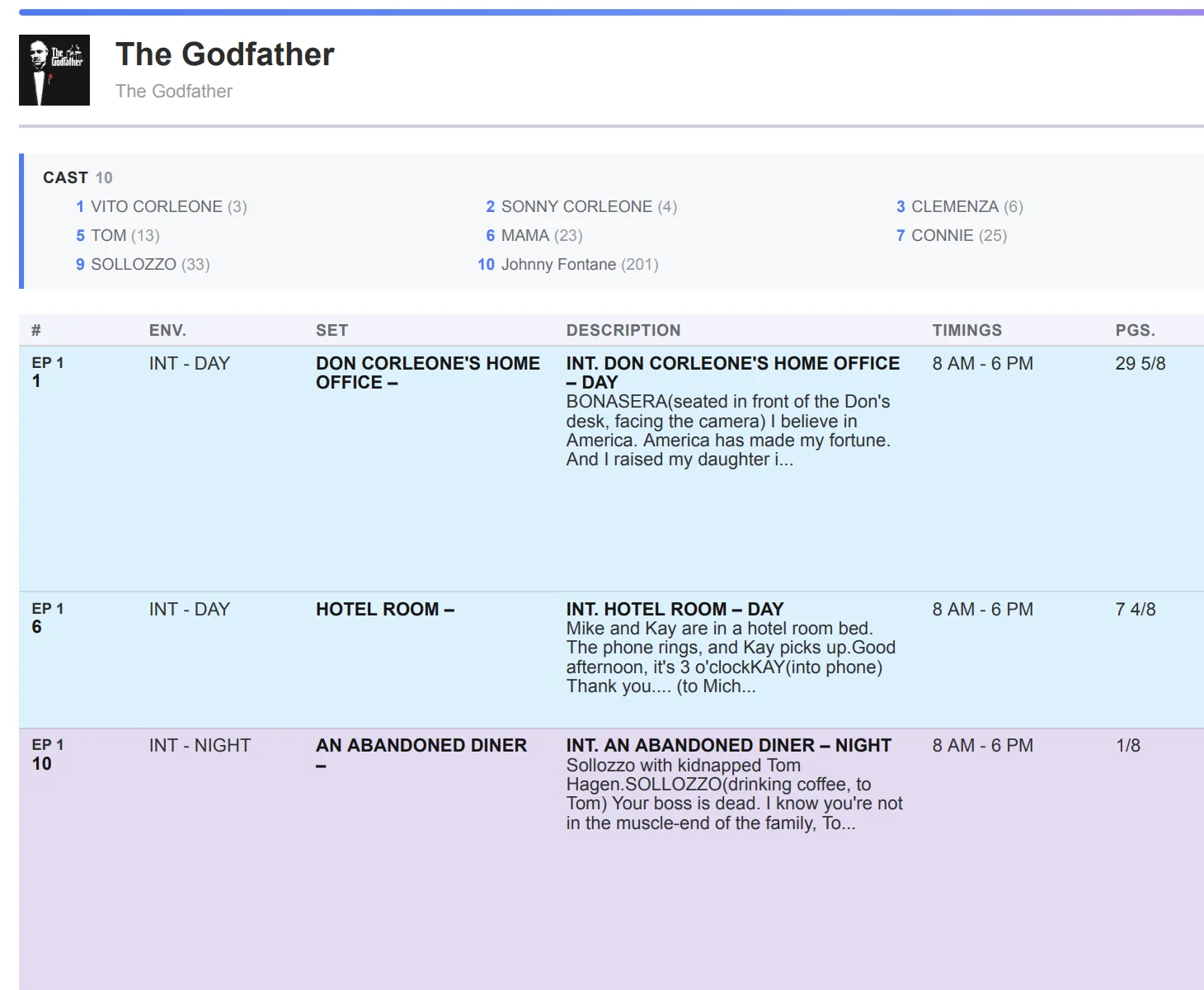
Specialty-day checklist
- Split stunt, plate, and specialty-equipment work onto dedicated strips with honest page and shot counts.
- Link VFX and camera notes before you promise the day to production.
- Buffer heavy specialty days with lighter neighbors on the production calendar.
- Export department PDFs and push call sheets that name the specialty work explicitly.
- Park incomplete specialty scenes in the boneyard until safety and VFX sign off.
Treat specialty days as first-class citizens of the board. Build them in AI film scheduling, keep reports current, and let every department see the risk on the strip—not in a side spreadsheet after lunch.