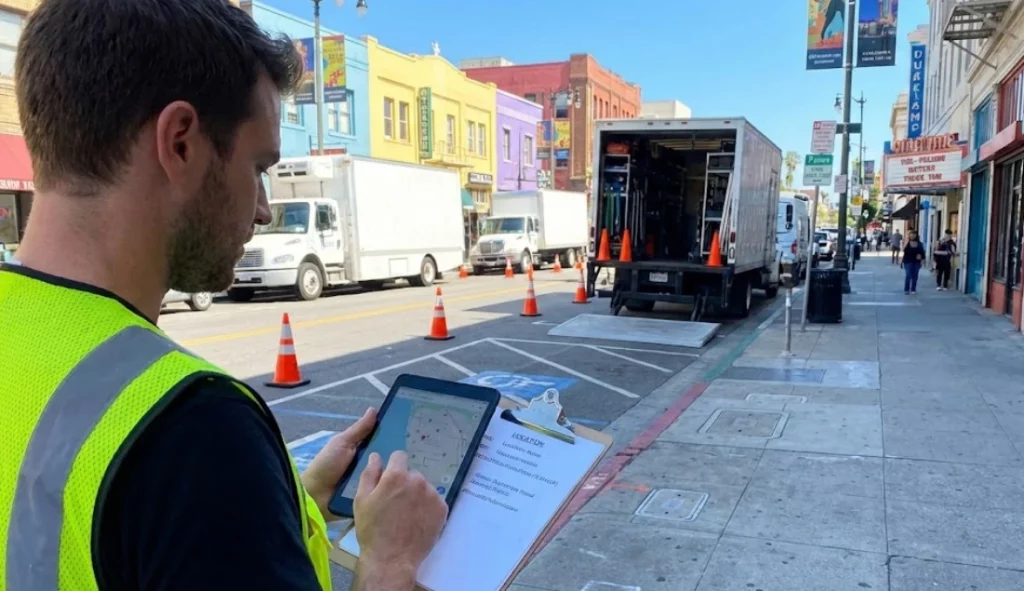
Moving a film crew is effectively the same as moving a small army. It requires precision, clear communication, and flawless logistics. Consequently, creating call sheets for multi-location shoots becomes the single most critical task for a 1st Assistant Director (AD) or Line Producer. If your document is unclear, you lose hours. If you lose hours, you burn the budget. Therefore, mastering this specific document is not just administrative work; it is strategic financial protection.
A “Company Move” occurs when the entire production unit packs up, travels to a second location, and resets to shoot—all within a single working day. This is a high-risk maneuver. In fact, many productions bleed money during these transitions because crew members get lost, parking is undefined, or the load-in takes longer than expected.
However, you can mitigate these risks. By creating call sheets for multi-location shoots that are data-rich and visually clear, you eliminate confusion before it happens. Here is how expert production teams handle the logistics.
1. Define the Move Clearly in the Schedule
Before you even open your call sheet template, you must look at your stripboard. A common mistake involves burying the move in the shot list. Instead, you must treat the move as a scene itself.
When using advanced Scheduling Software, insert a “Company Move” strip between the scenes. Assign it a realistic time value. For example, if Google Maps says the drive takes 20 minutes, schedule 45 minutes. This buffer accounts for parking, walking to the set, and the inevitable “loading the truck” delays. Furthermore, this transparency allows the entire crew to see exactly when the transition occurs.
2. Double-Verify Addresses and Parking
Nothing destroys a schedule faster than a key grip typing the wrong zip code into Waze. Therefore, accuracy is paramount. When creating call sheets for multi-location shoots, listing the address is merely the first step. You must also include:
The Exact Shooting Address: Differentiate between the “Unit Base” and the actual “Set” if they are different.
Crew Parking Location: Often, this is blocks away from the set in urban environments.
Truck/Equipment Parking: This is crucial for the Transpo department.
For instance, a standard call sheet might say “123 Main St.” However, a superior call sheet says: “Shooting: 123 Main St (Entry via alley). Crew Park: Public Lot @ 4th & Vine (Vouchers provided).” This level of detail removes ambiguity.
3. Integrate Visual Maps and Hyperlinks
We live in a digital age; consequently, your call sheets should be interactive. Static PDFs are useful, but clickable PDFs are better. When you use modern Call Sheet Software, ensure that every address is a clickable hyperlink that opens directly in Google Maps or Apple Maps.
Additionally, insert a small map graphic directly onto the call sheet if space permits. This visual aid helps crew members orient themselves quickly without needing to unlock their phones. Studiovity’s AI Task Manager can also be used to assign specific “Location Marshals” who stand at critical turns to guide the convoy, ensuring no one is left behind.
4. Separate Call Times for Advance Units
Rarely does the entire crew move at once. Usually, the Art Department or the G&E (Grip and Electric) team needs to arrive at Location B early to pre-light or dress the set.
Therefore, your call sheet must reflect these staggered timings. Do not simply list a general “Crew Call.” Instead, use the “Department Notes” section to specify: “Swing Gang moves to Location B at 13:00 for pre-rig.” By meticulously creating call sheets for multi-location shoots that account for these split squads, you ensure the set is ready the moment the Director and actors arrive.
5. Account for "Wrap and Travel" Time
A major friction point involves the time it takes to wrap out of Location A. You cannot simply stop shooting at 12:00 and start driving at 12:05. Cameras must be stored, lights must cool down, and cables must be coiled.
Consequently, your schedule must include “Wrap/Load” time before the “Travel” time. If you ignore this, you will immediately fall behind schedule. Advanced Script Breakdown tools help you identify heavy equipment scenes. If Scene 4 uses a Technocrane, you know the wrap time for that location will be significant. Flag this on the call sheet so department heads can plan their labor accordingly.
6. Communicate the "Nearest Hospital" for Both Locations
Safety is non-negotiable. Standard call sheets list the nearest hospital. However, on a multi-location day, you are effectively managing two different safety zones.
Therefore, you must list the emergency data for both locations. Clearly label them:
Location A Emergency: St. Mary’s Hospital (2 miles away).
Location B Emergency: County General (5 miles away).
This attention to detail proves to your crew and your insurance provider that you are running a professional operation.
7. Leverage Automation for Updates
Schedules change. Sometimes, you might lose Location B due to weather or permit issues hours before the shoot. If you are using Word or Excel, updating the crew is a manual nightmare.
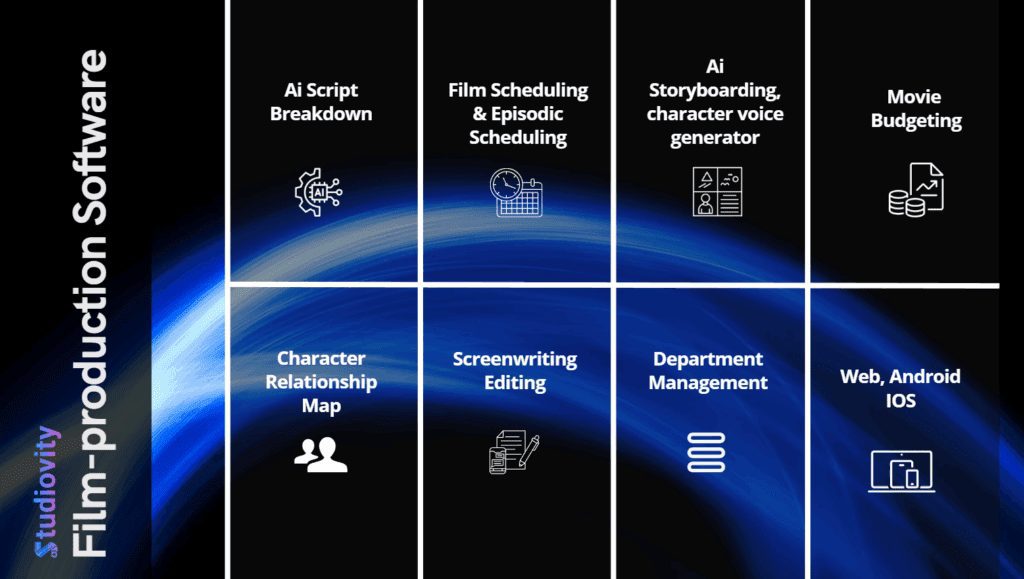
Conversely, using a cloud-based platform like Studiovity AI allows for instant updates. If the plan changes, you update the digital Production Calendar and push a notification. Automation is the safety net for logistical complexity.
Summary: Logistics Enable Creativity
Ultimately, the goal of rigorous planning is to protect the creative process. When the crew knows exactly where they are going and how to get there, the Director has more time to get the shot. By following these protocols for creating call sheets for multi-location shoots, you transform a chaotic travel day into a streamlined military operation.
Don’t let logistics kill your day. Equip your team with the right tools.
Script breakdown elements are the production requirements hidden inside every scene: the characters, background actors, props, set dressing, wardrobe, makeup, locations, vehicles, animals, stunts, effects