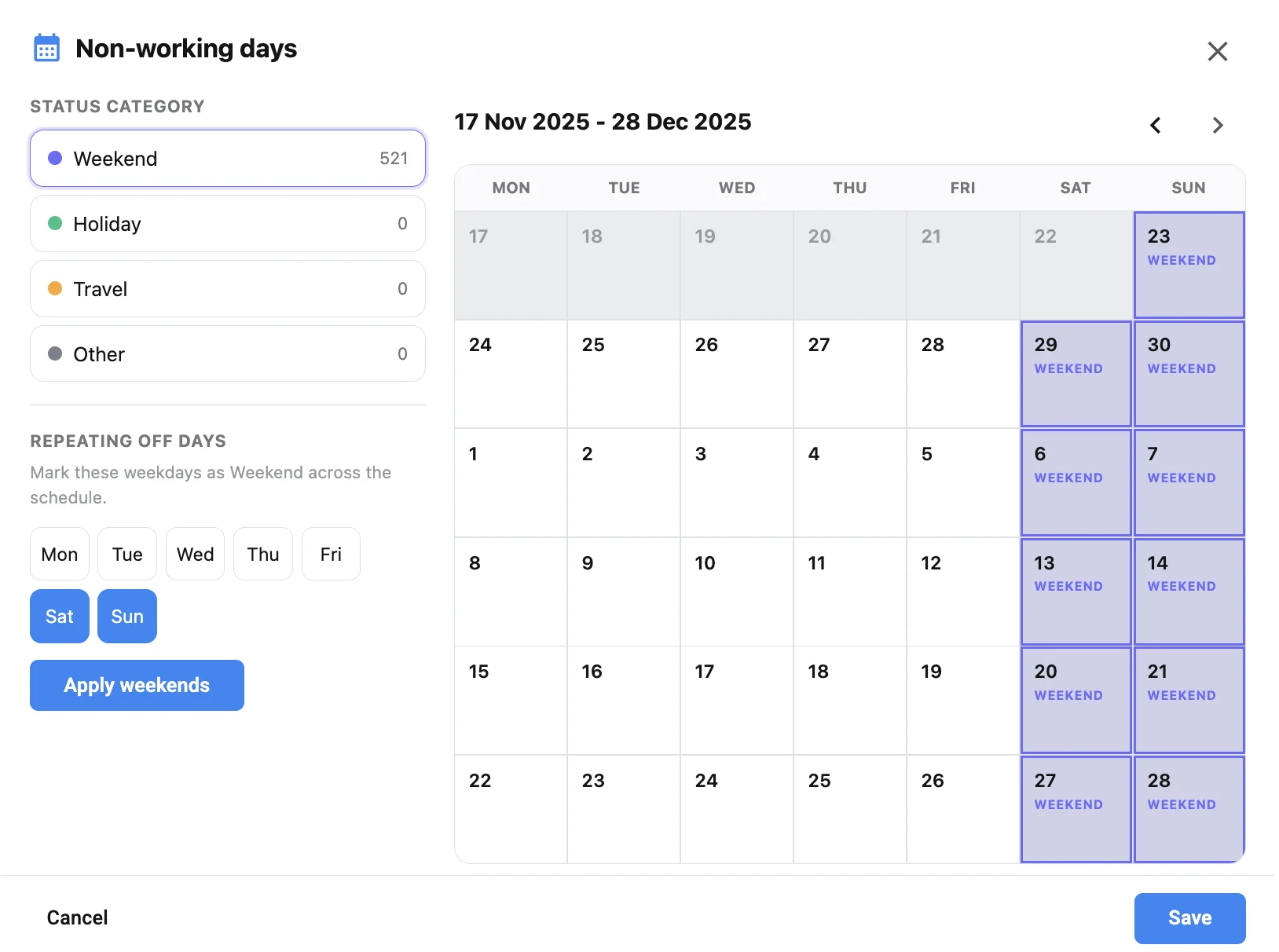
A company move looks small on a stripboard and expensive on the day. Pack the trucks, reset lights, re-park catering, and you have burned an hour that never hits the slate. When the board jumps from downtown interiors to a suburban exterior and back again, the schedule is writing overtime into the week. Location clustering is how you stop that pattern before Day 1, while the AD still owns the final order.
Related video: Studiovity movie scheduling: plan your shoot like a pro
Cluster locations before you chase page count
Start with geography, not scene numbers. Pull every location from the breakdown, mark hard travel times, and ask which scenes can share a truck pack. Studiovity’s film scheduling software treats locations and cast windows as first-class inputs, so a first pass already favors same-site blocks. That is the same discipline behind how AI film scheduling cuts company moves—optimization proposes, the AD still judges. If two locations share a neighborhood but need different permits, keep them adjacent on the calendar so the unit can stage once and work both addresses with one basecamp.
Order the day for one reset, not three
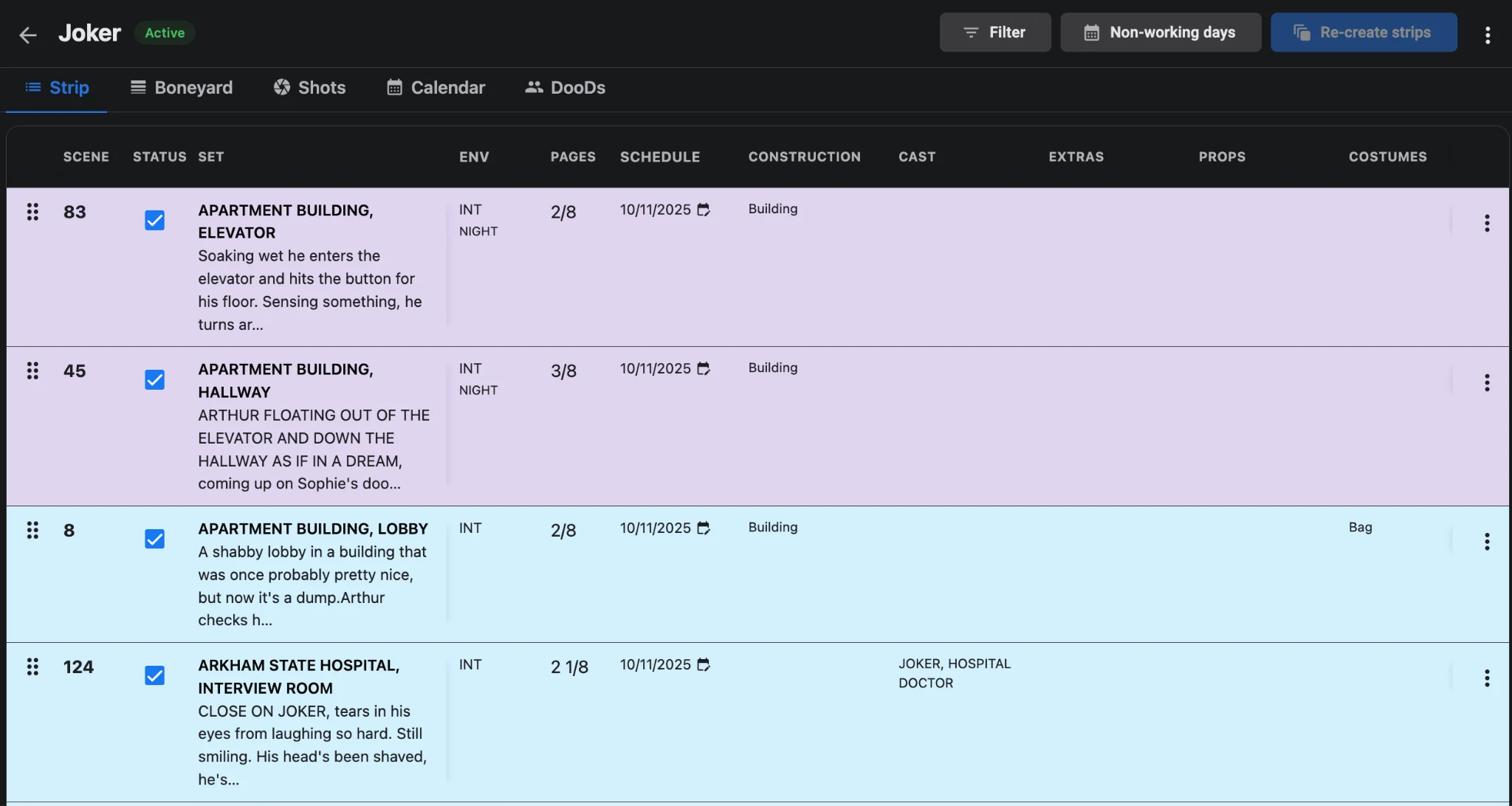
Inside a clustered day, sequence still matters. Shoot the heavy setup first, then the lighter coverage nearby, and park pickup scenes that share the same address. Use the boneyard for anything that cannot sit in that geography without forcing a mid-day move. When cast availability clashes with a perfect cluster, re-optimize that stretch instead of dragging strips by gut feel—travel logic and conflict checks belong in the shooting schedule, not a side spreadsheet. Line producers should see the move count on the one-liner before anyone locks the week.
Practical clustering rules that hold up on set:
- Prefer one company move max per day unless the call sheet already budgets the reset.
- Keep night exteriors together so turnaround and parking stay predictable.
- Flag locations that need special permits early so the calendar reflects reality.
- Stage catering and basecamp once per cluster whenever adjacent addresses can share the same truck pack.
Hand the clustered day to call sheets cleanly
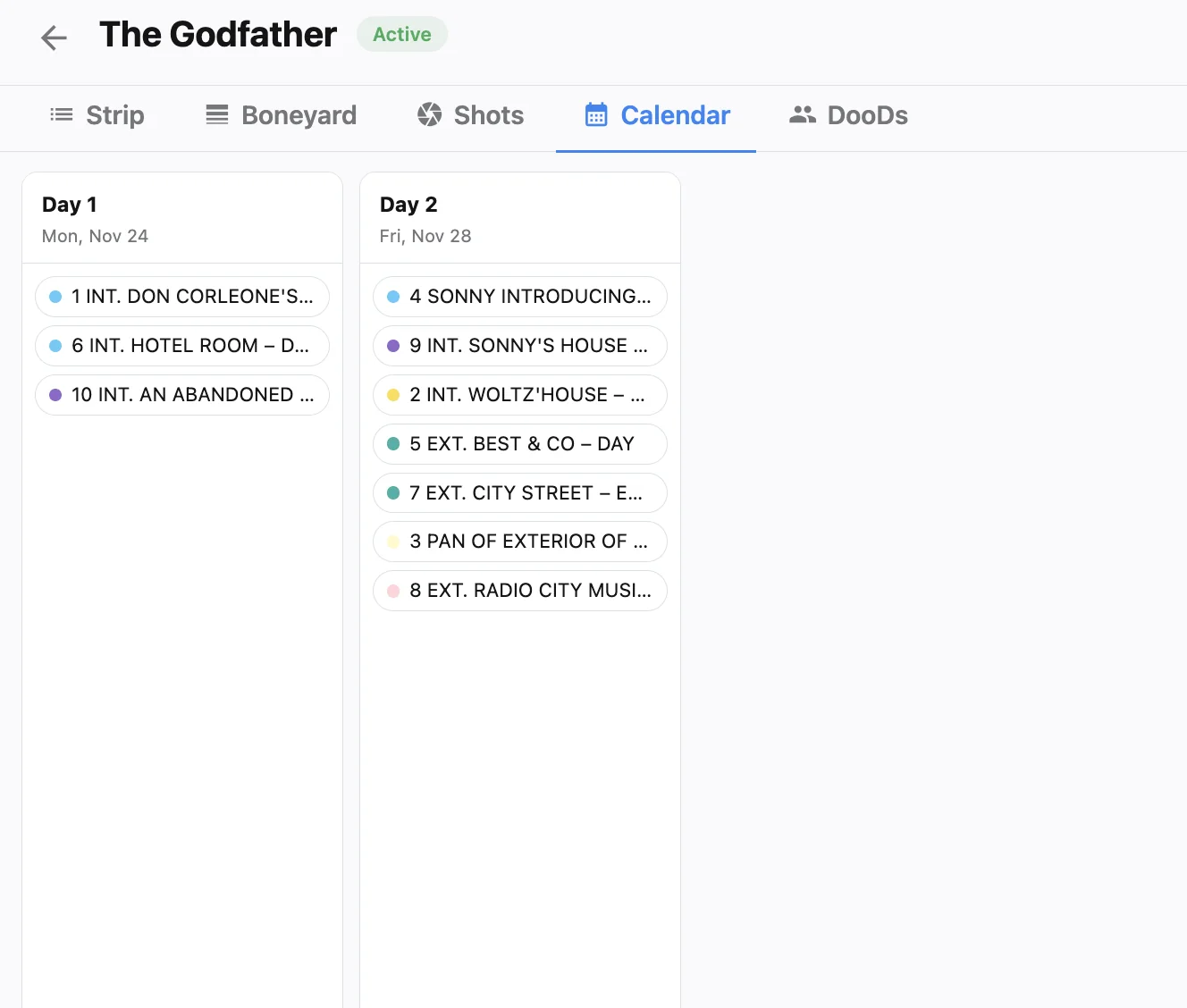
Clustering only pays off if the published day matches the board. Generate sheets from daybreaks with Studiovity’s call sheet software so maps, scenes, and cast arrive together. If a location manager swaps a site overnight, update the strip first, then regenerate—do not patch the PDF alone. Teams that already sync shot lists into the board (see shot list sync) also catch setups that look light on pages but heavy on camera moves. That handoff is what turns a smart board into a day the crew can actually execute.
Measure success by move count and reset minutes, not by how clever the strip colors look. If a cluster still needs two full truck packs, treat it as two days and protect the meal window after the reset. For the cost side of that decision, see budget-aware scheduling with smarter stripboards.
The payoff
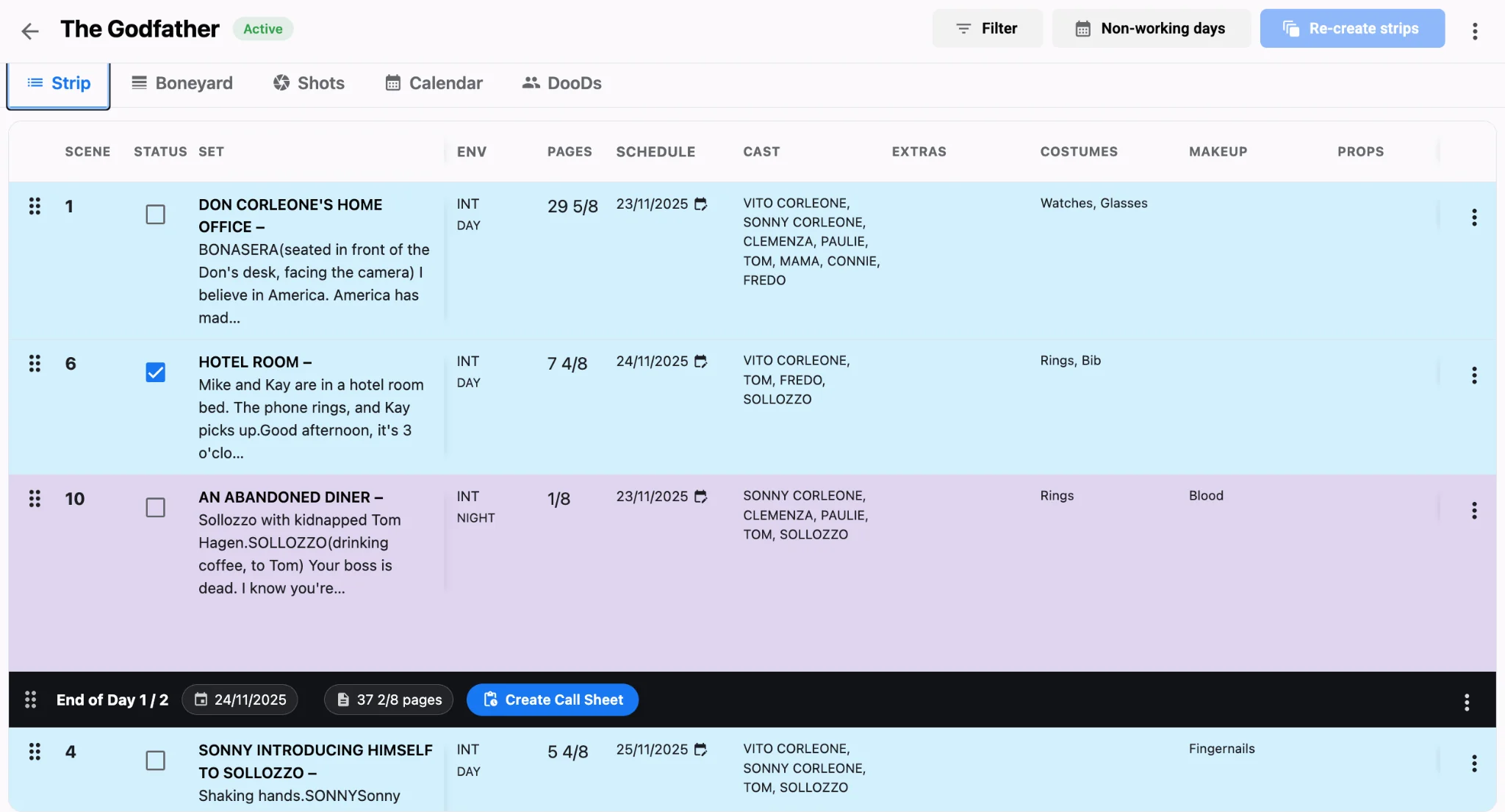
Fewer moves mean fewer resets, cleaner morale, and days that still finish on the call time you published. Before you lock a cluster, walk locations and transport through the truck pack and basecamp once so the board’s geography matches the street. If a permit forces a mid-week gap, keep the adjacent address days together rather than bouncing the unit across town twice. Put next week’s board through location clustering in Studiovity’s scheduling workspace, lock the clusters with your AD, and let the call sheets follow the same order.