
Real people rarely wait their turn to speak. They interrupt, talk over each other, finish each other’s sentences and argue at the same time. Film captures all of that, but a screenplay is a page of words read one line at a time. The challenge is to show overlap clearly without turning the page into a puzzle.
This guide explains how to write overlapping dialogue in a screenplay, using dual dialogue, interruptions, trailing lines, the (overlapping) parenthetical and group crosstalk, with examples of each and the mistakes to avoid.
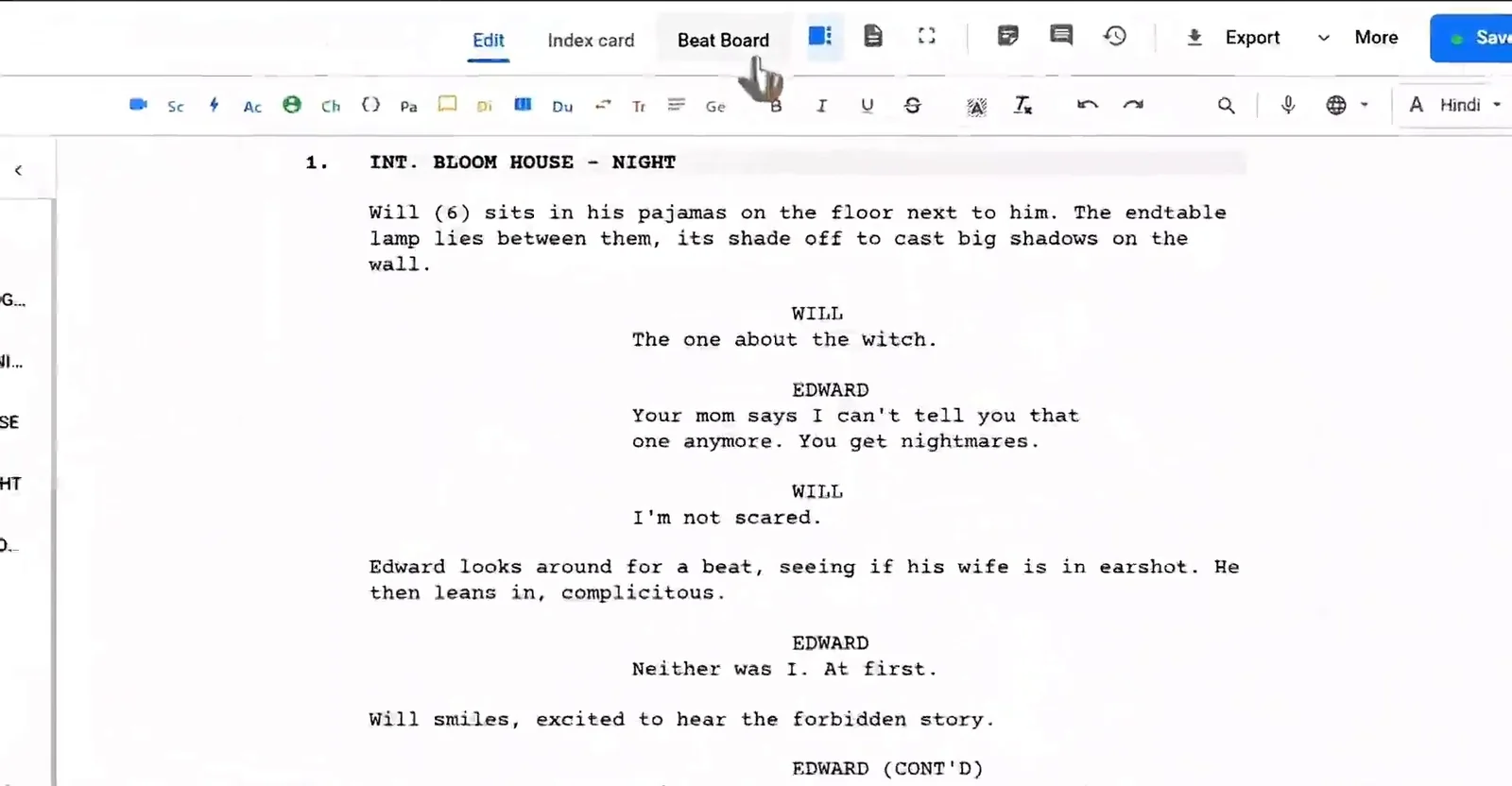
Here is a short Studiovity video on the screenplay editor that handles character cues and dialogue formatting as you type:
Why Overlapping Dialogue Needs Care
Overlap is a powerful tool. It makes arguments feel heated, comedy feel fast and family scenes feel lived in. But every device you use to show it asks something of the reader. If you use too many, the script becomes hard to follow and the reader stops hearing the scene. The goal is to suggest the energy of overlap while keeping every line readable.
Most of the time you will choose one of five tools, depending on how much of the overlap matters to the story.
1. Interruptions With a Double Dash
The simplest overlap is an interruption. End the cut-off line with a double dash and start the next speaker’s line right away.
MAYA
I only said that because you never--

ROHAN
Don't. Don't make this about me.
The double dash tells the reader the line was cut off by someone else. Use an ellipsis (…) instead when a character trails off on their own, without being interrupted.
2. The (overlapping) Parenthetical
When the second speaker starts before the first finishes, and you want the reader to hear both, add (overlapping) under the second character’s cue.
MAYA
I told you the train leaves at six and you said--

ROHAN
(overlapping)
I know what I said.
Some writers write (over) or (cutting in). Pick one and use it throughout. Keep the overlapping line short so it is clear which words collide.
3. Dual Dialogue for Truly Simultaneous Speech
When two characters speak at exactly the same moment and both lines matter, use dual dialogue. The two speeches sit side by side in two columns, each with its own character cue. A reader takes them in together, the way an audience would hear them.
On a plain-text page it looks something like this:
          MAYA                     ROHAN
   We are not moving.       We are moving tomorrow.
Most screenwriting programs have a dual dialogue command that builds the columns for you. In Fountain, you mark the second cue with a caret (^) after the name. Save dual dialogue for short exchanges of one or two lines. Long side-by-side speeches are hard to read and even harder to time.
The rules for character cues still apply inside dual dialogue. For a refresher, see our guide on how to write a character cue in a screenplay.
4. Finishing Each Other’s Sentences
When one character completes another’s line, end the first line with a double dash and start the second line with one. It shows the thought continues across speakers.
ANNA
If we leave before the guards--

LEO
--change shifts, nobody sees us.
This works well for comic timing and for characters who know each other deeply. Use it a few times in a script, not in every scene.
If you want to test these formats on a real page, open the Studiovity screenwriting editor and write the same short argument with each device to hear which one fits.
5. Group Crosstalk and Background Chatter
When a crowd talks at once, you do not need to write every line. Describe the noise in an action line, then pull out only the lines the audience must hear.
The newsroom erupts. Everyone talks at once, phones ringing.

EDITOR
Quiet! Who confirmed this?
For several named characters speaking the same words together, use a combined cue such as ALL or MAYA AND ROHAN. For background murmur in a restaurant or party, an action line like The diners chatter around them is enough. Sound teams will add the crowd voices later.
Tips for Writing Overlap That Reads Well
Decide what the audience must hear
If a line matters to the plot, make sure it is fully readable. Overlap the lines that carry emotion, not the ones that carry information.
Use the lightest tool that works
An interruption with a double dash is often enough. Reach for (overlapping) or dual dialogue only when the timing really matters.
Keep it consistent
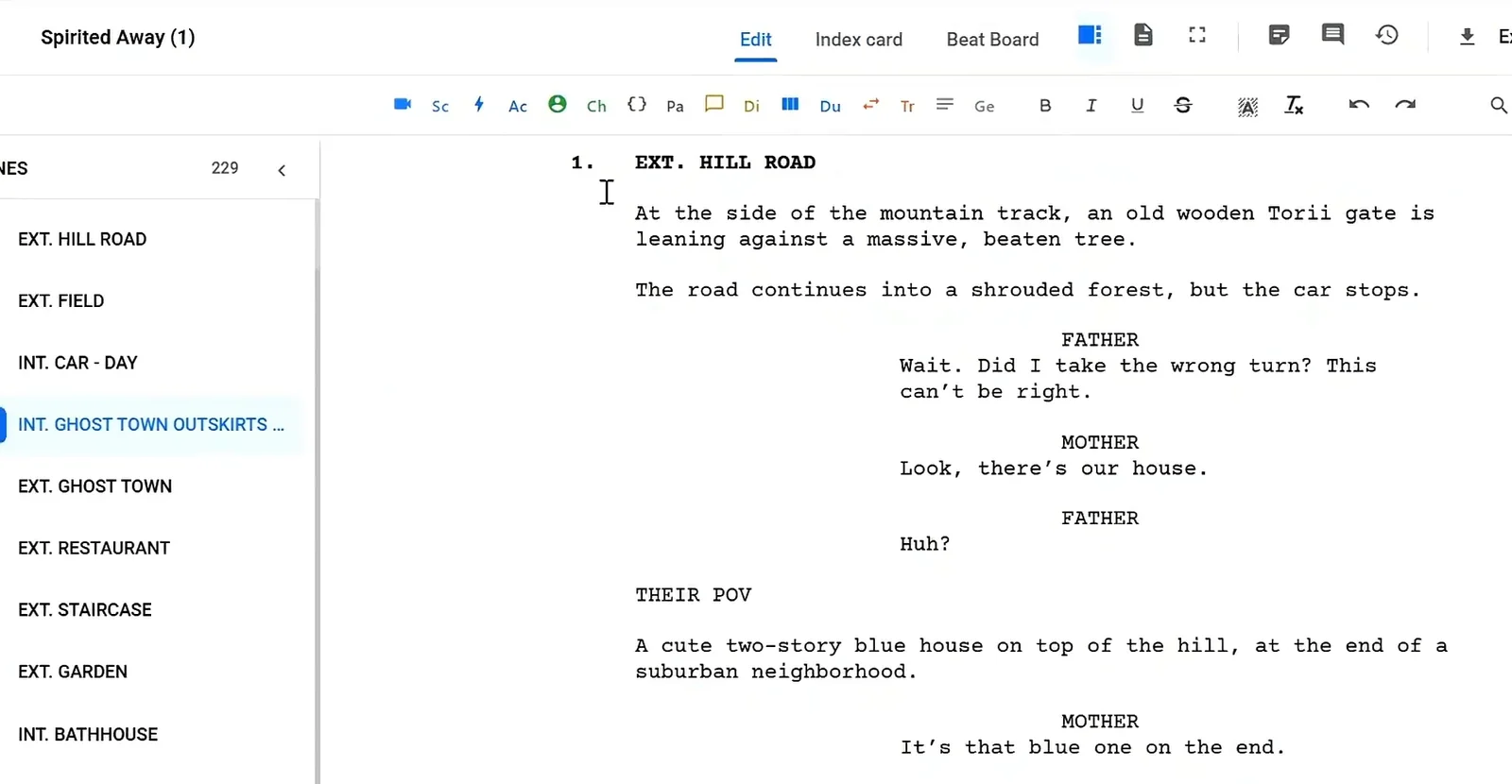
Use the same device the same way on every page. A screenplay editor with automatic formatting keeps the cues and dialogue blocks aligned while you focus on the rhythm.
Read it out loud
Overlap is about sound. Read the scene aloud with a friend and adjust until it plays.
Common Mistakes With Overlapping Dialogue
- Using dual dialogue for long speeches that no one can follow side by side.
- Adding (overlapping) to almost every line, so the device loses meaning.
- Confusing the double dash for interruptions with the ellipsis for trailing off.
- Writing out every line of crowd chatter instead of describing it.
- Hiding an important plot point inside a line that is talked over.
Overlap is also common in calls and video chats. Our guide on how to write a phone call in a screenplay covers intercuts and voices from the other end of the line.
FAQ
Is dual dialogue the same as overlapping dialogue?
Dual dialogue is one kind of overlap, where two lines are spoken at exactly the same time. Overlapping dialogue also includes interruptions and partial overlaps.
How often should I use dual dialogue?
Rarely. A few times in a feature is plenty.
Does overlapping dialogue change page timing?
Slightly. Overlap plays faster than it reads, so dense scenes can run shorter on screen than the page count suggests.
Write Natural Conversations in Studiovity
Overlap makes dialogue feel alive, but only when the page stays clear. Studiovity gives you an auto-formatting editor for cues, parentheticals and dialogue, a scene list to move through your draft and export to PDF, Fountain or FDX. Start your screenplay in Studiovity and write conversations that sound as real as they read.