
Continuity errors are the ones audiences love to catch: a jacket that vanishes between shots, a shirt that changes color across a single conversation. Most of those mistakes are not made on set. They are made in prep, when nobody mapped which costume belongs to which scene and which story day. The script breakdown is where that map should begin. Here is how to protect wardrobe continuity by tagging costumes by scene and by story day in your breakdown.

Think in story days, not shoot days
Films are shot out of order, but characters live their lives in order. If scenes 12, 47 and 88 all happen on the same story day, the lead wears the same outfit in all three, even if they are shot weeks apart. The costume designer needs that link before a single garment is bought.
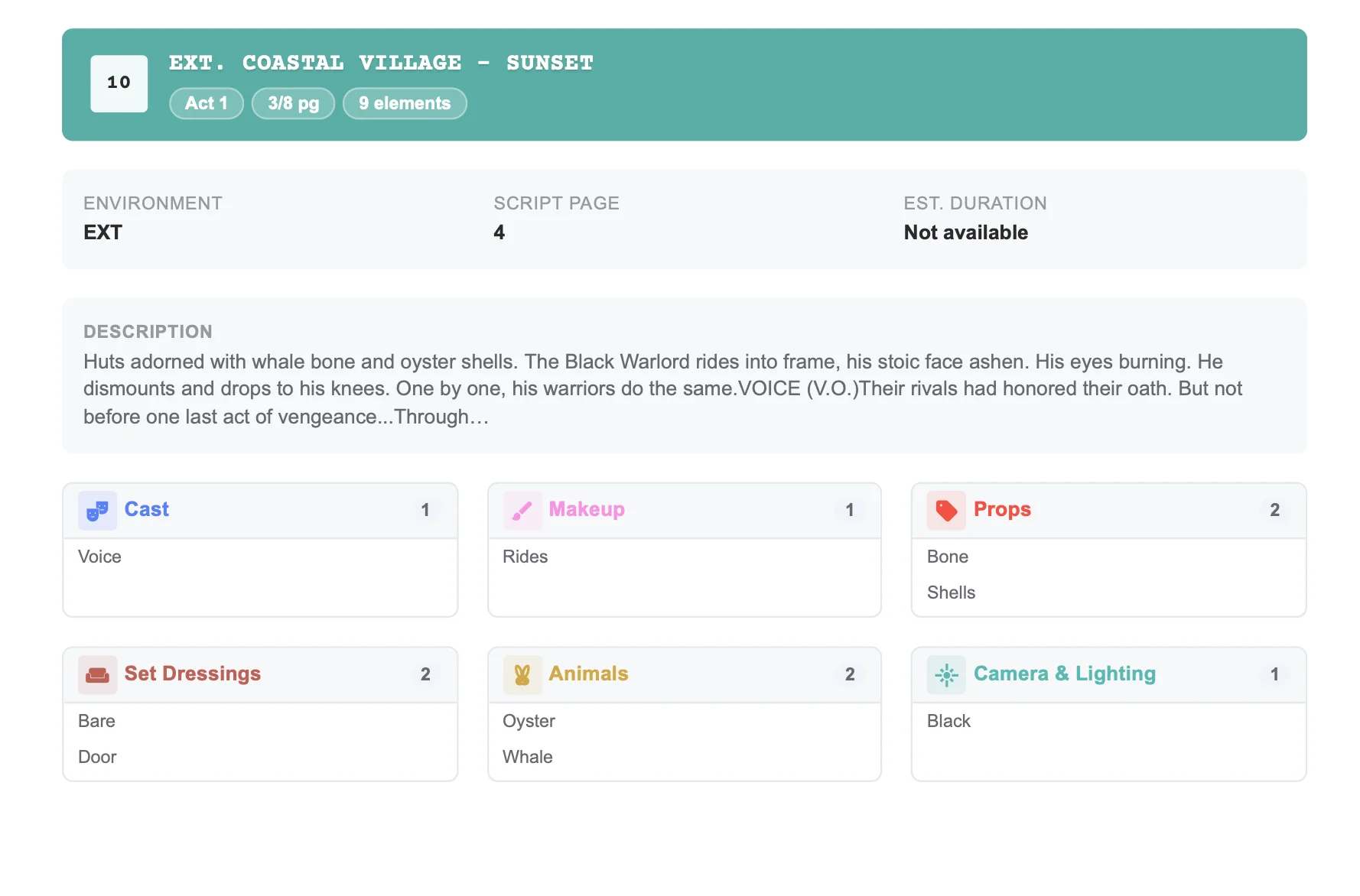
When you tag wardrobe in the breakdown, add the story day to the scene notes and tag each costume change as a distinct element, such as "Maya – Office Look" or "Maya – Rain-Soaked Coat." That naming makes it obvious when the same look recurs across the script. The same character-first thinking applies when you build a cast list from your screenplay, since every look belongs to a numbered cast member.
What to tag beyond the obvious
A good wardrobe breakdown covers more than outfits named in the action lines:
- Damage and aging: blood, mud, tears, sweat. Each needs a progression and often multiples.
- Doubles: stunt doubles and photo doubles wear matching costumes.
- Weather: rain and snow scenes often need several identical sets.
- Background: period or uniformed extras who need fitting time.
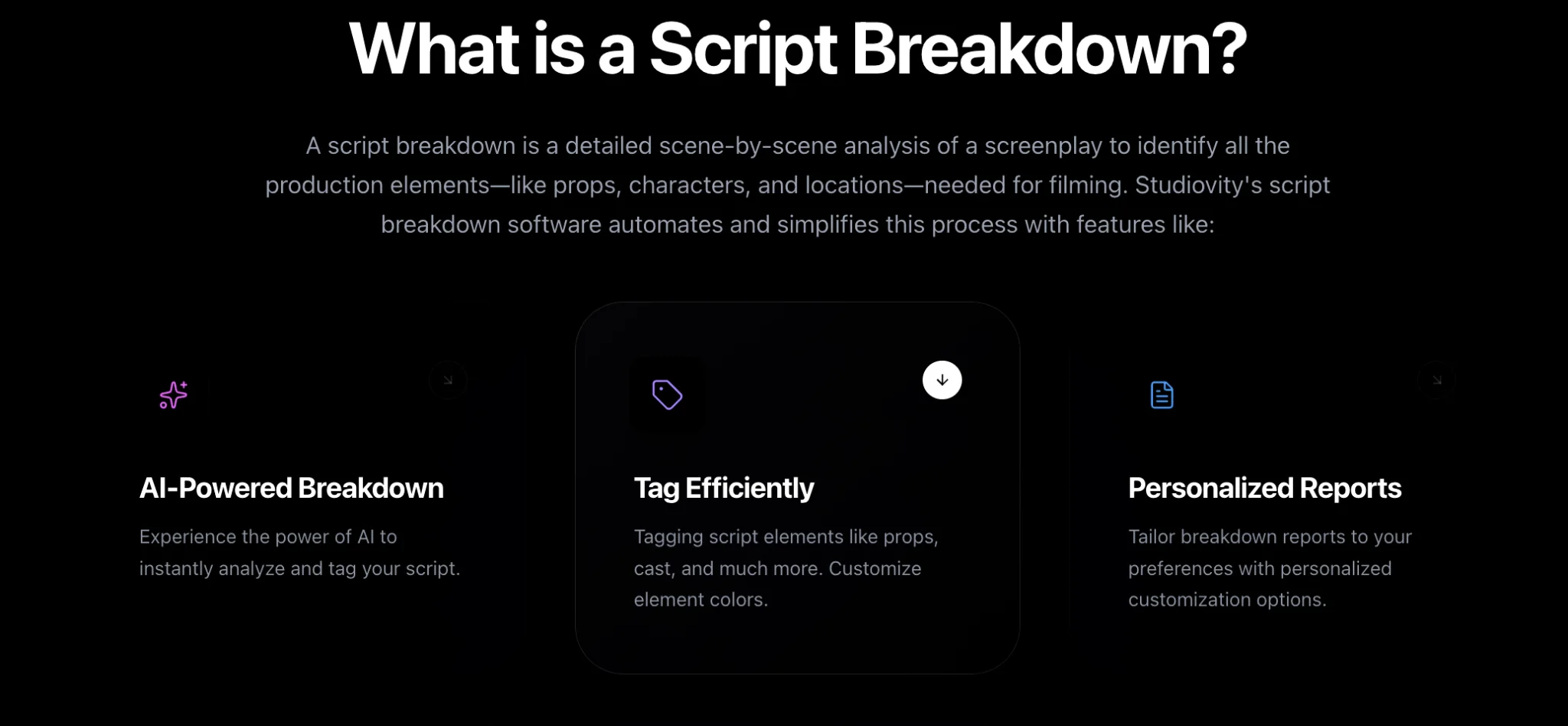
Studiovity’s AI script breakdown software tags costumes alongside cast, props and makeup in the same pass, so wardrobe elements are already sitting in each scene when the designer opens the project. You refine names and add the implied items, rather than starting from a blank page.
Use the breakdown summary as a continuity map
The breakdown summary lists every scene with its tagged elements grouped by category. Filter by a character and you have a scene-by-scene view of their costume journey. Gaps jump out: a costume that appears in scene 30 and 32 but not 31, even though 31 is the same story day, is a question to ask the writer before it becomes an error on screen.
Pair the wardrobe tags with makeup and hair tags in the same scene. A bloody shirt usually means a matching wound on the actor, and both teams should be reading from the same page. Category filters in the script breakdown tool let you pull costumes and makeup together for a joint prep meeting. On set, the script supervisor picks up where the breakdown leaves off and logs what each actor actually wore.
Hand off a report, not a highlighter script
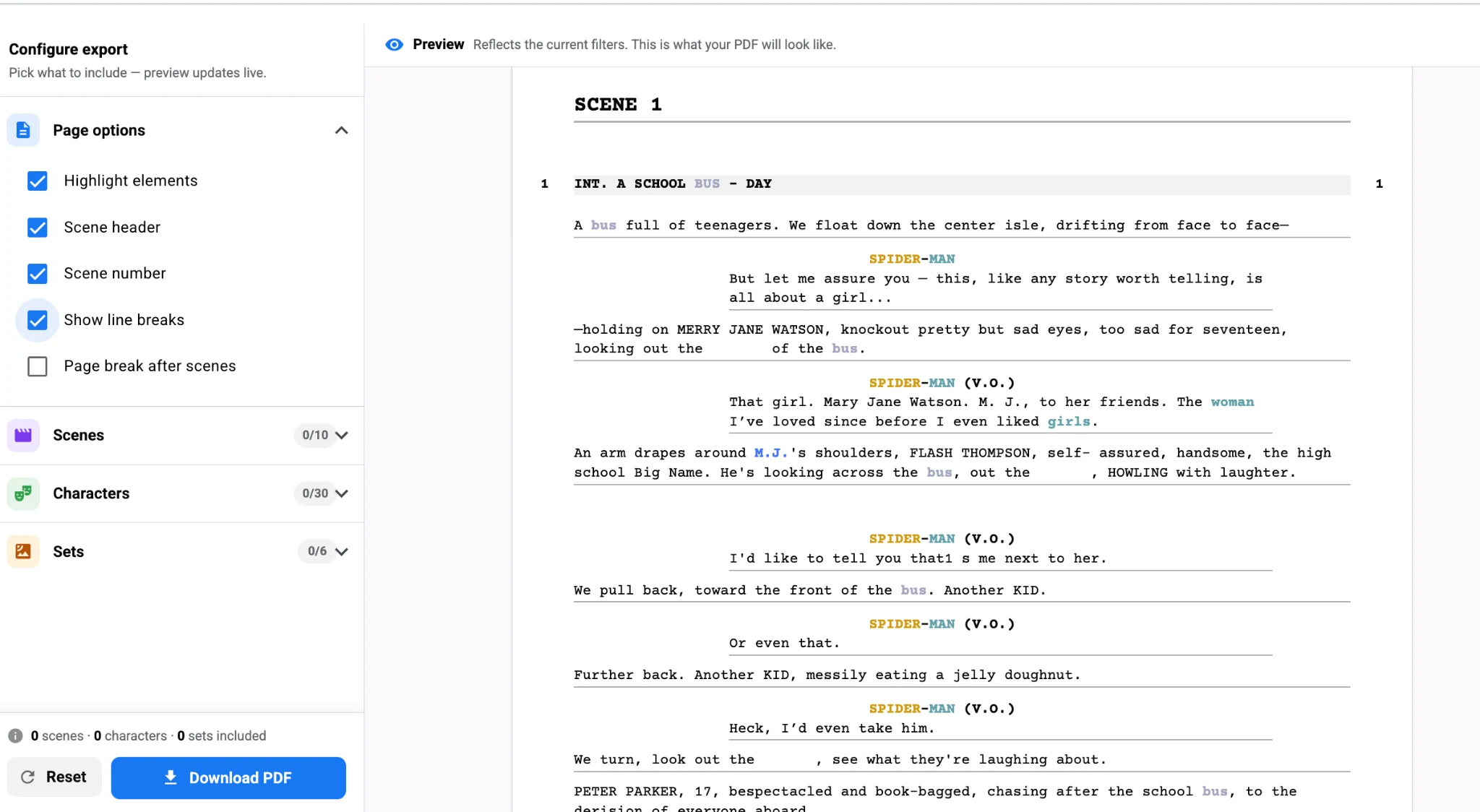
Export a wardrobe-only report as PDF or Excel and send it to the costume department. As the schedule takes shape in Studiovity’s scheduling software, those tags travel with each scene, so the wardrobe team can see which looks are needed on which shoot day and plan fittings accordingly.
The payoff
Continuity is cheaper to protect in prep than to fix in the edit. Tag every look with a clear name, link scenes by story day, capture damage and multiples, and give the costume team a filtered report they can work from. Build your next wardrobe plan from a Studiovity AI breakdown and keep the jacket on the actor in every shot.